Birthday VN Template Code – Best Happy Birthday Reel Templates (2026)
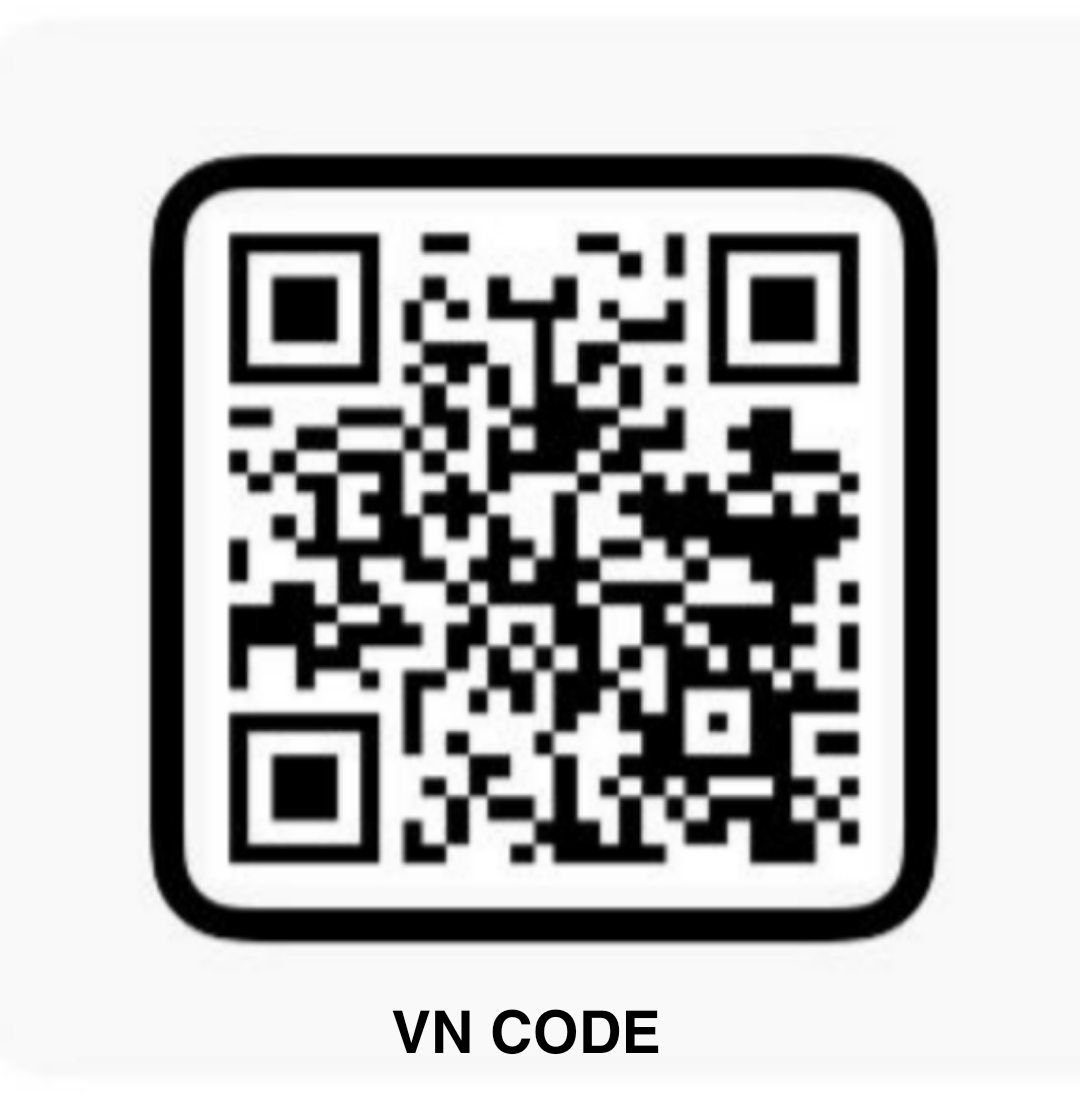
One code, every birthday Reel. A birthday VN template code turns your favourite birthday photos into a ready-made Reel in minutes — scan the code in this post, add photos, and VN applies the transitions, music and birthday text for you. This page is the hub for all our birthday VN templates: pick the one that fits the birthday person below.
How the birthday template works: the verified Happy Birthday VN template has 9 photo or video slots in vertical 9:16 format, made for Instagram Reels, YouTube Shorts and WhatsApp Status. The same code powers every birthday post on this page — what changes is whose photos you add and what name text you write.
Best Birthday VN Templates
1. Baby Boy Birthday VN Template Code
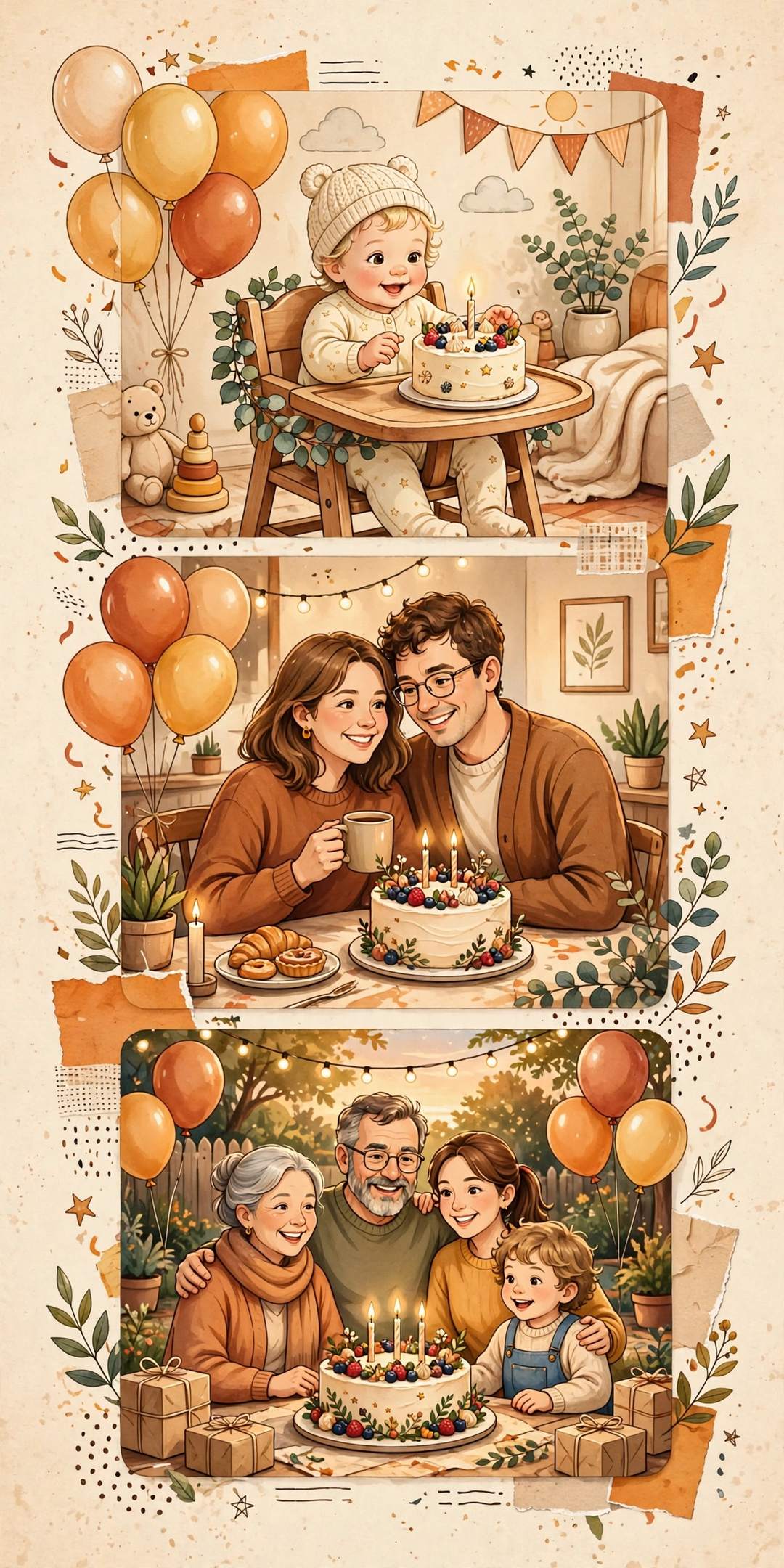
Cute birthday Reel templates for a baby boy — first birthday, photo reels and name wishes. Add his photos to the Happy Birthday template and export a Reel the whole family will share.
2. Baby Girl Birthday VN Template Code
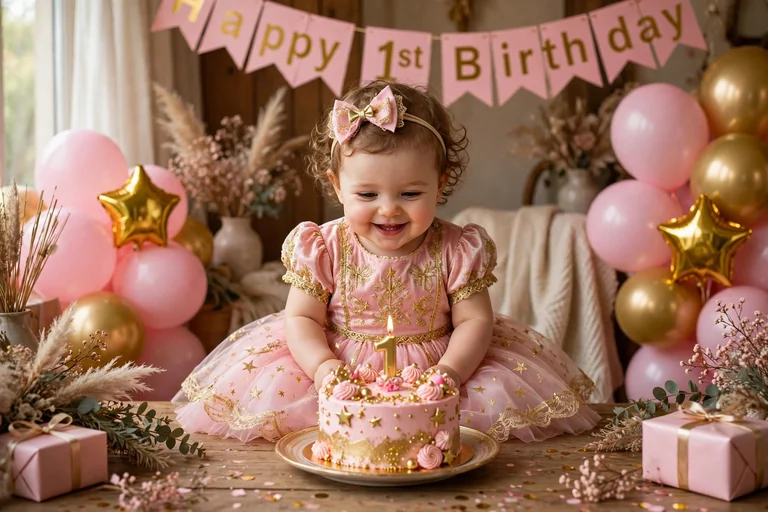
Cute first birthday Reel templates for a baby girl — cake-smash moments, monthly growth photos and family celebrations in one ready-made Reel.
3. Husband Birthday VN Template Code
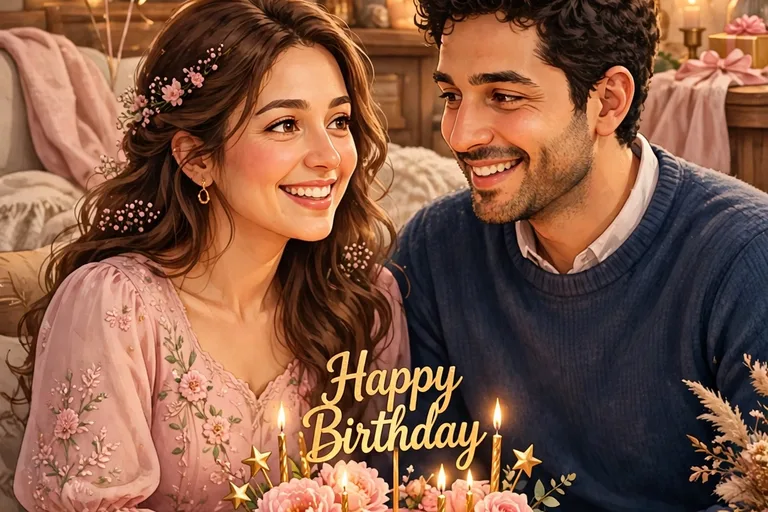
Romantic birthday Reel templates for your husband — couple moments, birthday cakes over the years and family celebrations, finished with his name in the birthday text.
4. Wife Birthday VN Template Code
Romantic birthday Reel templates for your wife — photo memories, surprise moments and celebration clips, finished with her name in the birthday text.
How to Use Any Birthday VN Template (5 Steps)
- Save the QR code above — long-press the code image in this post and save it to your gallery (do not crop its edges).
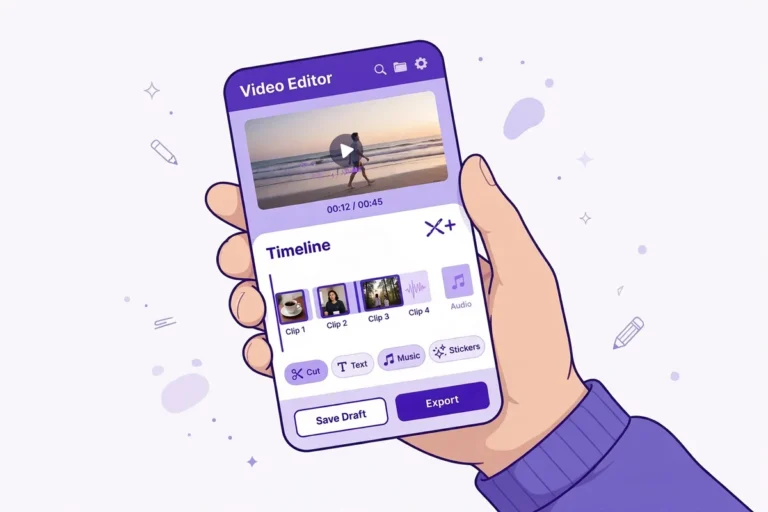
- Open VN Video Editor, tap the scan icon at the top-right, choose the saved QR image from your gallery, and tap “Use Template”. Full steps: How to Use VN Template Code.
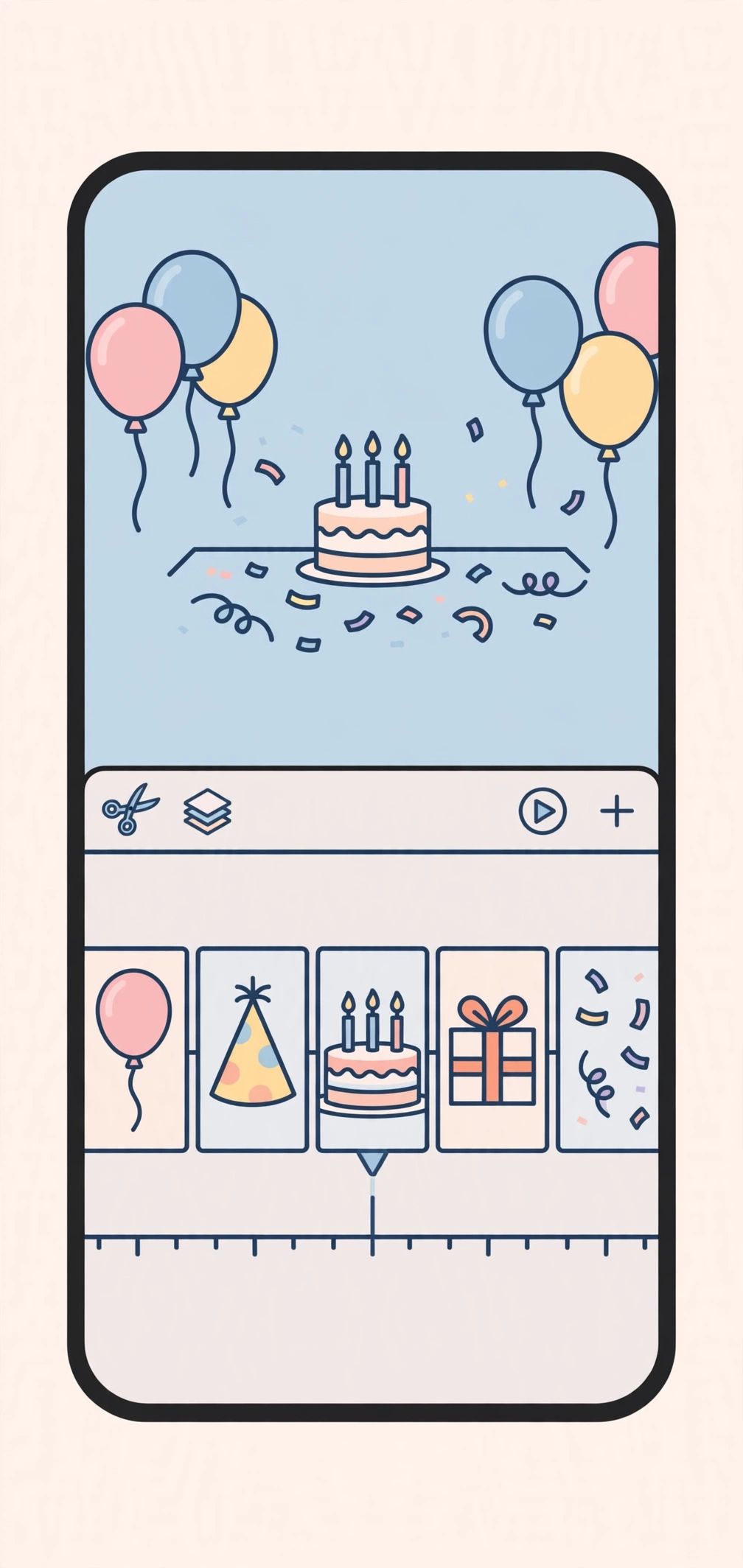
- Add 9 photos in story order — open with the strongest photo and end with the best smiling photo.
- Change the birthday text to the birthday person’s name, preview the full video, and reframe any photo that looks cropped.
- Export in 1080p and share it as a Reel, Short or WhatsApp Status.
Which Birthday Template Should You Pick?
- First birthday? Baby Boy or Baby Girl templates — monthly photos and cake moments work best.
- Partner’s birthday? Husband or Wife templates — couple photos first, surprise-reaction photo last.
- Want a CapCut version instead? See our Birthday CapCut Template post with real CapCut template links.
- New to VN codes? Read the step-by-step VN QR scan guide before you start.
Frequently Asked Questions
Is the birthday VN template free?
Yes — VN Video Editor is free, the template code in this post is free to scan, and VN exports without a watermark.
How many photos do I need?
9 photos or video clips. Fewer photos will leave empty slots, so pick 9 before you start.
Can I use the same code for any age?
Yes — it is a general Happy Birthday template, so it works for a first birthday, a 30th, a 50th or any age. Just change the photos and the name text.
Can I add a name in the video?
Yes — the template includes animated birthday text that you can edit with the birthday person’s name after importing it into VN.
Keep exploring: How to Use VN Template Code • Baby Boy Birthday VN Template Code • Baby Girl Birthday VN Template Code • Husband Birthday VN Template Code • Wife Birthday VN Template Code • Birthday CapCut Template
Making a birthday Reel this week? Tell us in the comments whose birthday it is and which template you picked.