Free Online Tools – 11 PDF, Image & QR Tools (No Sign-Up, No Upload)
Converting a PDF, merging two files, or making a QR code sounds like a 2-minute job — until the website you open asks you to create an account, shows a file-size limit, or uploads your personal document to a server you know nothing about.
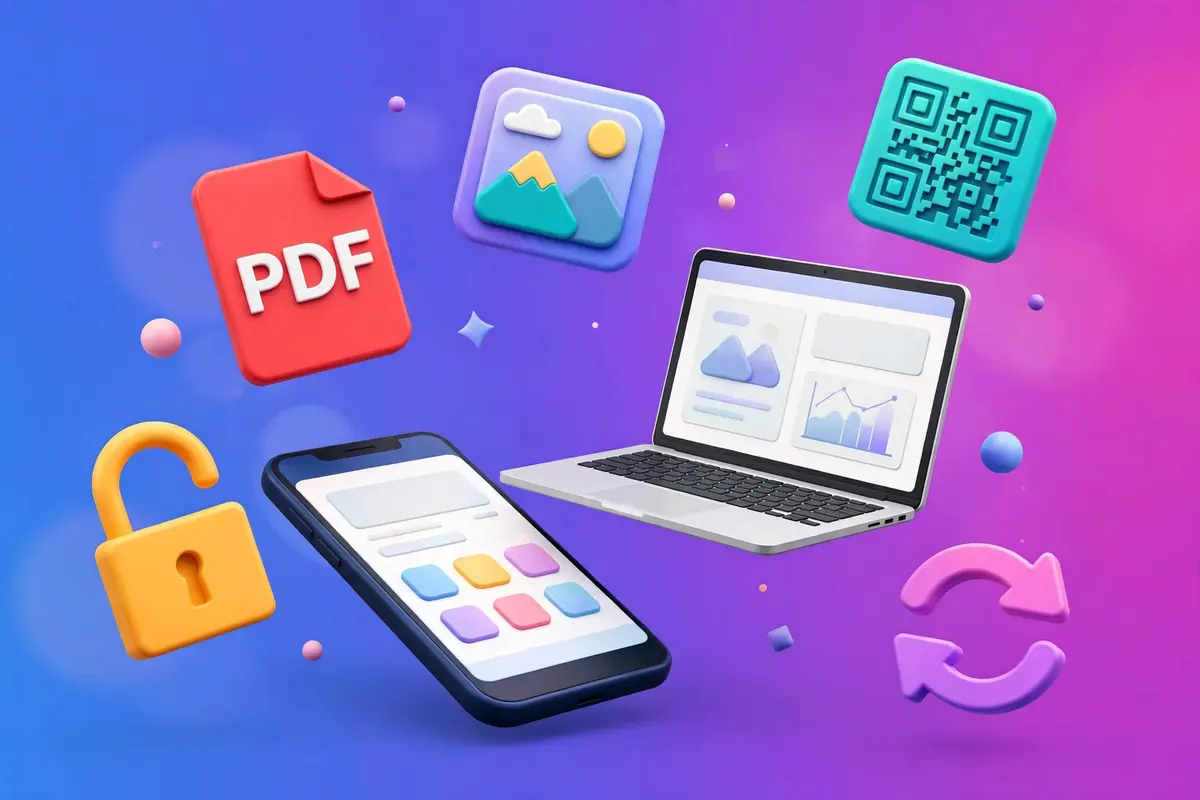
So we built our own. Pushpendra Tech Tools is a set of 11 free online tools that run completely inside your browser. Your file is never uploaded anywhere — the work happens on your own phone or computer. No sign-up, no watermark, no daily limit.
PDF Tools (6)
PDF to Image — Turn every page of a PDF into a JPG or PNG photo. Download pages one by one, or all together in a ZIP file. Useful for sharing one page of a document on WhatsApp.
Images to PDF — Combine photos into a single PDF in the order you choose, in Fit, A4 or Letter size. Perfect for documents, notes and application forms.
Merge PDF — Join two or more PDF files into one file, in exactly the order you arrange them.
Split PDF — Take out only the pages you need, or save every page as its own separate PDF.
Rotate PDF — Fix scanned pages that open sideways or upside down — rotate all pages by 90°, 180° or 270° in one click.
Unlock PDF — Remove a password you know, or copy/print restrictions, and get a clean copy that opens without a password.
Image Tools (2)
Compress Image — Shrink a photo’s file size with a simple quality slider. See the before-and-after size instantly — handy for forms that reject big photos.
Image Converter — Convert any photo between JPG, PNG and WebP formats in seconds.
Everyday Utilities (3)
QR Code Generator — Make a QR code for any link, UPI ID or text, and download it as a high-quality PNG.
Password Generator — Create strong, random passwords of any length — generated on your device, never sent anywhere.
Word Counter — Count words, characters and reading time of any text instantly. Useful for essays, scripts and video descriptions.
Why These Tools Are Different
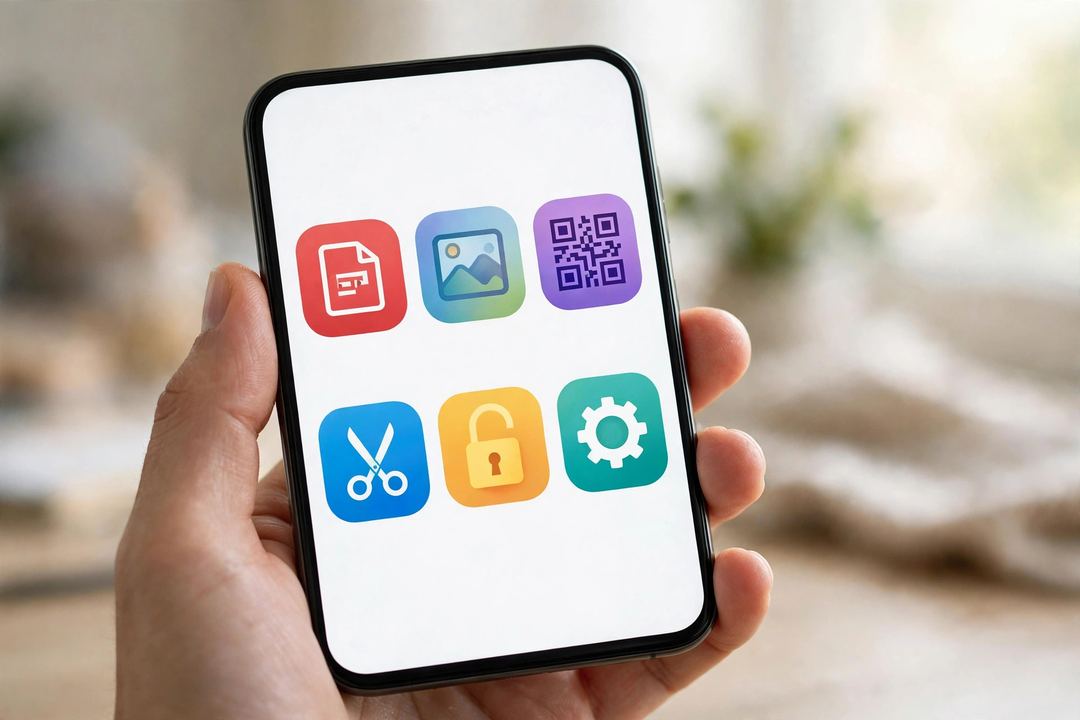
- Nothing is uploaded. Most tool websites send your file to their server. Ours process everything inside your browser, so even a bank statement or an Aadhaar scan never leaves your phone.
- No account, no watermark. Open the tool, finish your work, download. That’s all.
- Made for phones first. Every tool is tested on mobile, because most of us do this work on a phone, not a laptop.
How to Use Any Tool (3 Steps)
- Open the tools page and pick your tool
- Add your file (or type your text, for QR/password/word tools)
- Tap the button and download your result — done
FAQ
Are these tools really free?
Yes — all 11 tools are completely free, with no sign-up and no daily limit.
Are my files uploaded to a server?
No. Every tool runs 100% in your browser using your own device’s power. Your files never leave your phone or computer, and nothing is stored anywhere.
Do the tools work on any phone?
Yes — any phone, tablet or computer with a modern browser (Chrome, Safari, Edge, Firefox) can use them. Nothing to install.
Which tools are coming next?
PDF to Text, an Age Calculator, an EMI Calculator and a Case Converter are already planned. If you do AI work too, also see our list of the best free AI tools.
Try it now: bookmark the tools page — the next time a form rejects your photo or a PDF needs fixing, you will finish the job in under a minute. And tell me in the comments: which tool should I build next?