Old Photo Restoration Prompts – 25 Prompts to Restore & Colourise Old Photos (2026)
That faded family photo in an old album does not have to stay faded. These old photo restoration prompts work in Gemini and ChatGPT: upload your own old photo, paste a prompt, and get back a clean, sharp, colour version — with faces, clothes and background kept exactly as in the original. Use them only on your own family photos.
Below are 25 copy-paste prompts — each with an example result photo and a one-click copy button.
How to Use These Prompts (4 Steps)
- Open Gemini or ChatGPT and upload your own old photo (scan it first if it is a paper print — a flat, well-lit scan restores far better than a phone photo of a photo).
- Copy any prompt below and paste it with your photo.
- Wait a few seconds, then download the restored result.
- Still damaged? Run a second prompt from a different section — repair first, then colourise, then sharpen.
Repair Damage: Scratches, Tears & Stains
1. Scratch & Dust Repair
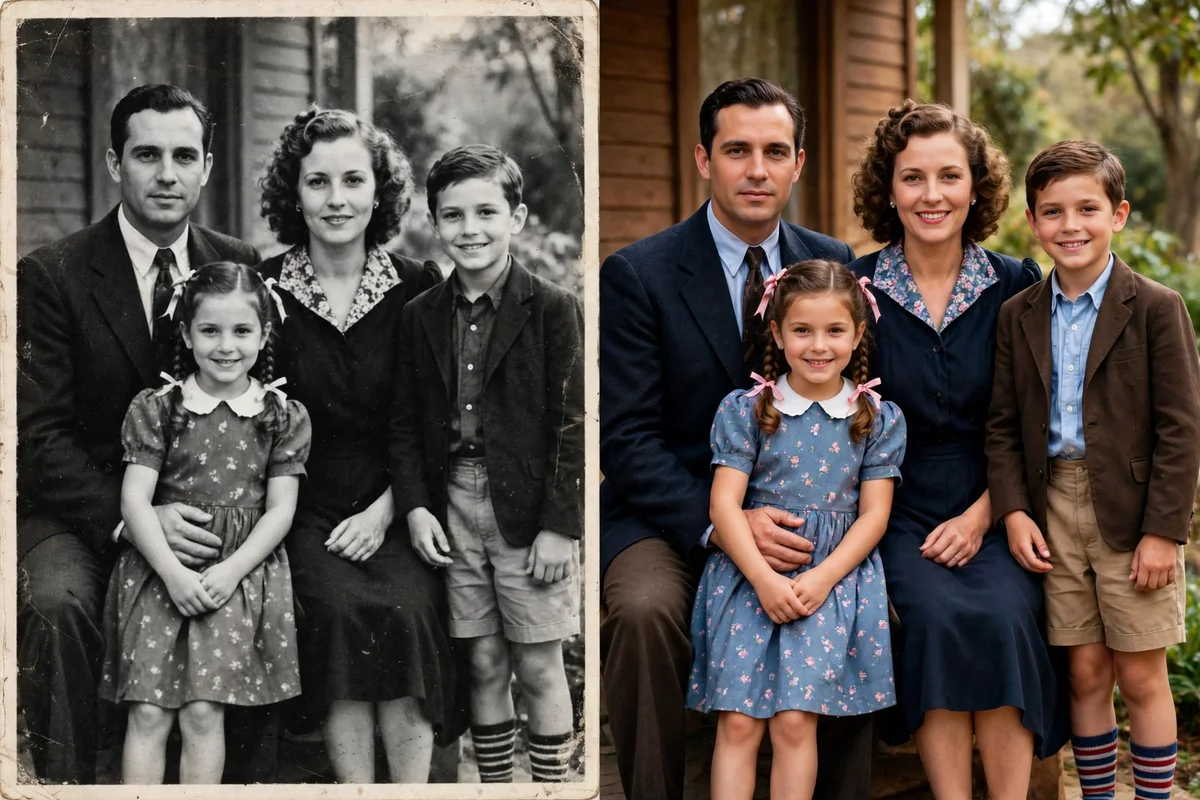
Restore this old photo. Remove all scratches, dust spots and white specks across the whole image. Keep every face, outfit and background detail exactly as in the original. Restore clean natural colours and sharpness, photorealistic, high detail.
Best for: Clean restored vintage family portrait, no scratches, natural colours.
2. Torn Edge Repair
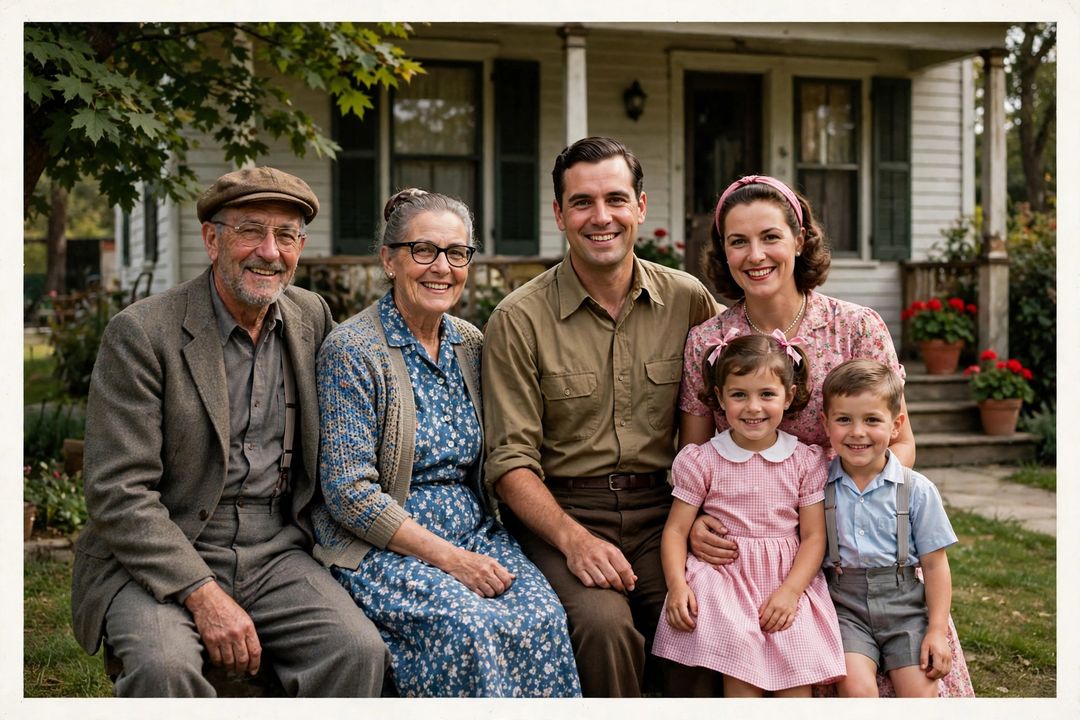
Restore this torn old photo. Rebuild the torn and missing edges seamlessly so the scene looks complete. Keep all faces and details exactly as in the original, natural colours, photorealistic, high detail.
Best for: Restored old photo with complete rebuilt edges, family scene.
3. Water Damage Fix
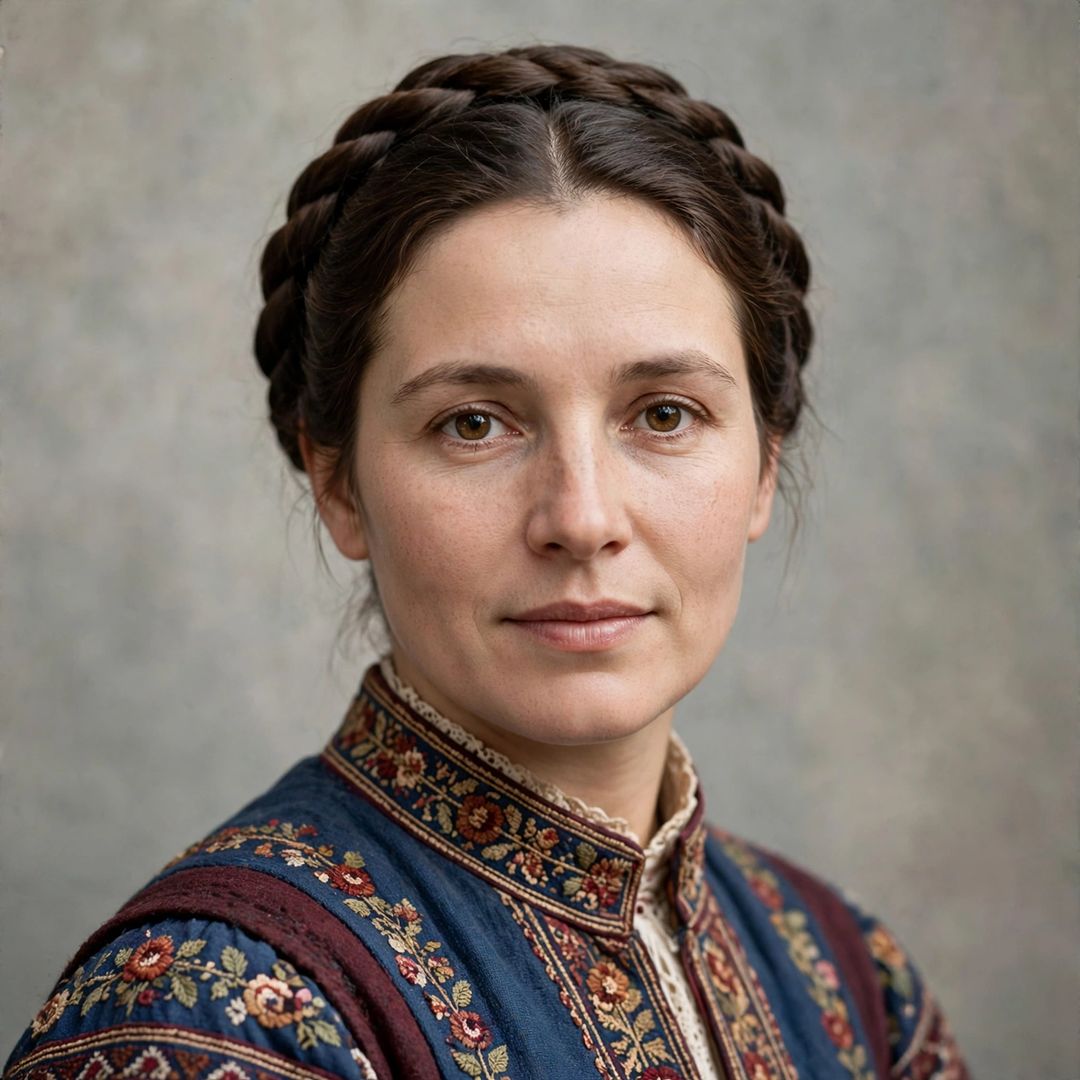
Restore this water-damaged old photo. Remove water stains, blotches and warped colour patches. Keep faces, clothes and background exactly as in the original, restore even natural skin tones, photorealistic.
Best for: Restored old portrait, water stains removed, even natural tones.
4. Faded Colours Revival
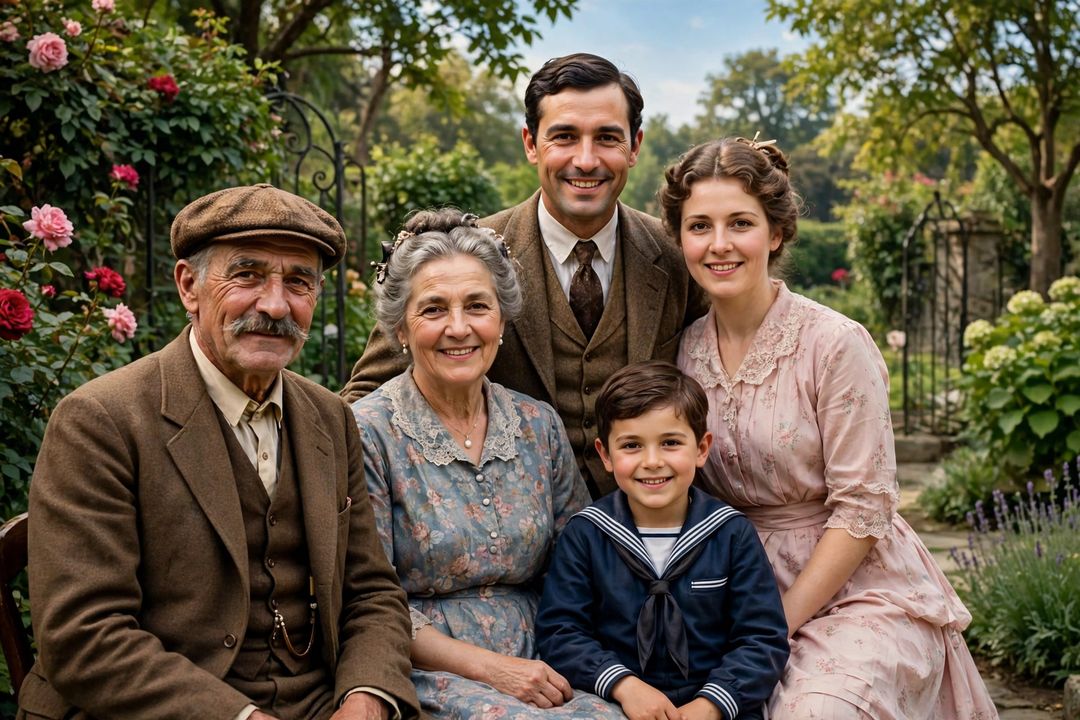
Restore this faded old photo. Bring back its original rich colours — deep reds, warm skin tones, blue sky — without changing any face, outfit or background. Sharp, natural, photorealistic, high detail.
Best for: Restored old photo with revived rich colours, family outdoors.
5. Crease & Fold Removal
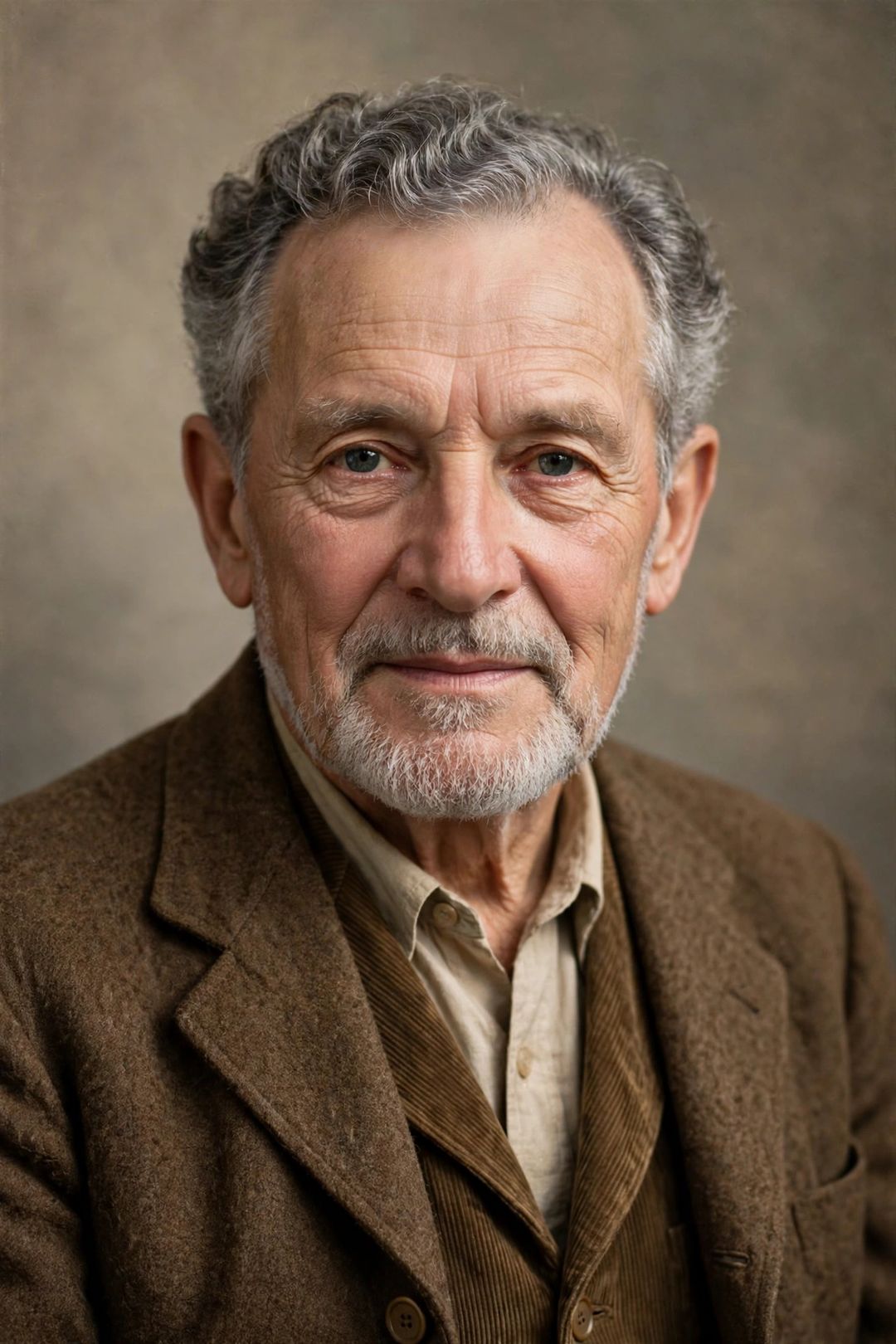
Restore this old photo with crease lines. Remove all fold lines and creases across faces and background. Keep every detail exactly as in the original, smooth clean finish, natural colours, photorealistic.
Best for: Restored old portrait, crease lines removed, smooth clean finish.
6. Stain & Yellowing Fix
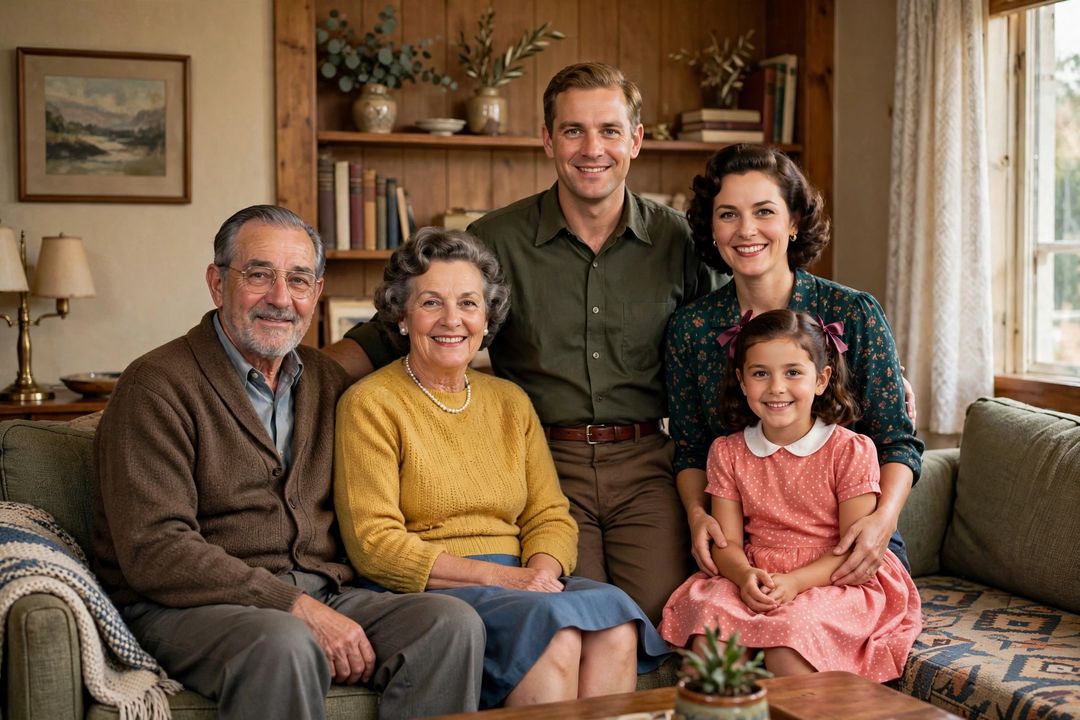
Restore this yellowed old photo. Remove yellowing, brown stains and age spots. Restore true white balance and natural colours, keep faces and details unchanged, photorealistic, high detail.
Best for: Restored old photo, yellowing removed, true natural colours.
7. Mould Spot Cleanup
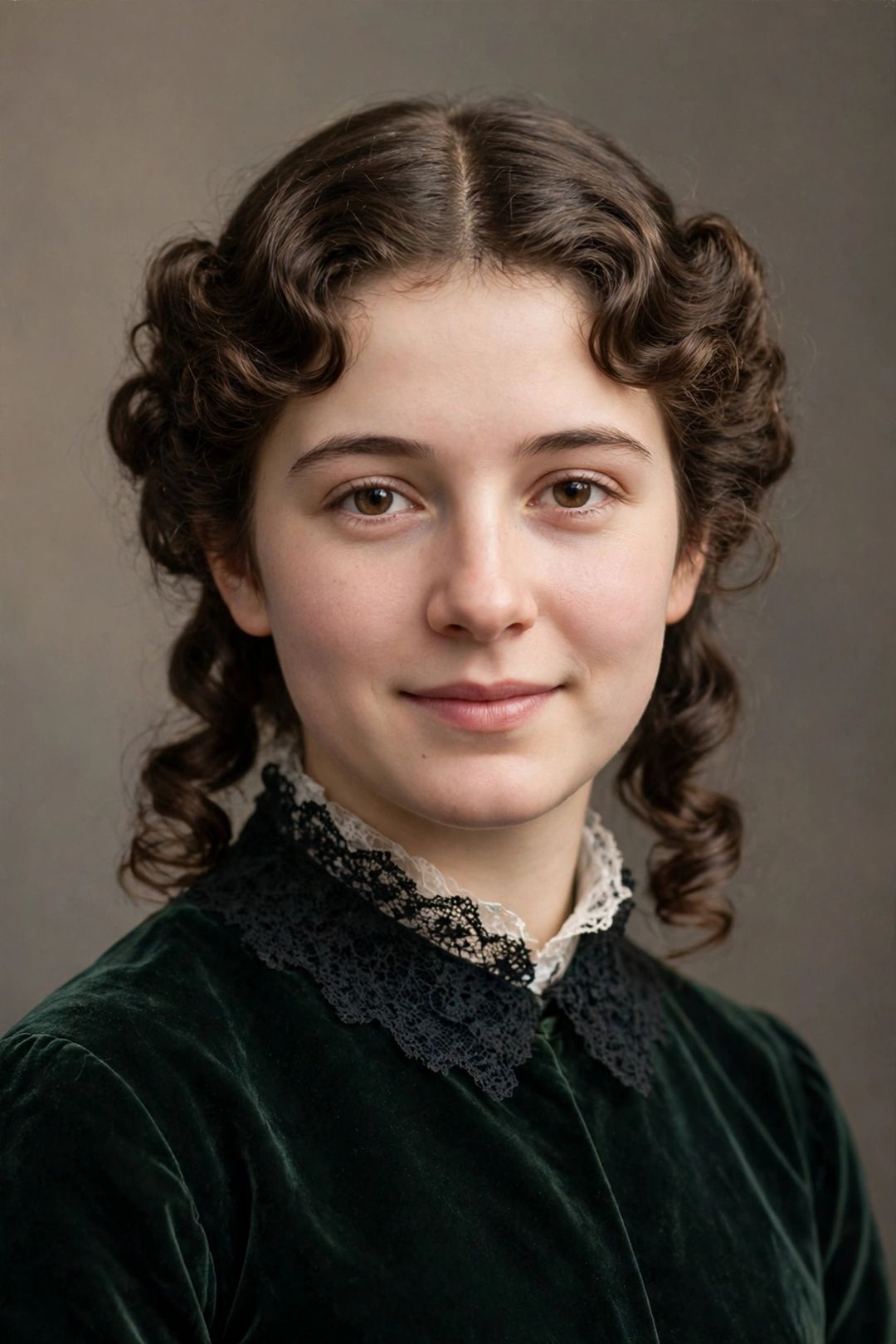
Restore this old photo with mould spots. Clean all dark mould spots and speckles without touching any face or detail. Keep the original composition exactly, restore natural colours, photorealistic.
Best for: Restored vintage portrait, mould spots cleaned, original composition.
Colourise Black-and-White Photos
8. Black & White to Colour Portrait
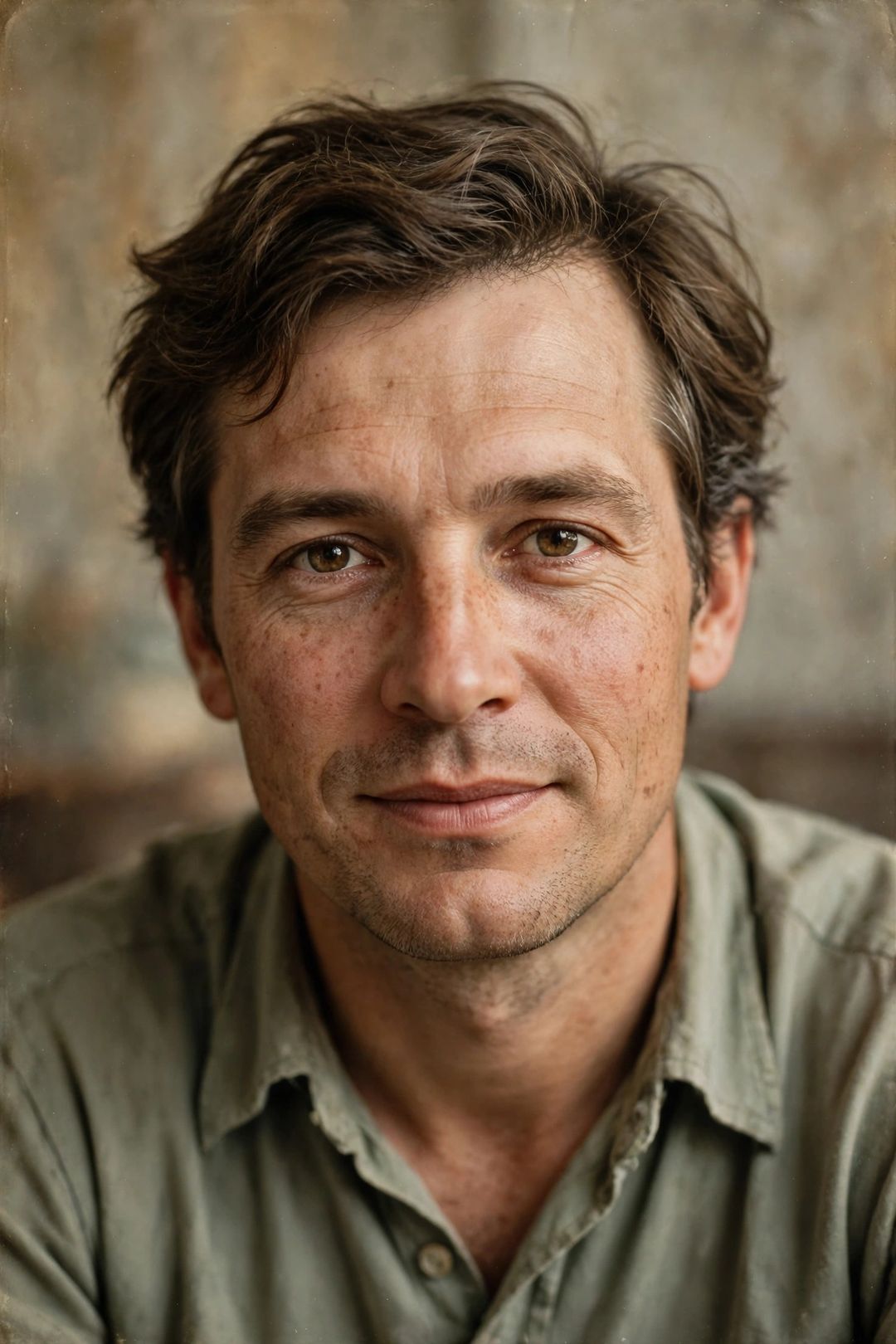
Colourise this black-and-white portrait photo. Add realistic natural colours: warm skin tones, natural hair colour, soft clothing colours. Keep the face, expression and background exactly as in the original, photorealistic, high detail.
Best for: Colourised black-and-white portrait, natural warm skin tones.
9. Old Wedding Photo Colourise
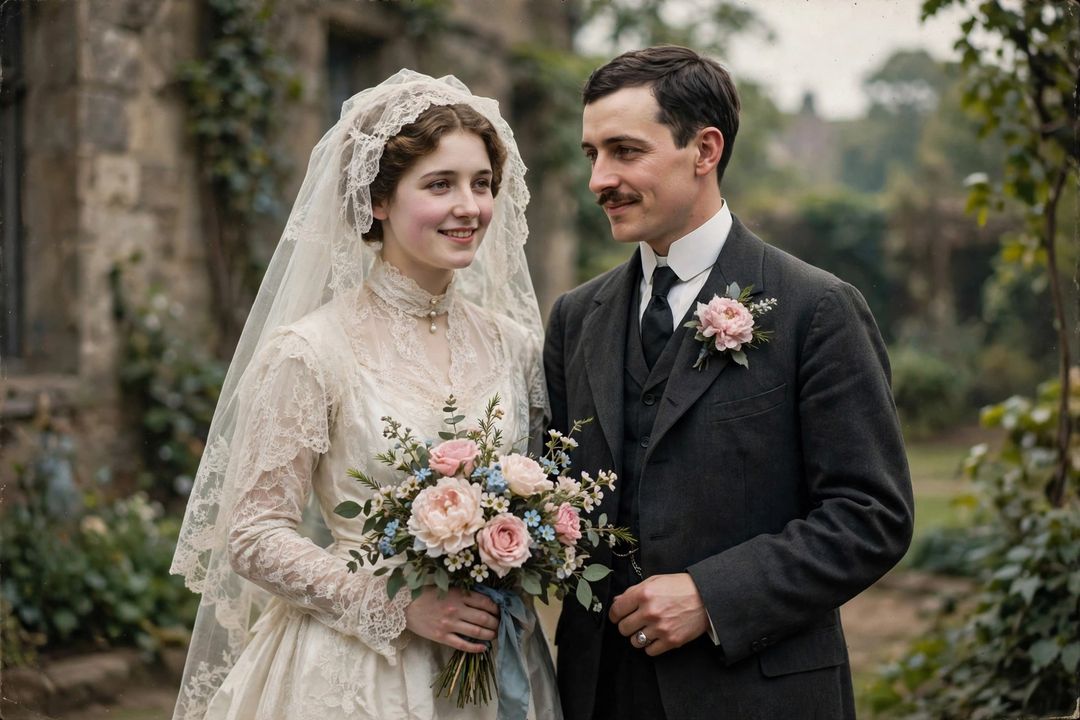
Colourise this old black-and-white wedding photo. Add realistic colours to the bride’s outfit, groom’s suit, flowers and background. Keep both faces and poses exactly as in the original, photorealistic, elegant.
Best for: Colourised old wedding photo, bride and groom, realistic colours.
10. Grandparents Portrait Colourise
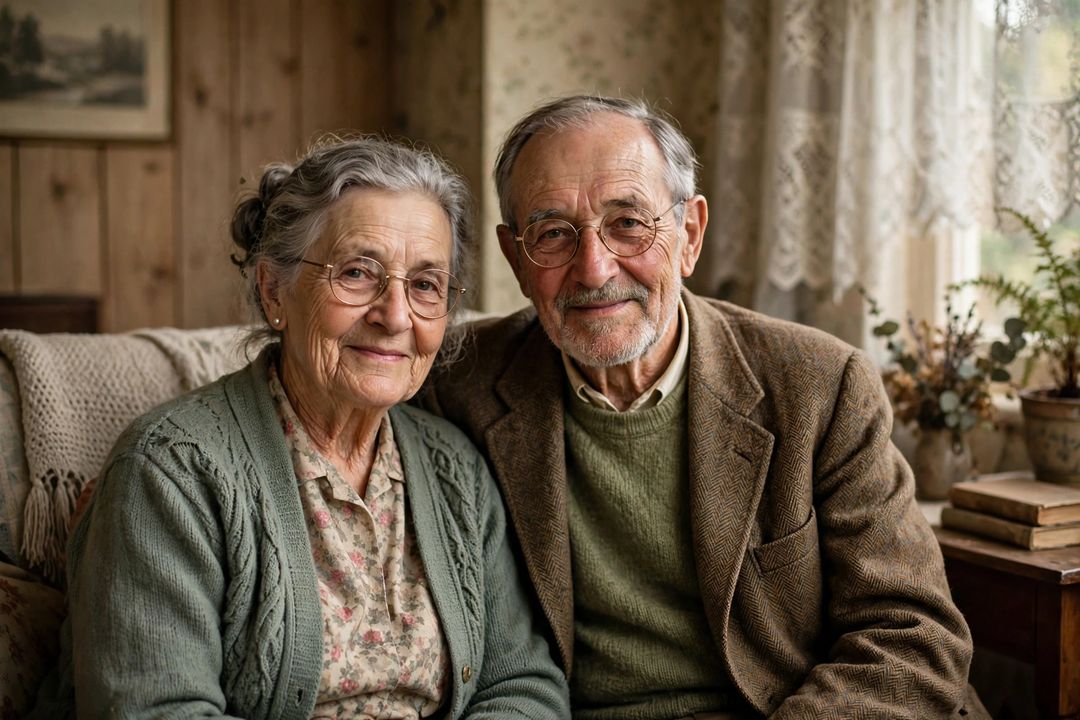
Colourise this old black-and-white photo of grandparents. Add gentle natural colours to skin, hair, clothes and the home background. Keep faces, wrinkles and expressions exactly as in the original, warm nostalgic tones, photorealistic.
Best for: Colourised grandparents portrait, gentle natural colours, home background.
11. Childhood Photo Colourise
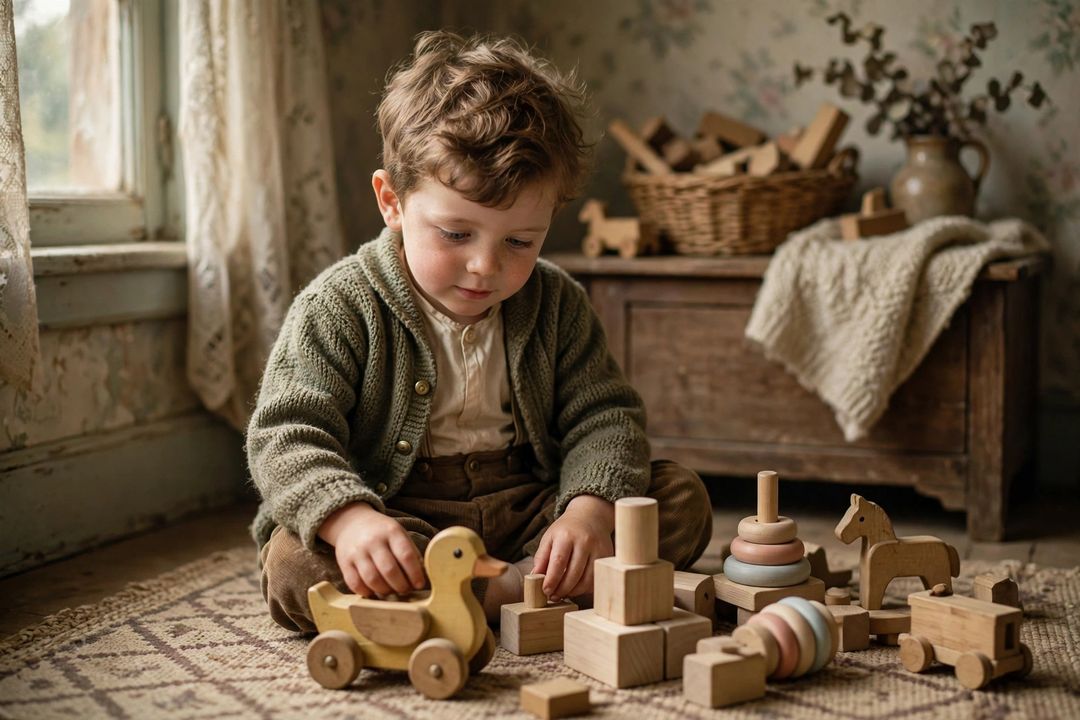
Colourise this old black-and-white childhood photo. Add soft natural colours to the child’s clothes, toys and surroundings. Keep the child’s face and pose exactly as in the original, photorealistic, tender.
Best for: Colourised childhood photo, soft natural colours, toys.
12. Old Street Scene Colourise
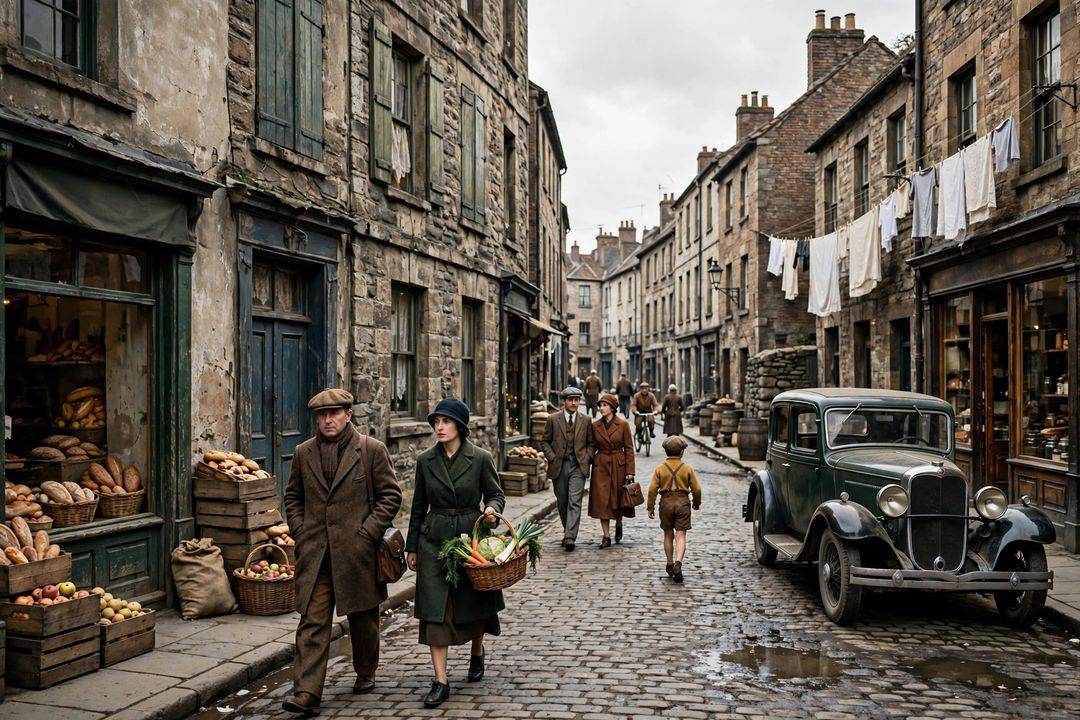
Colourise this old black-and-white street scene photo. Add realistic colours to buildings, vehicles, clothes and sky. Keep every person and detail exactly as in the original, photorealistic, high detail.
Best for: Colourised old street scene, buildings vehicles, realistic colours.
13. Army Uniform Photo Colourise
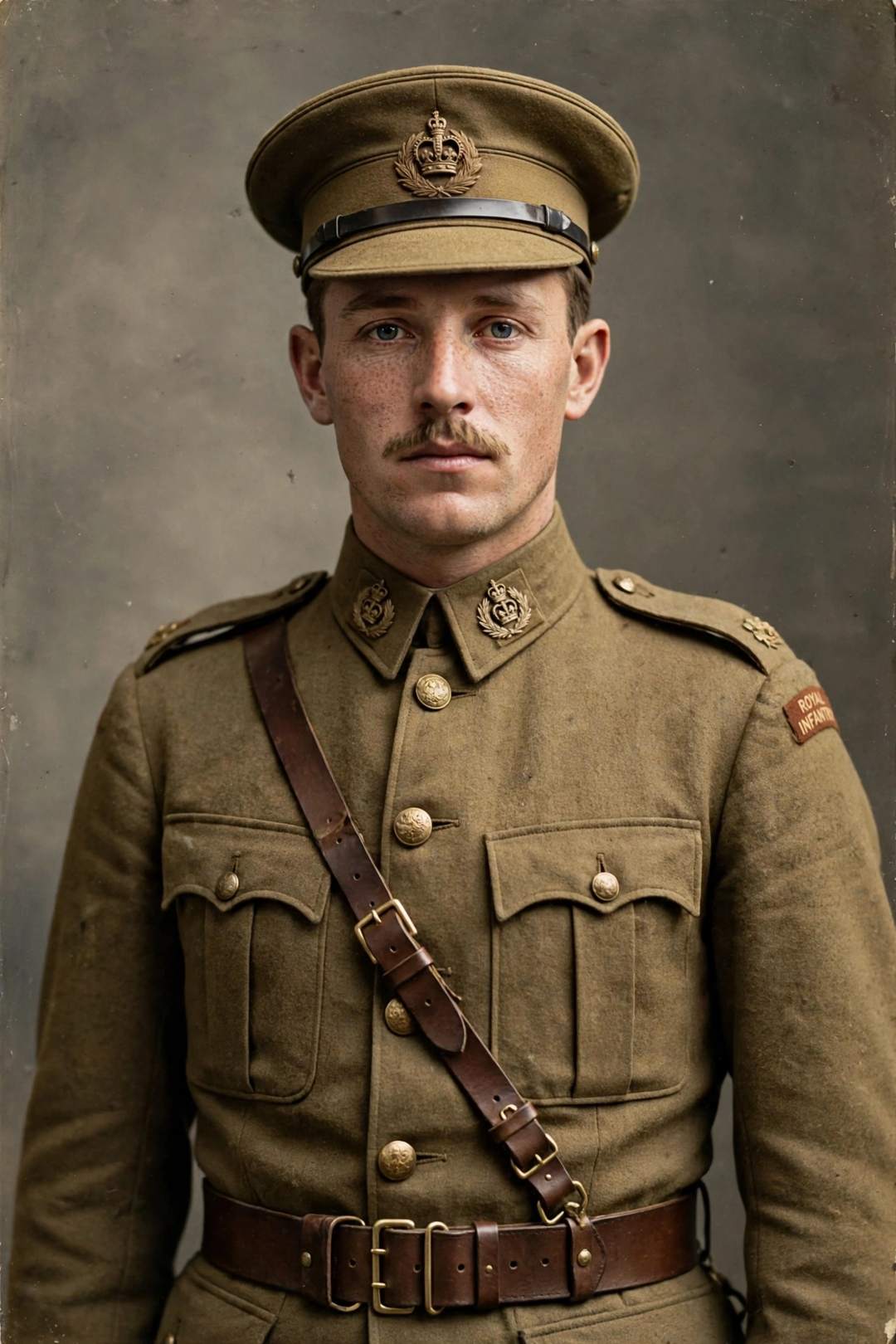
Colourise this old black-and-white uniform photo. Add accurate uniform colours, natural skin tones and a realistic background. Keep the face and uniform details exactly as in the original, photorealistic, respectful.
Best for: Colourised old uniform portrait, accurate uniform colours.
Sharpen & Enhance Blurry Photos
14. Blurry Photo to HD
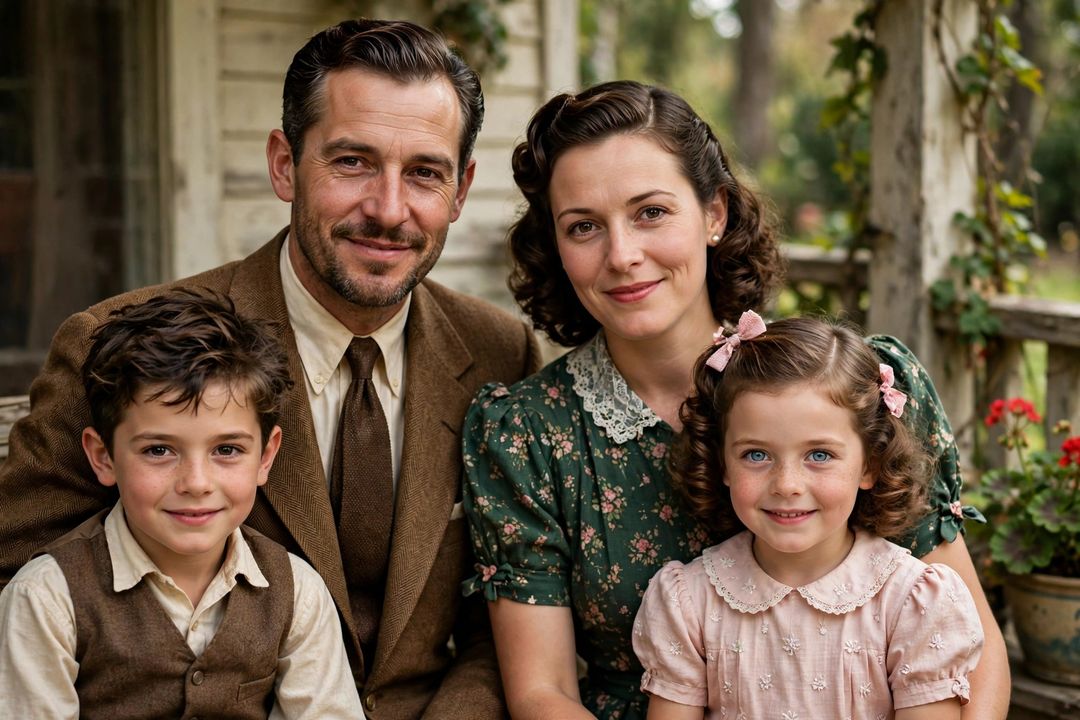
Sharpen this blurry old photo into HD. Remove blur, restore sharp eyes, hair and fabric detail. Keep faces, poses and background exactly as in the original, natural colours, photorealistic, ultra-detailed.
Best for: Sharpened old family photo in HD, sharp eyes and fabric detail.
15. Low Resolution Enhance
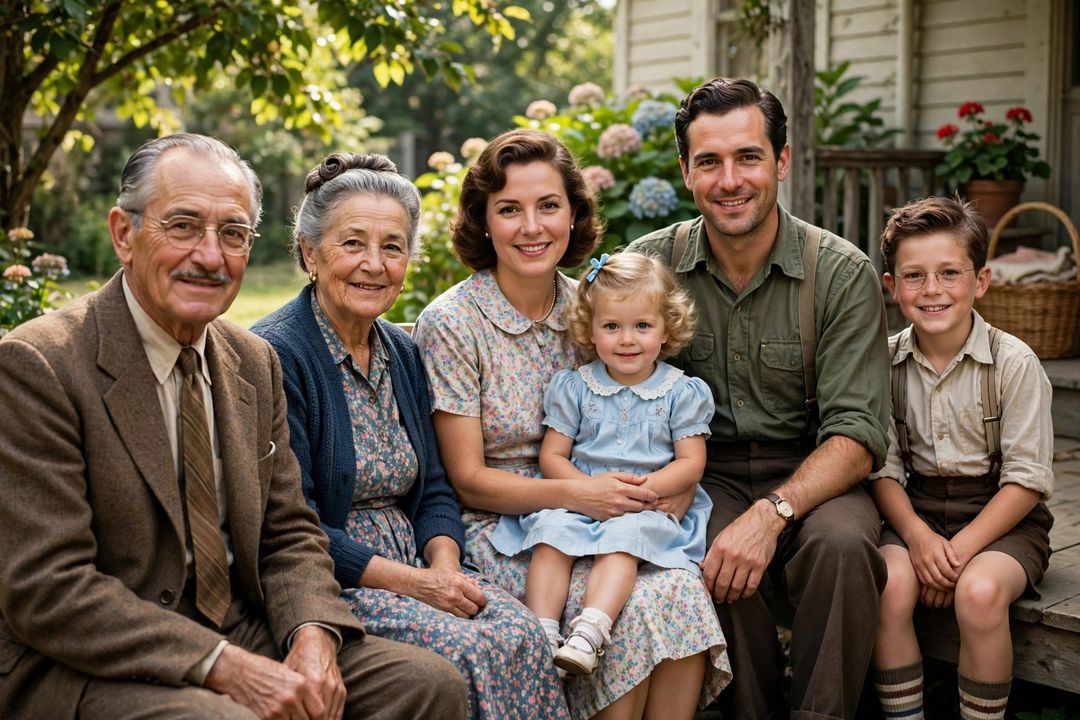
Enhance this low-resolution old photo to high resolution. Upscale detail in faces, clothes and background without inventing new features. Keep everyone exactly as in the original, natural colours, photorealistic.
Best for: Enhanced old photo high resolution, detailed faces and clothes.
16. Old Group Photo Restore
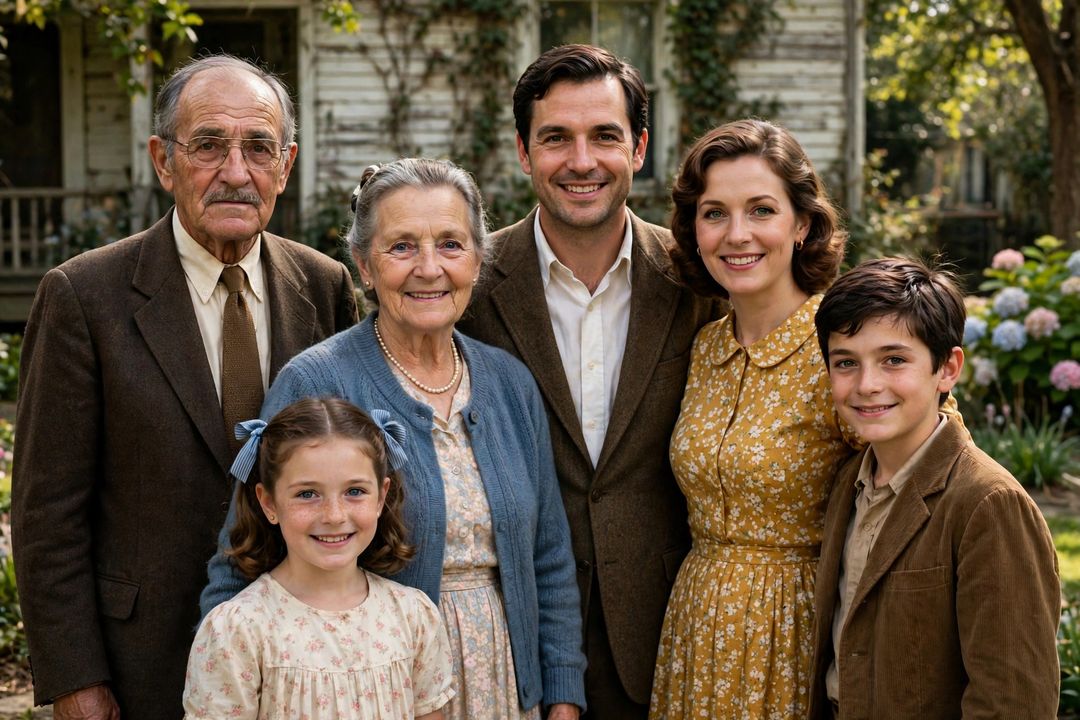
Restore this old group photo. Fix scratches, fading and blur for every person equally. Keep all faces, positions and clothes exactly as in the original, balanced natural light, photorealistic, high detail.
Best for: Restored old group family photo, all faces sharp, balanced light.
17. Scanned Photo Cleanup
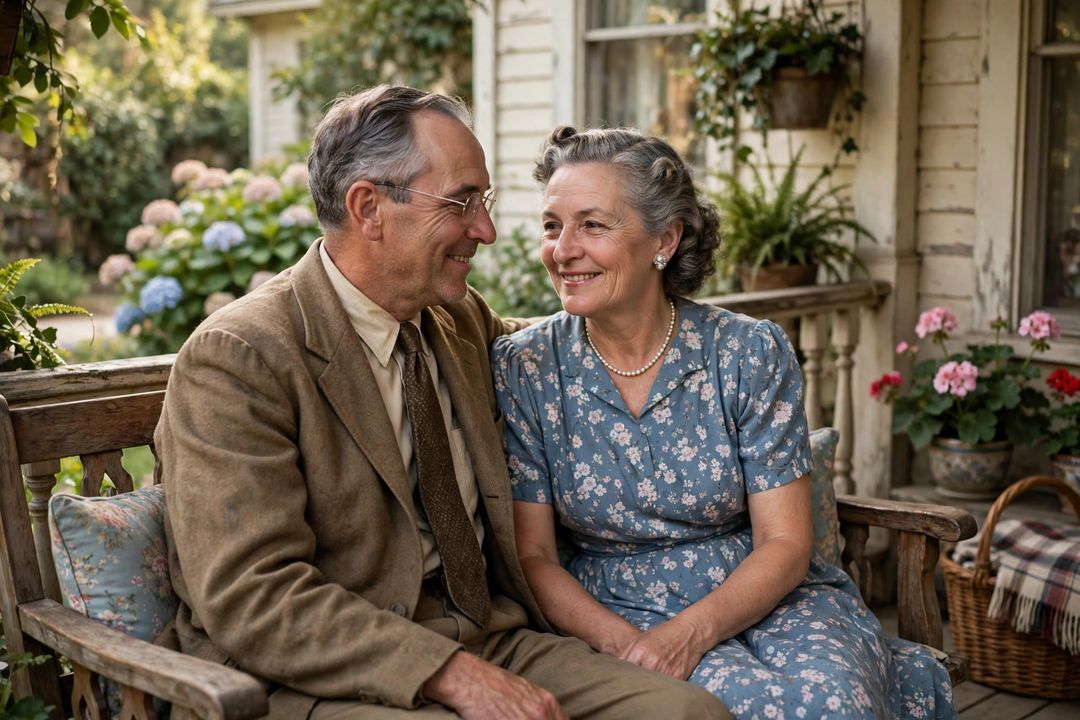
Clean up this scanned old photo. Remove scanner lines, dust and grey haze. Restore crisp detail and natural colours, keep faces and background exactly as in the original, photorealistic.
Best for: Cleaned scanned old photo, crisp detail, natural colours.
18. Old Passport Photo Restore

Restore this old passport-size photo. Sharpen the face, remove spots and fading, keep the face, hairstyle and expression exactly as in the original. Clean plain background, natural skin tones, photorealistic.
Best for: Restored old passport portrait, sharp face, clean background.
19. Damaged Corner Rebuild
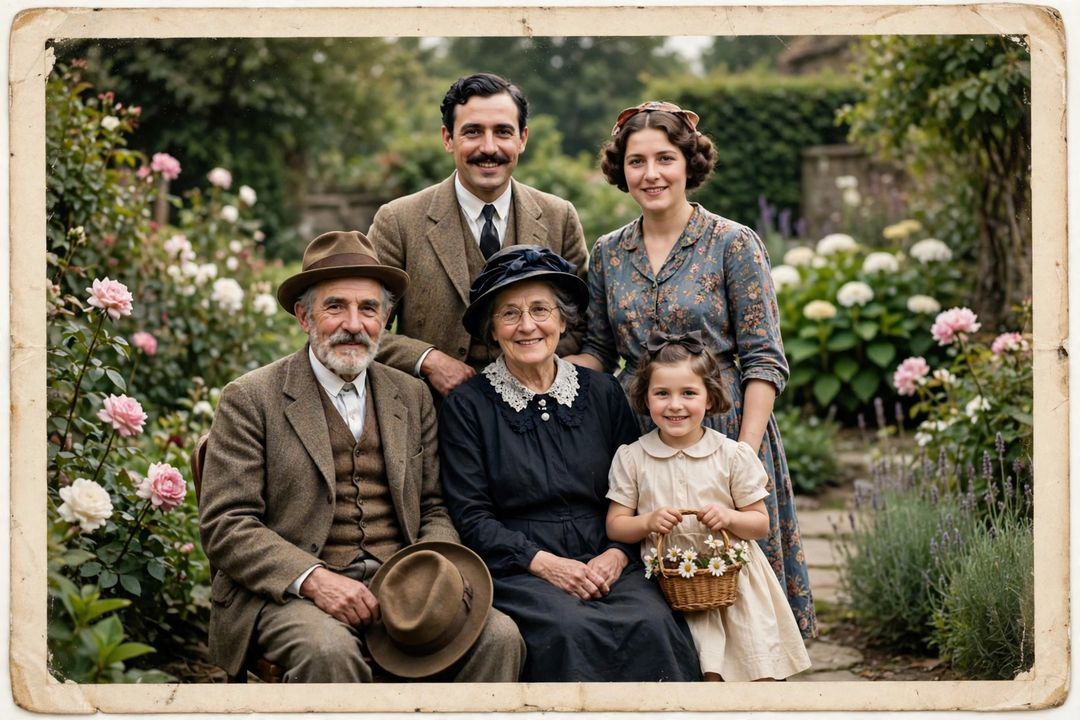
Restore this old photo with damaged corners. Rebuild the missing corners naturally to match the scene. Keep faces and centre details exactly as in the original, photorealistic, high detail.
Best for: Restored old photo, corners rebuilt naturally, centre intact.
Vintage & Festival Restorations
20. Sepia Photo Restore
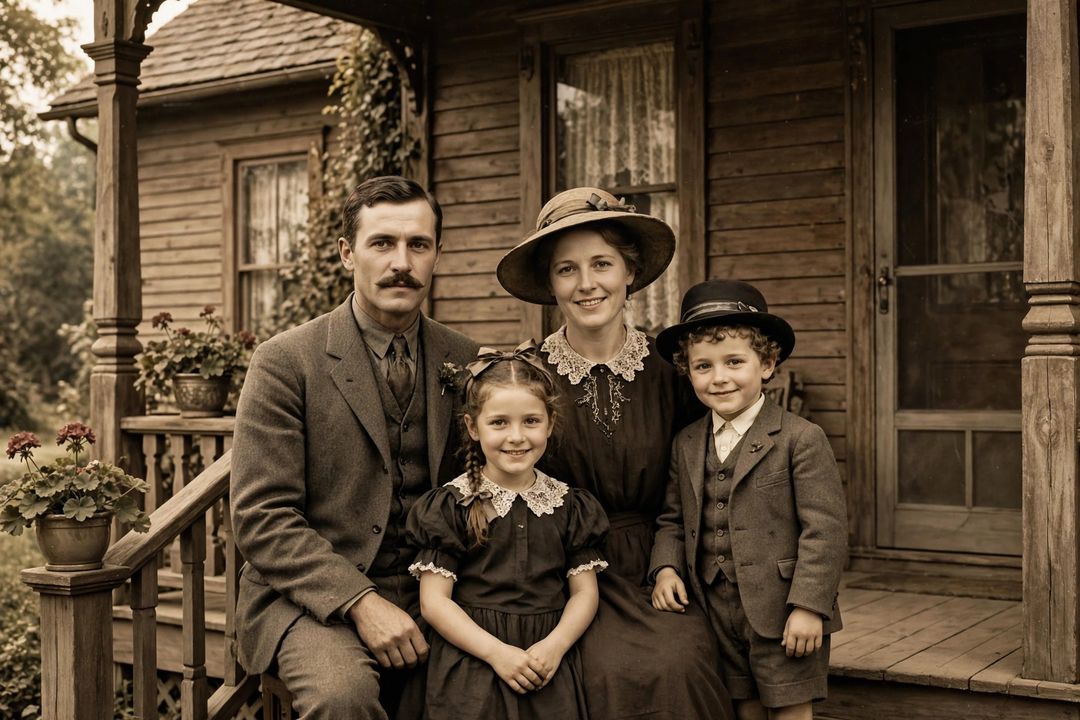
Restore this old sepia photo. Keep its warm vintage sepia tone, but remove scratches, spots and fading. Sharpen faces and detail, keep everyone exactly as in the original, photorealistic, nostalgic.
Best for: Restored sepia vintage photo, warm tone, scratches removed.
21. 1960s Studio Portrait Restore
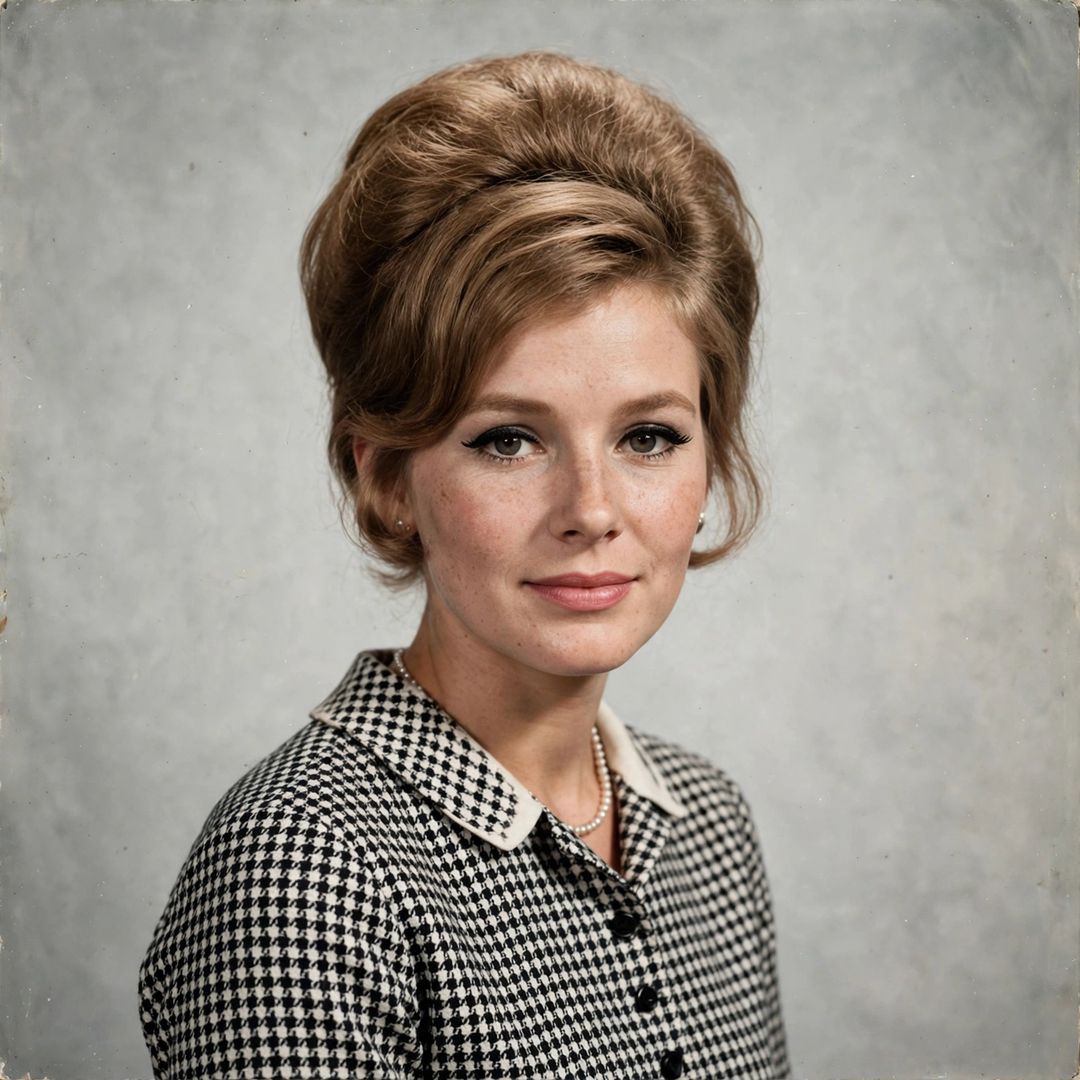
Restore this 1960s studio portrait. Remove age damage, restore sharp detail and soft studio lighting. Keep the face, hairstyle and outfit exactly as in the original, natural colours, photorealistic.
Best for: Restored 1960s studio portrait, sharp detail, soft studio light.
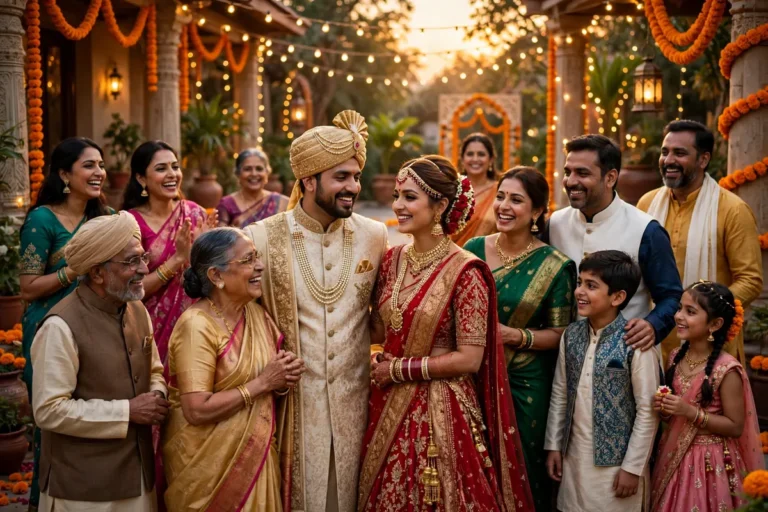
22. Old Wedding Group Restore
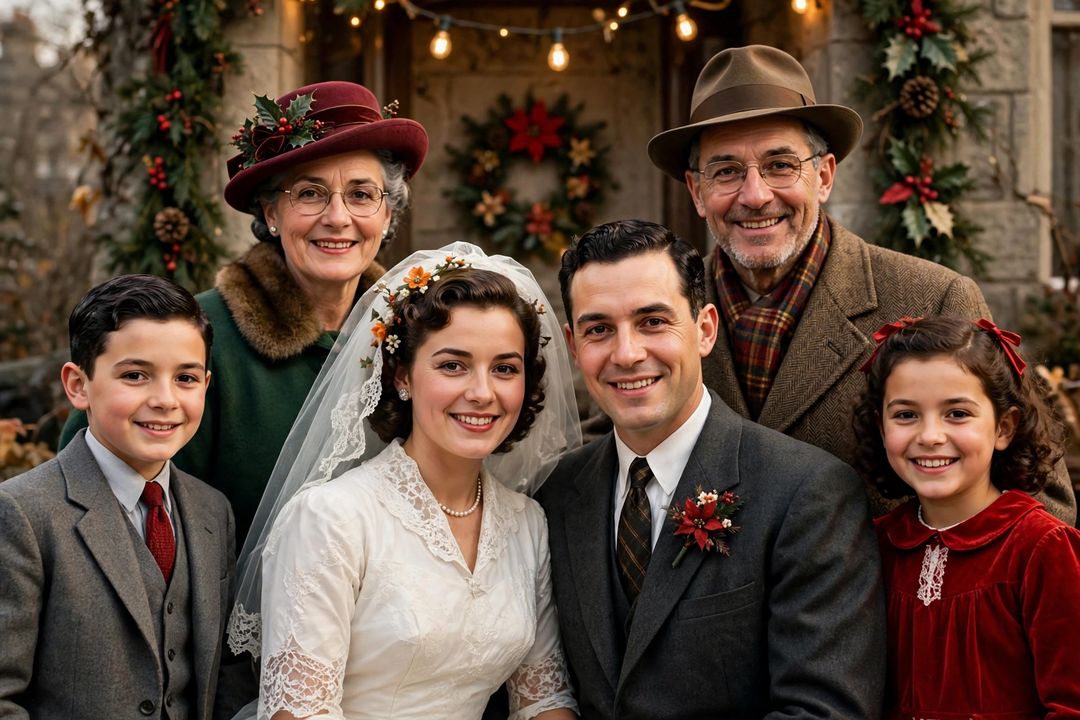
Restore this old wedding group photo. Fix fading, scratches and blur across the whole group. Keep every face and outfit exactly as in the original, warm festive colours, photorealistic, high detail.
Best for: Restored old wedding group photo, warm festive colours, all faces sharp.
23. Childhood Home Photo Restore
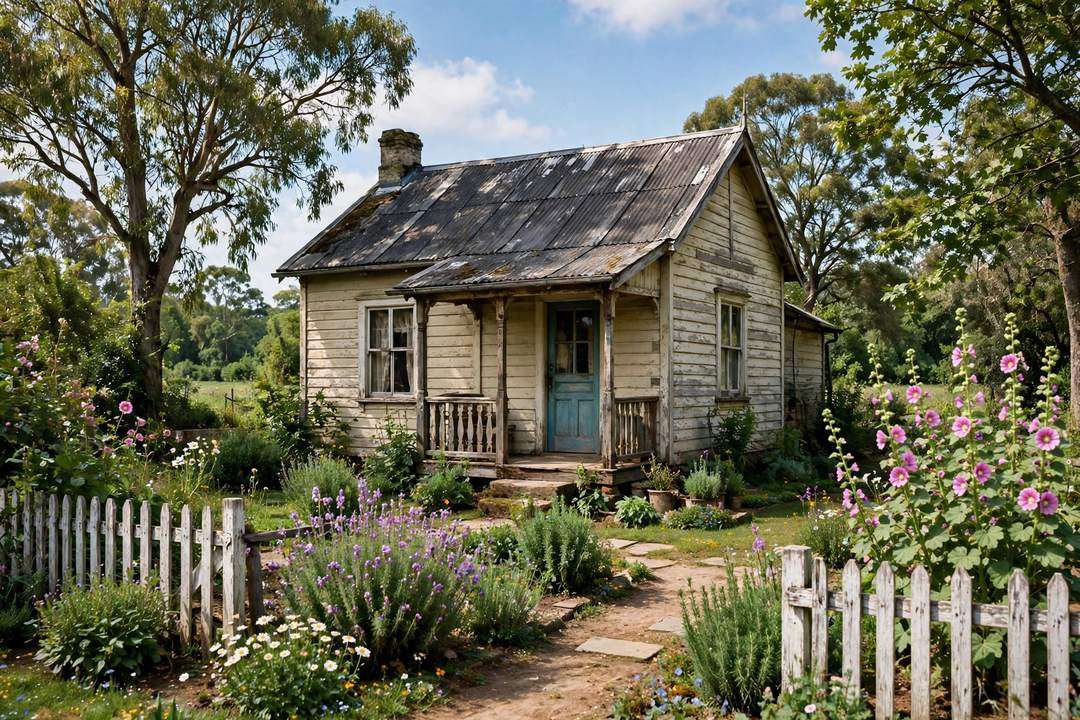
Restore this old photo of a childhood home. Remove fading and damage, restore natural colours to the house, garden and sky. Keep the scene exactly as in the original, photorealistic, nostalgic.
Best for: Restored old childhood home photo, house garden sky natural colours.
24. Old Festival Photo Restore
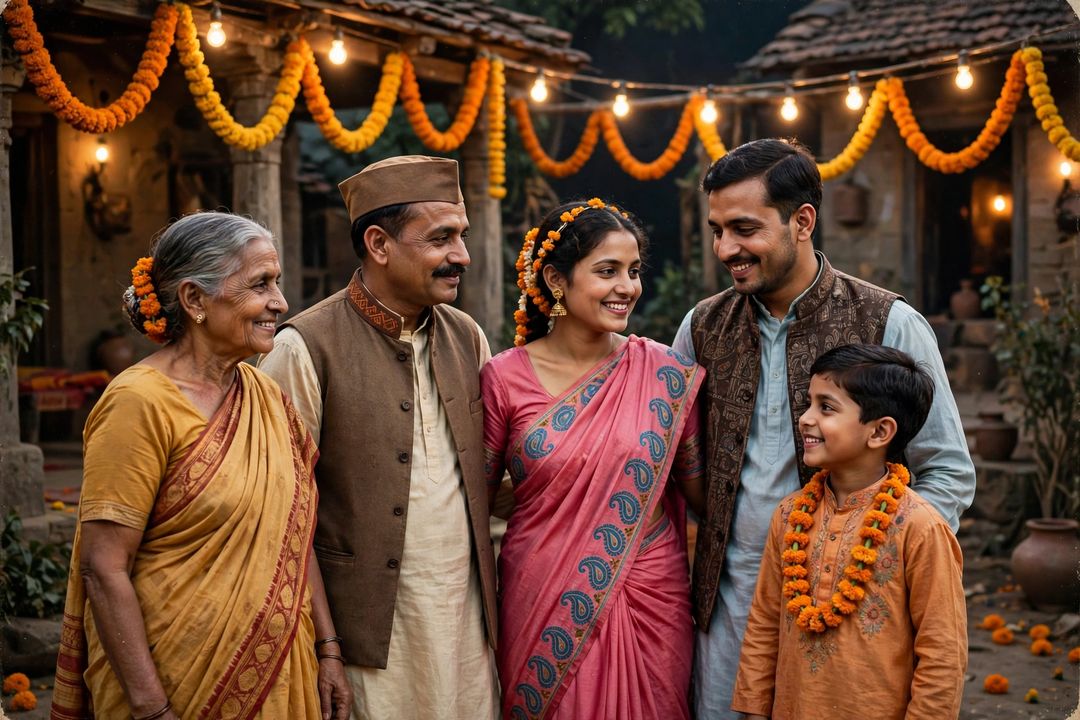
Restore this old festival photo. Remove scratches and fading, bring back festive colours — marigold, lights, traditional clothes. Keep all faces and the celebration exactly as in the original, photorealistic.
Best for: Restored old festival photo, marigold lights traditional clothes colours.
25. Vintage Studio Portrait Colourise
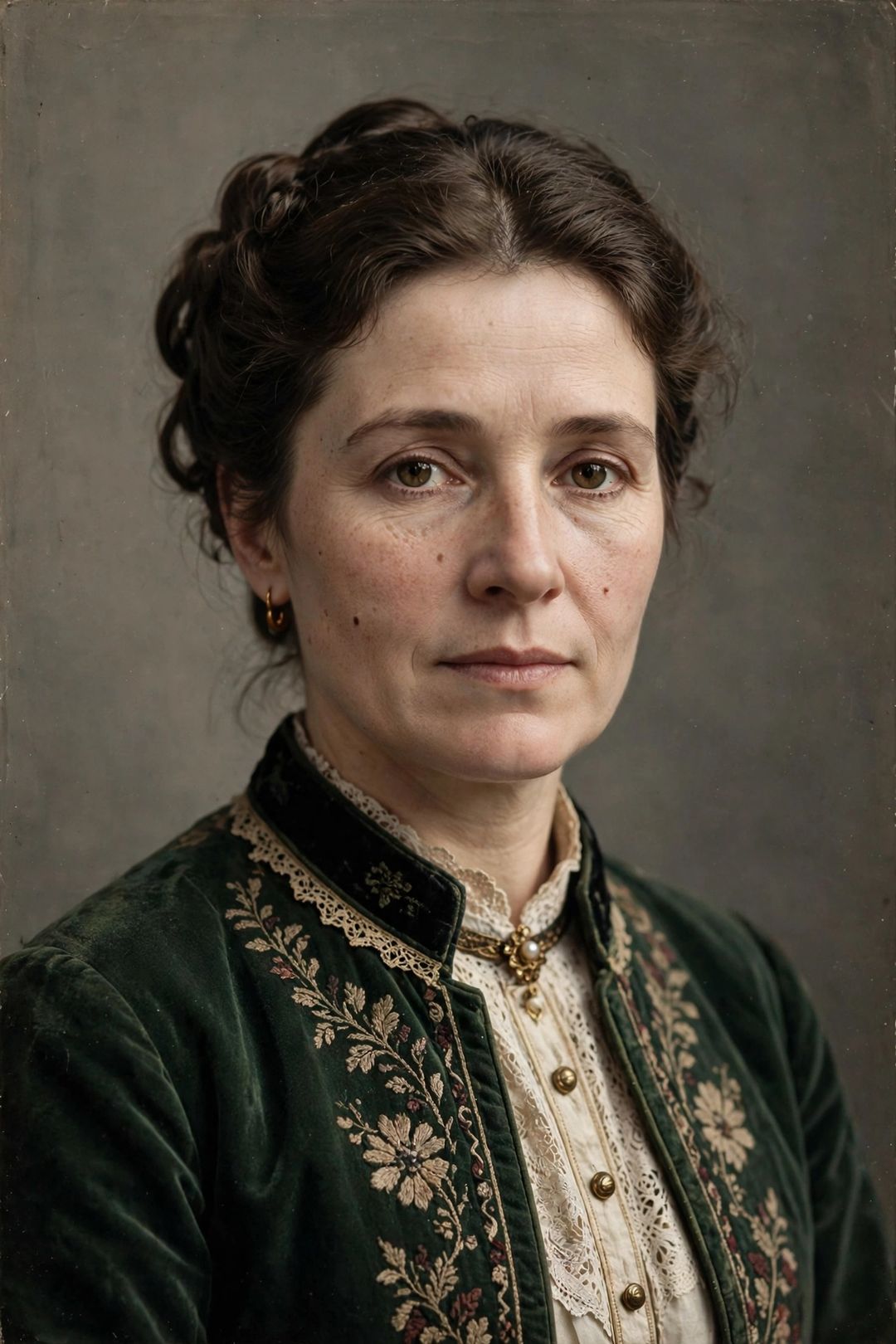
Colourise this vintage studio portrait. Add soft realistic colours to skin, hair and traditional outfit, keep the studio background simple. Keep the face and pose exactly as in the original, photorealistic, elegant.
Best for: Colourised vintage studio portrait, soft realistic colours, simple background.
Tips for Better Results
- Restore in order: repair damage first, colourise second, sharpen last — stacking all three in one prompt gives muddier results.
- Scan, don’t photograph: a flat scan avoids glare and bent-paper shadows that the AI cannot remove cleanly.
- Keep faces faithful: every prompt forbids changing identity, age or expression — if a result invents a different face, regenerate rather than accepting it.
FAQs
Are old photo restoration prompts free?
Yes. Every prompt on this page is free to copy, and Gemini and ChatGPT both offer free image generation with a daily limit.
Will restoration change my grandparents’ faces?
No — if you keep the ‘keep faces exactly as in the original’ line in the prompt. Regenerate any result that invents a different face.
Gemini or ChatGPT — which restores better?
Both work well. Gemini is often stronger on colourisation; ChatGPT is often cleaner on scratch and tear repair. Try the same photo in both and keep the better result.
Keep exploring: Gemini Photo Editing Prompts • 40 ChatGPT Photo Editing Prompts • AI Photo Editing Prompts • Gemini AI Photo Prompts • AI DP Prompts
Which prompt turned out best for you? Tell us in the comments — the most-loved styles get more prompts in the next update of this page.