
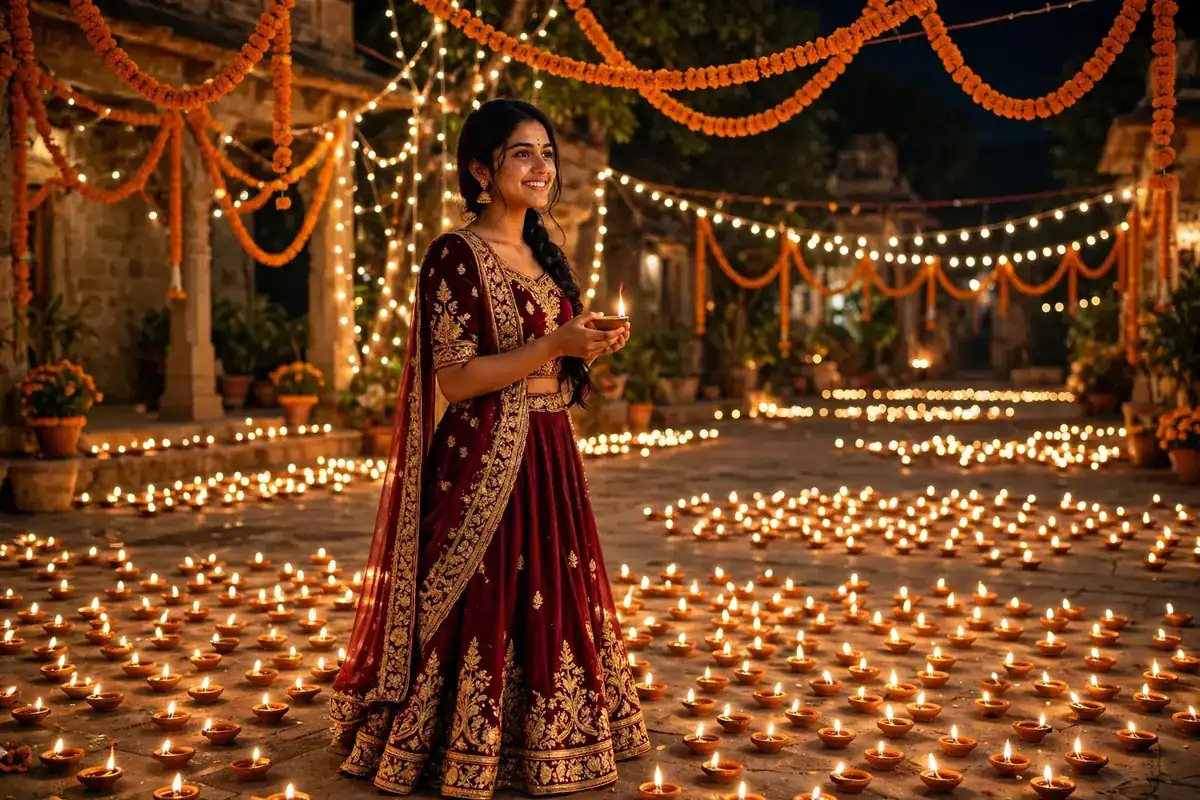
Diwali Gemini Photo Prompts for Girls 2026 – 5 Copy-Paste AI Prompts
Diwali is on Sunday, 8 November 2026 this year (the celebrations begin with Dhanteras on 6 November) — and the photo everyone wants is the same: you, in a beautiful traditional look, glowing in diya light. You don’t need a photoshoot for it. One clear selfie and the right prompt in Google Gemini is enough.
Here are 5 Diwali Gemini photo prompts made specially for girls — a classic red saree pooja look, an elegant silver lehenga, a rangoli-side Anarkali, and two more. Every prompt has an example photo above it, so pick the look you like first, then tap Copy Prompt and use it as it is. Boys in the family? Send them our Diwali prompts for boys too.
How to Use These Prompts (4 Steps)
- Open the Gemini app (or gemini.google.com) and sign in
- Tap + and upload one clear, front-facing photo of yourself
- Copy any prompt below and paste it with your photo
- Generate — if the outfit colour is all you want changed, just say “same photo, change the saree to pink” and create again
1. Classic Red Saree Pooja Look
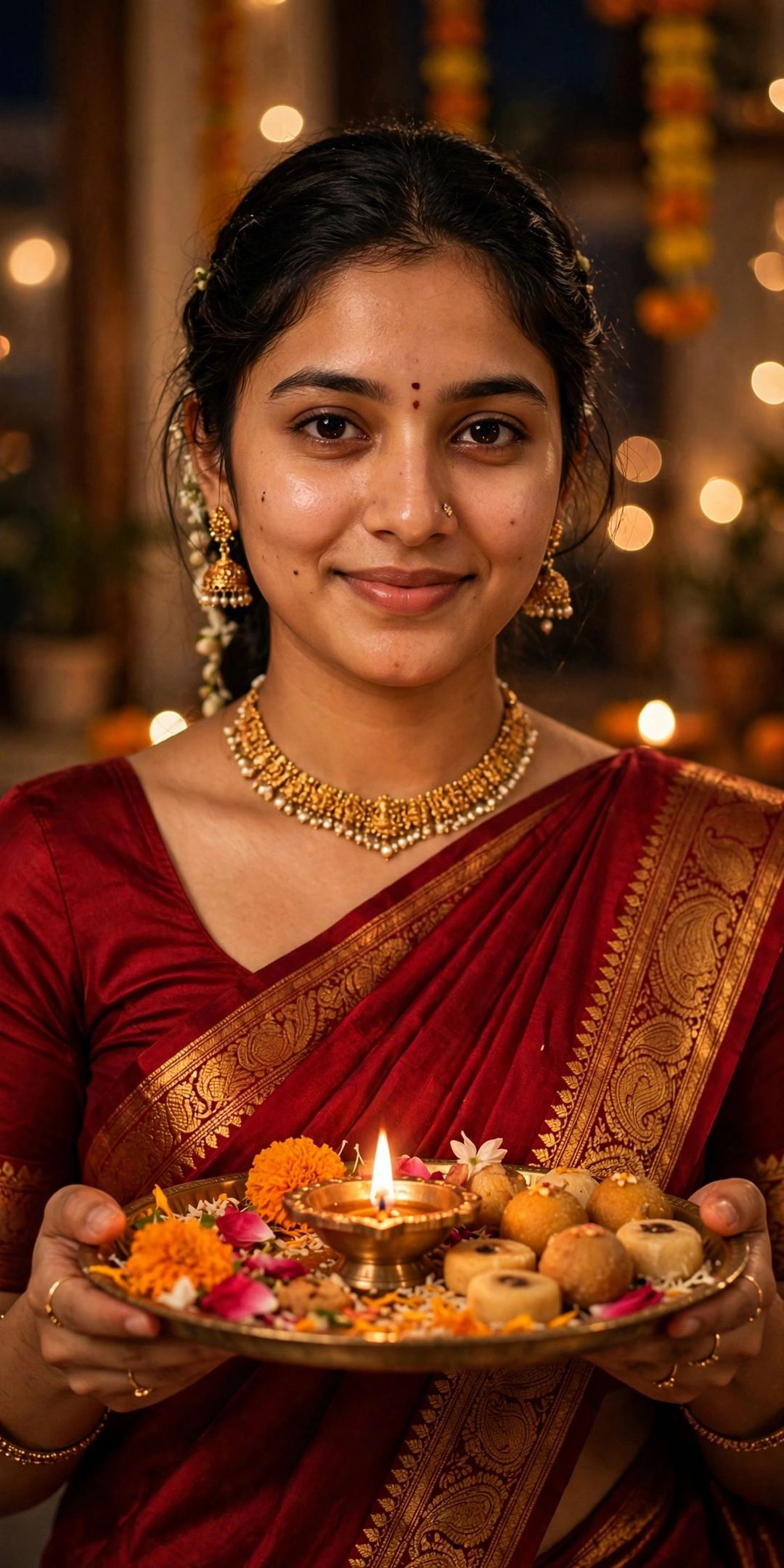
Create a photorealistic Diwali portrait from my uploaded photo. Keep my face, hairstyle and skin tone exactly the same — do not change who I am. Dress me in a deep red silk saree with a golden zari border and a matching blouse, with traditional gold jewellery — jhumka earrings, a choker necklace and a small red bindi. I am standing indoors holding a decorated brass pooja thali with a lit diya, fresh flowers and sweets. Behind me hang marigold garlands and warm fairy lights, softly blurred. Warm golden light on my face, a gentle smile, natural skin texture, DSLR photo quality, vertical portrait.
2. Silver Lehenga Rooftop Look
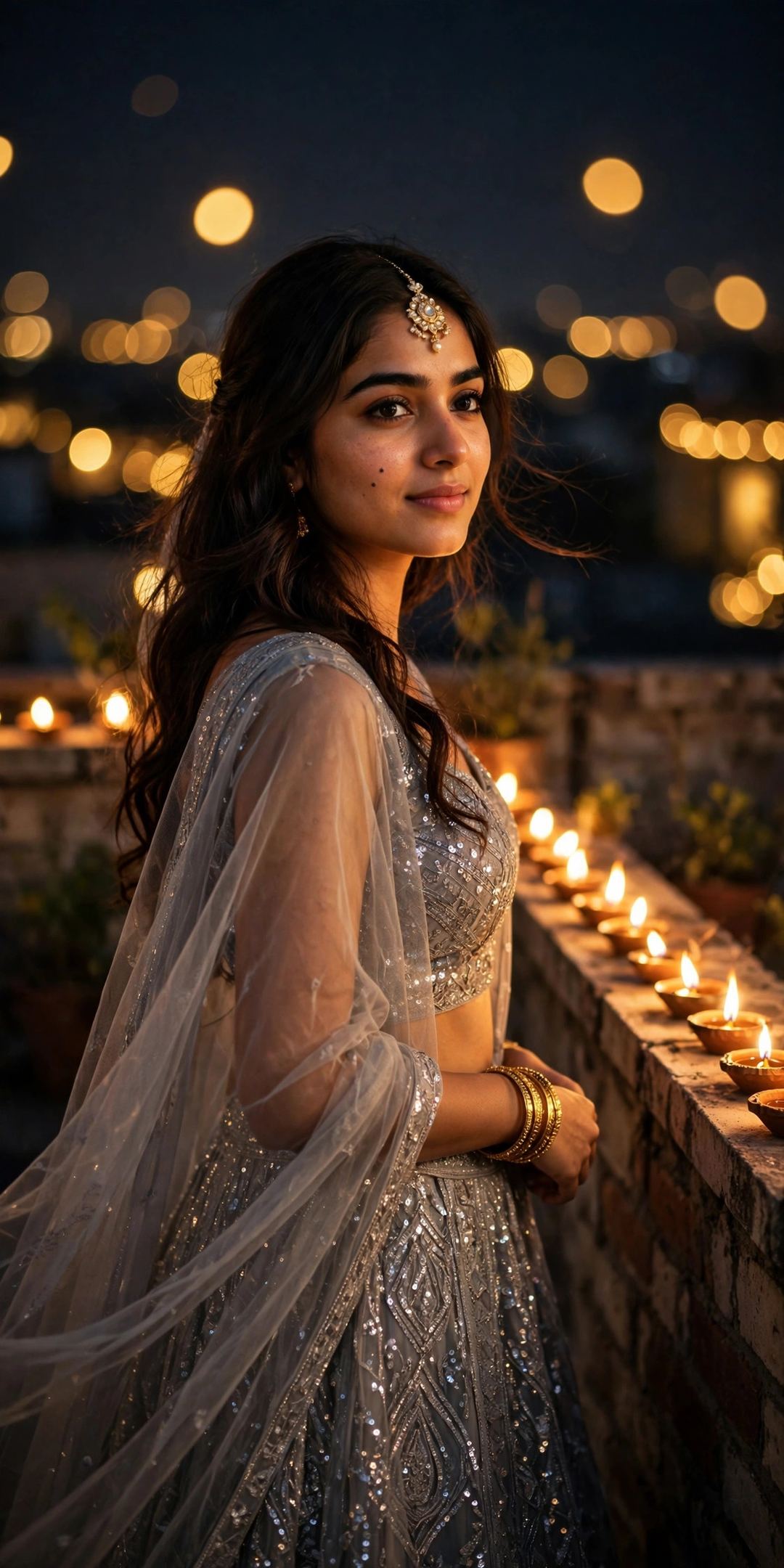
Create a photorealistic Diwali portrait from my uploaded photo. Keep my face, hairstyle and skin tone exactly the same — do not change who I am. Dress me in an elegant silver-grey lehenga with fine sequin work, a sleeveless blouse and a sheer net dupatta, with a maang tikka, matching earrings and bangles. I am standing on a rooftop at night; rows of lit diyas line the edge behind me and the background melts into large golden bokeh circles. Soft night light mixed with the warm glow of the diyas, a happy festive expression, natural skin texture, DSLR photo quality, vertical portrait.
3. Orange Anarkali with Flower Rangoli
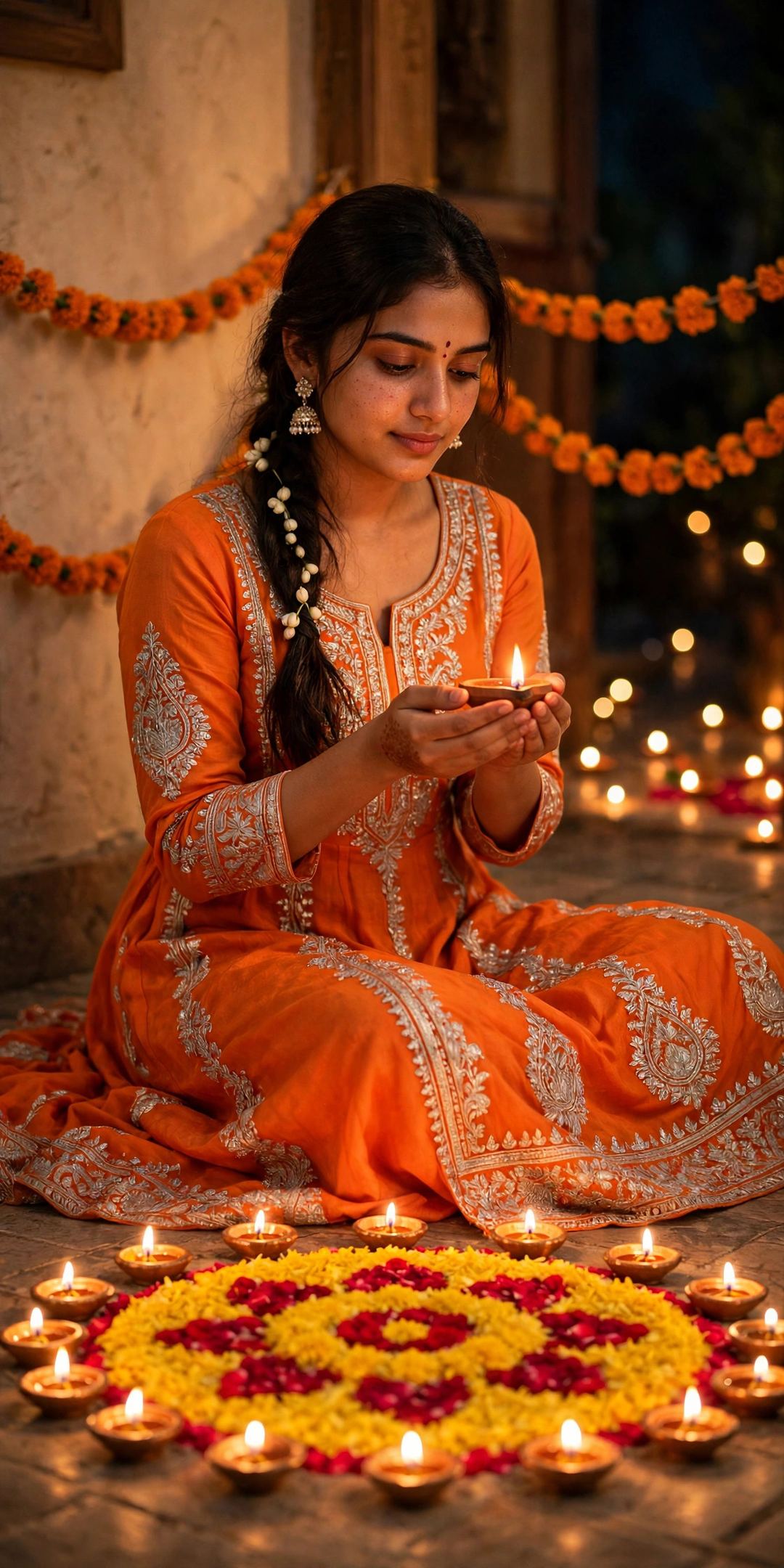
Create a photorealistic Diwali portrait from my uploaded photo. Keep my face, hairstyle and skin tone exactly the same — do not change who I am. Dress me in a bright orange Anarkali suit with delicate silver gota-patti work and a sheer dupatta, with large pearl jhumka earrings. I am sitting gracefully on the floor, holding a small lit clay diya in both hands. In front of me is a flower rangoli made of yellow marigold and red rose petals, ringed with glowing brass diyas, and strings of marigold hang on the wall behind me. Warm festive light, a candid happy smile, natural skin texture, DSLR photo quality, vertical portrait.
4. Balcony Sparkler Look
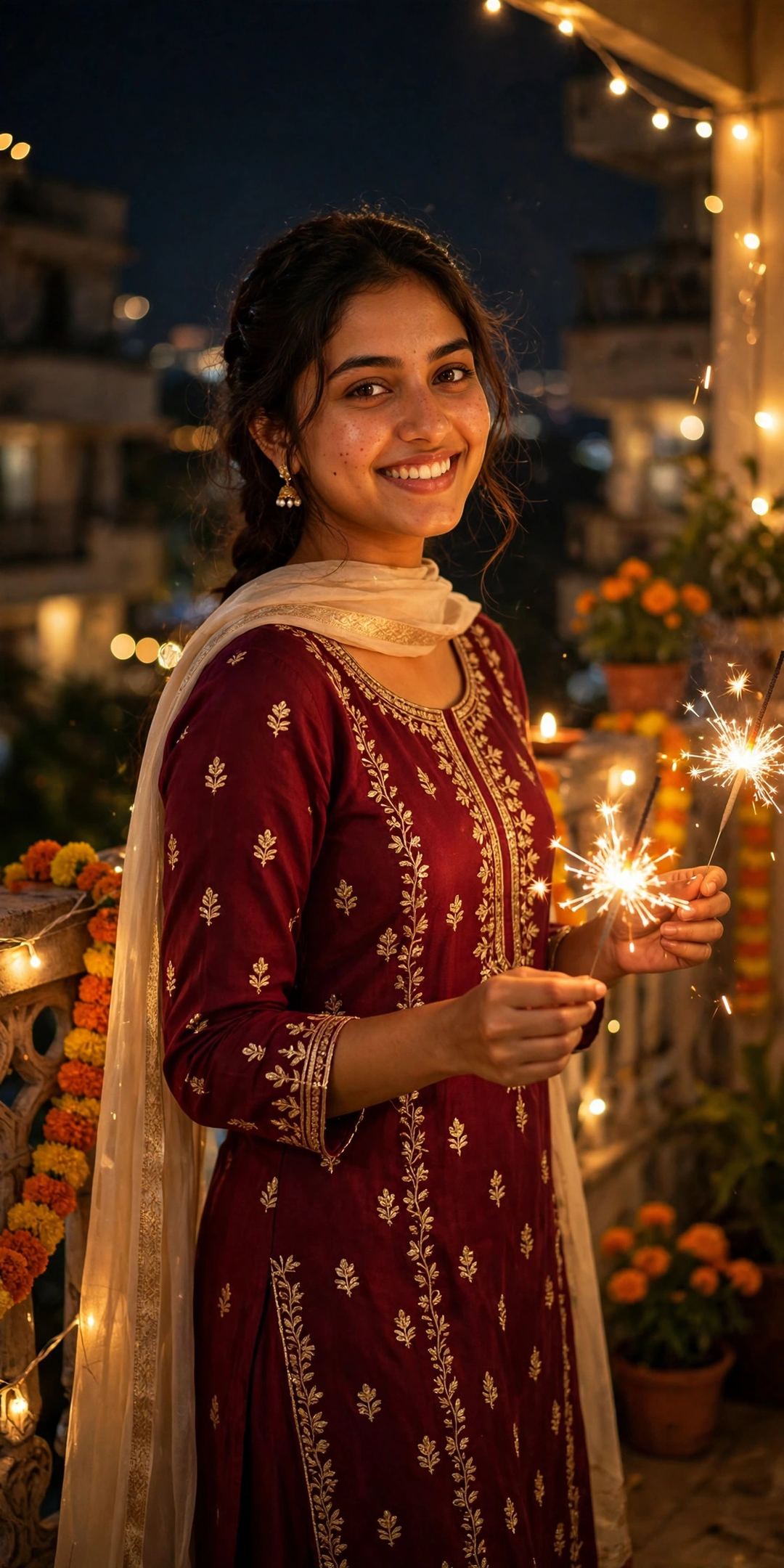
Create a photorealistic Diwali portrait from my uploaded photo. Keep my face, hairstyle and skin tone exactly the same — do not change who I am. Dress me in a deep maroon festive kurta set with small gold embroidery and a light dupatta. I am standing on a balcony decorated with fairy lights and marigold strings at night, holding one lit sparkler in each hand at waist height, my arms relaxed, turned slightly towards the camera with a bright, natural smile. The sparkler light sparkles softly on my face, natural skin texture, DSLR photo quality, vertical portrait.
5. Emerald Saree Lighting the Diyas
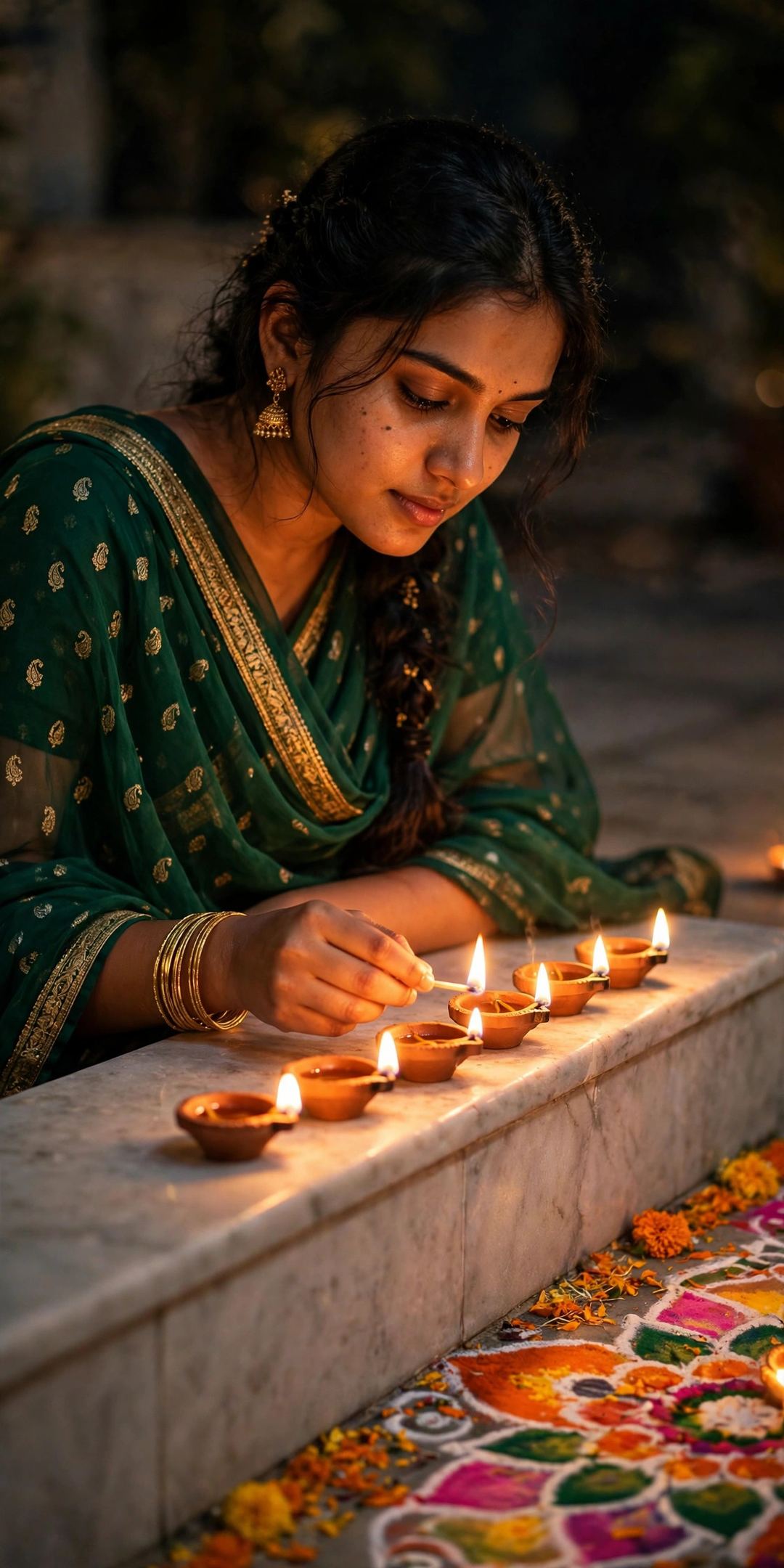
Create a photorealistic Diwali portrait from my uploaded photo. Keep my face, hairstyle and skin tone exactly the same — do not change who I am. Dress me in an emerald green georgette saree with small gold motifs and a gold border, with gold earrings and bangles. I am leaning slightly over a marble ledge, lighting a neat row of clay diyas one by one, and a colourful rangoli lies on the floor beside me. Soft side light from the diya flames, gentle shadows, a calm and serene expression, natural skin texture, DSLR photo quality, vertical portrait.
3 Tips for a Photo That Actually Looks Like You
- Upload a clean selfie: front-facing, no sunglasses, no heavy filter, and only you in the frame — Gemini keeps your face best from a clear photo.
- Change one thing at a time: if the result is almost right, don’t paste the whole prompt again — just type the single fix (“make the background lights warmer”).
- Try two outfits: the same photo in the red saree and the silver lehenga looks like two different photoshoots — post both across the Diwali week (Dhanteras 6 Nov to Bhai Dooj).
FAQ
Is this free?
Yes. Photo creation in the Gemini app is free (limits change from time to time). All 5 prompts on this page are free to copy and use.
Will the photo really look like me?
That is exactly what these prompts are written for — each one clearly tells Gemini to keep your face, hairstyle and skin tone unchanged and only change the outfit, place and light. A clear uploaded photo gives the most faithful result.
Can I use these prompts in ChatGPT instead?
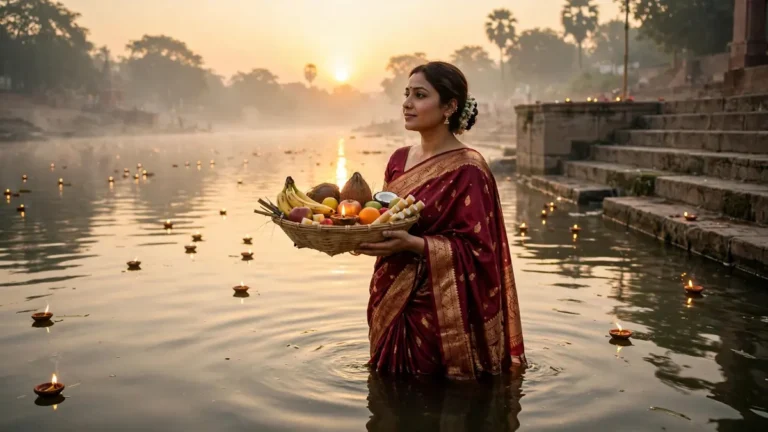
Yes — paste the same prompt with your photo in ChatGPT and it will create a similar festive portrait. If you enjoy prompt-based photos, also see our Chhath Puja Gemini photo prompts for the next festival.
Your turn: pick the look you loved, make your photo tonight, and post it on Diwali day — 8 November. Tell me in the comments which look you chose, and share this page with one friend who is still searching for her Diwali DP. Happy Diwali! 🪔
One Comment