
Last updated: 4 November 2026 — new apps appear and disappear fast; this list is re-checked every month and any app that goes paid-only or disappears from Google Play is flagged here.
📑 On This Page
Every month a handful of genuinely useful Android apps slip past the big “best apps” lists. These are the best new Android apps this month for November 2026 — small, focused tools that solve one problem well, instead of yet another app trying to do everything.
One honest note first: new apps change fast. A free feature today can move behind a paywall tomorrow, and a small app can vanish from Google Play. Every pick below is free to try, and the note under each one says what to watch out for.

Customise Your Phone
1. Victoria Launcher — A Minimal Launcher That Costs Nothing
Victoria Launcher takes the minimalist-launcher idea — a clean home screen, your apps in a simple list, nothing shouting for attention — and offers it without a subscription. If your current launcher feels cluttered, or your phone feels slow under a heavy skin, this is the first new app to try this month.
2. Tapbar — Invisible Tap Zones for Faster Navigation
Tapbar lets you create invisible zones on your screen that trigger actions when tapped — open an app, toggle a setting, or run a shortcut without hunting through menus. It is a small idea that, once set up, quietly saves taps dozens of times a day.
3. Shima — Dynamic Island Style Notifications for Android
Shima puts a small interactive island around your phone’s selfie camera, in the style made famous on iPhones, to manage music playback and notifications. It is cosmetic, not essential — but if you like that look, it is the cleanest way to get it on Android.
Capture, Notes and Organisation
4. SnapFade — Keep Screenshots Out of Your Gallery
SnapFade solves a small, daily annoyance: screenshots cluttering your photo gallery. It keeps screenshots in the clipboard instead, so you can paste them where you need them without them piling up next to your photos.
5. Emberr — Notes and Calendar in One Place
Emberr is a notes app with a calendar built in — notes, tasks and dates in one place instead of three separate apps. If you keep losing track of notes because they live in a different app from your schedule, this is the one to try.
6. Bivouac — A Journal for Hikers
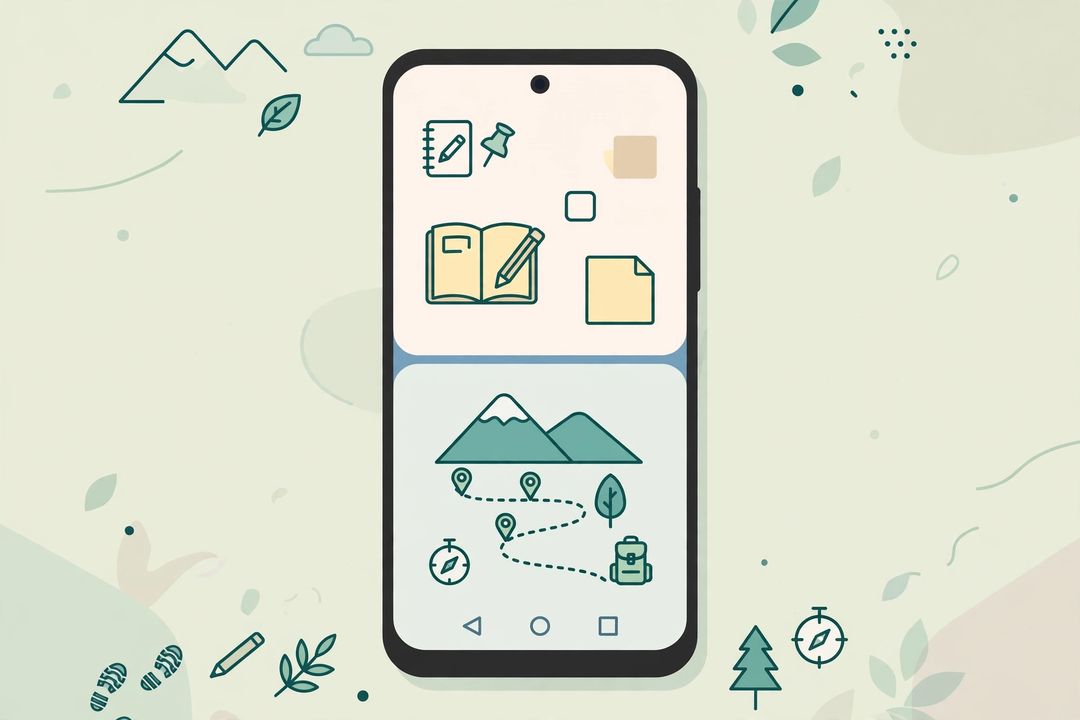
Bivouac blends a trip journal with a data log for hikes: where you went, what the route looked like, and notes from the trail. It is a niche pick, but for regular hikers it replaces a notebook and a tracking app at once.
Create and Play
7. Facetry — Try a Hairstyle Before the Salon
Facetry uses AI to preview hairstyles on your own selfie, so you can see how a cut or colour might look before committing at the salon. Treat the preview as a rough guide, not a guarantee — lighting and hair texture change the result.
8. DuoCamera — Front and Back Cameras at Once
DuoCamera captures photos and video from the front and rear cameras simultaneously, so a reaction and a scene land in the same clip. It is a fun pick for creators who film reaction-style or travel content.
9. Jigsaw Puzzles! Multiplayer — Puzzles With Friends
Jigsaw Puzzles! Multiplayer lets several people assemble the same digital jigsaw puzzle together over the internet. A simple idea, well suited to a family group or a long call with friends.
Utilities That Earn Their Place
10. ZeroMargin — A Reflex Timer Game
ZeroMargin is a stop-the-timer reflex challenge: simple, quick rounds, no long tutorials. The kind of game you open for two minutes while waiting, not a game that eats your evening.
11. SoundSwitch — Volume That Follows Your Wi-Fi
SoundSwitch automatically changes your phone’s sound profile based on which Wi-Fi network you are on — silent at the office, loud at home, without you remembering to toggle anything. Set it once and forget it.
12. Wipely — A Private Browser for Everyday Browsing
Wipely is a small private browser that keeps browsing light and tracker-conscious. It will not replace your main browser for everything, but it is a good second browser for quick, private searches.
Quick Pick by Need
- Cleaner home screen? Victoria Launcher.
- Screenshots cluttering your gallery? SnapFade.
- Notes + calendar in one app? Emberr.
- Hiking journal? Bivouac.
- Hairstyle preview? Facetry.
- Auto volume at home and office? SoundSwitch.
FAQs
Are these new Android apps free?
All twelve are free to try on Google Play. Some may offer paid upgrades or show ads — check the listing before installing, since small apps change their pricing often.
Will this list be updated next month?
Yes — this is a monthly series. The “Last updated” line at the top shows the latest check, and apps that go paid-only or leave Google Play are flagged.
Which new app should I try first?
Start with Victoria Launcher if your home screen feels cluttered, or SnapFade if screenshots keep filling your gallery — both solve a daily annoyance in minutes.
Keep exploring: Best Free AI Photo Editing Apps for Android • Best Free AI Tools Without Sign Up • Best Free AI Video Generator Apps
Which new app from this month’s list are you trying first? Tell us in the comments — the most-requested apps get a deeper review next month.