Attitude CapCut Template – 10+ Attitude CapCut Templates with Links (2026)
An attitude video needs no long editing — just the right template. An attitude CapCut template turns one photo (or a few) into a slow-motion, bold attitude Reel in under a minute: tap the link, add your photo, and CapCut adds the beat, the zoom and the attitude effect. Below are 10+ attitude CapCut templates with real links, picked from CapCut’s own template library, with how many photos each one needs and how long the video runs.
All links below open CapCut’s official template pages. Templates are made by CapCut creators, so the exact music and effects can vary slightly by region — always preview a template before you add your photos.
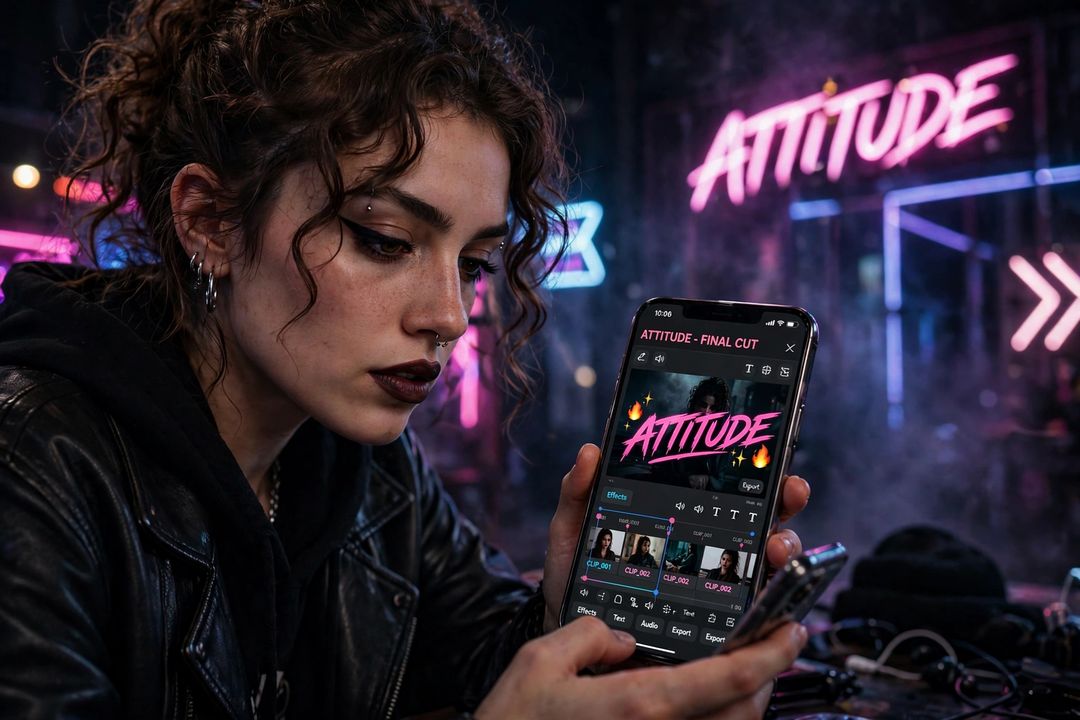
How to Use an Attitude CapCut Template (5 Steps)
- Tap any Use This Template link below — it opens the template in CapCut (install the free CapCut app first if you do not have it).
- Tap Use template in the app.
- Add the photos the template asks for — most attitude templates need just 1 photo.
- Preview the video. Change the music or the photo if you want, then tap Export.
- Post it on Instagram Reels, YouTube Shorts or WhatsApp Status.
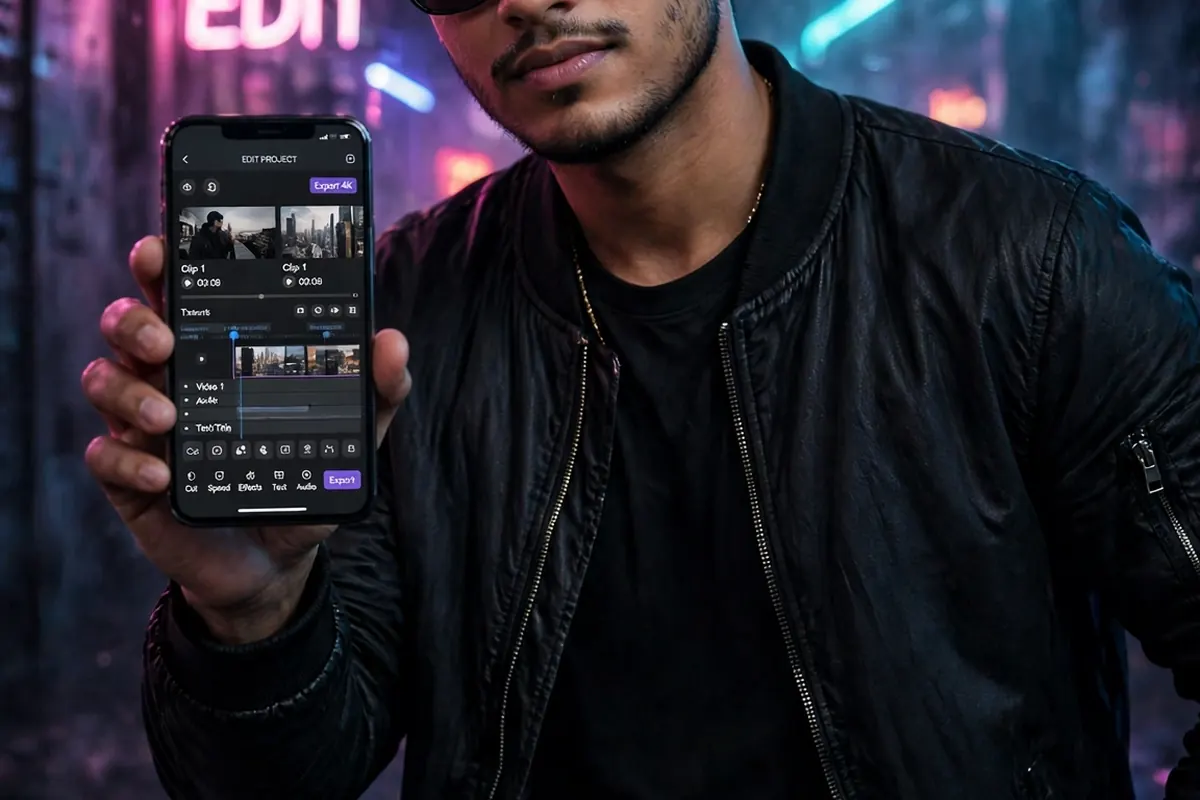
Tip: attitude templates work best with a single bold photo — sunglasses, black outfit, a confident pose, a clean background. A busy group photo dilutes the attitude effect.
Attitude CapCut Templates with Links
1. Attitude – 1 Photo, 13 Seconds, 462K Uses
The most-used attitude template on this list — one photo, 13 seconds, instant attitude. Perfect for a quick Reel or Status.
Photos needed: 1 | Length: 13 seconds | Uses: 462K
2. Attitude Template – 1 Photo, 16 Seconds, 253K Uses
Another fast 1-photo attitude look — under 20 seconds, made for Reels that loop well.
Photos needed: 1 | Length: 16 seconds | Uses: 253K
3. Attitude Slowmotion – 1 Photo, 17 Seconds, 282K Uses
The slow-motion attitude classic — one photo stretched into a dramatic slow-mo entry. Best with a walking or sunglasses pose.
Photos needed: 1 | Length: 17 seconds | Uses: 282K
4. Attitude Template – 2 Photos, 20 Seconds, 894K Uses
The highest-use template here — a 2-photo attitude sequence that builds from a close-up to a full attitude shot.
Photos needed: 2 | Length: 20 seconds | Uses: 894K
5. Attitude Template – 1 Photo, 17 Seconds, 143K Uses
A clean 1-photo attitude template with a trending feel — one great photo is all it needs.
Photos needed: 1 | Length: 17 seconds | Uses: 143K
6. Attitude Vedio – 2 Photos, 17 Seconds, 31K Uses
A 2-photo attitude template with a punchy beat — good for a boys’ attitude Reel with two different poses.
Photos needed: 2 | Length: 17 seconds | Uses: 31K
7. My Attitude – 3 Photos, 20 Seconds, 13K Uses
A 3-photo attitude story — three looks in one video, best when you have a small set of attitude photos from the same shoot.
Photos needed: 3 | Length: 20 seconds | Uses: 13K
8. Attitude – 5 Photos, 17 Seconds, 3.5K Uses
A 5-photo attitude montage — when one photo is not enough and you want a full attitude slideshow in 17 seconds.
Photos needed: 5 | Length: 17 seconds | Uses: 3.5K
9. Attitude – 2 Photos, 13 Seconds (New)
A newer attitude template — short, 2 photos, and still picking up uses. Try it if the big templates feel overused.
Photos needed: 2 | Length: 13 seconds | Uses: new/low
10. Attitude – 1 Photo, 20 Seconds (New)
Another fresh 1-photo attitude template — a longer 20-second cut for a slower, more dramatic attitude entry.
Photos needed: 1 | Length: 20 seconds | Uses: new/low
Which Attitude Template Should You Pick?
- Only 1 photo? Templates 1, 2, 3, 5 or 10 — pick slow-motion (3) for drama, 13 seconds (1) for a Status.
- Two poses? Templates 4, 6 or 9 — the 2-photo builds look best with a close-up first, then a full shot.
- A full attitude set? Template 7 (3 photos) or 8 (5 photos).
- Want something less used? Templates 9 and 10 are newer, so your video is less likely to look like everyone else’s.
Tips for a Better Attitude Video
- Use one bold photo: sunglasses, black outfit, confident pose — attitude templates reward a strong single subject.
- Match the photo to the beat: put the sharpest pose on the beat drop for the classic attitude entry.
- Export in HD: choose the highest export quality CapCut offers before posting, so compression does not dull the effect.
- Want an attitude photo too? Pair the video with an edited photo — see our Photo Editing Prompts for Boys and AI DP Prompts.
FAQs
Are these attitude CapCut templates free?
Yes — all the templates above are free to use in the CapCut app. Some templates offer optional Pro effects, but the base template works without paying.
Do I need the CapCut app to use these links?
Yes. The links open CapCut’s template pages; tapping “Use template” opens the CapCut app (or asks you to install it) with the template loaded.
Can I change the music in an attitude template?
Yes — after adding your photos, you can replace the template’s music with any song from CapCut’s library before exporting.
Why does a template link sometimes not work?
CapCut creators can delete or update templates, and availability varies by region. If a link fails, search the template name inside the CapCut app — a similar version is usually live.
Keep exploring: Birthday CapCut Templates • 40 ChatGPT Photo Editing Prompts • AI DP Prompts
Which attitude template did you use? Tell us in the comments — the most-used ones get a follow-up post with fresh templates.