Meta AI Photo Editing Prompts – 25 WhatsApp Meta AI Photo Editing Prompts (Copy Paste)
Meta AI is now inside WhatsApp, Instagram and Facebook — and it can edit your photos just by typing a prompt. These meta ai photo editing prompts work with Meta AI: upload your photo, paste a prompt, and get a new background, a new outfit or a polished 4K studio look in seconds. Below are 25 copy-paste prompts, each with an example result photo and a one-click copy button.
Note: Meta AI photo editing is rolling out gradually — if the edit option does not appear in your WhatsApp yet, update the app and check again in a few days. The prompts below are written for Meta AI’s chat editing, where you send your photo and then type the edit you want.
How to Use Meta AI Photo Editing Prompts in WhatsApp (4 Steps)
- Open WhatsApp and start a chat with Meta AI (tap the Meta AI icon or search “Meta AI” in chats).
- Send your photo in the chat, then paste any prompt below as your next message.
- Wait a few seconds for Meta AI to generate the edited photo, then download it.
- Not quite right? Change one detail (background, outfit or light) and ask again — small changes give the cleanest results.
Background Change Prompts
1. Sunset Beach Background
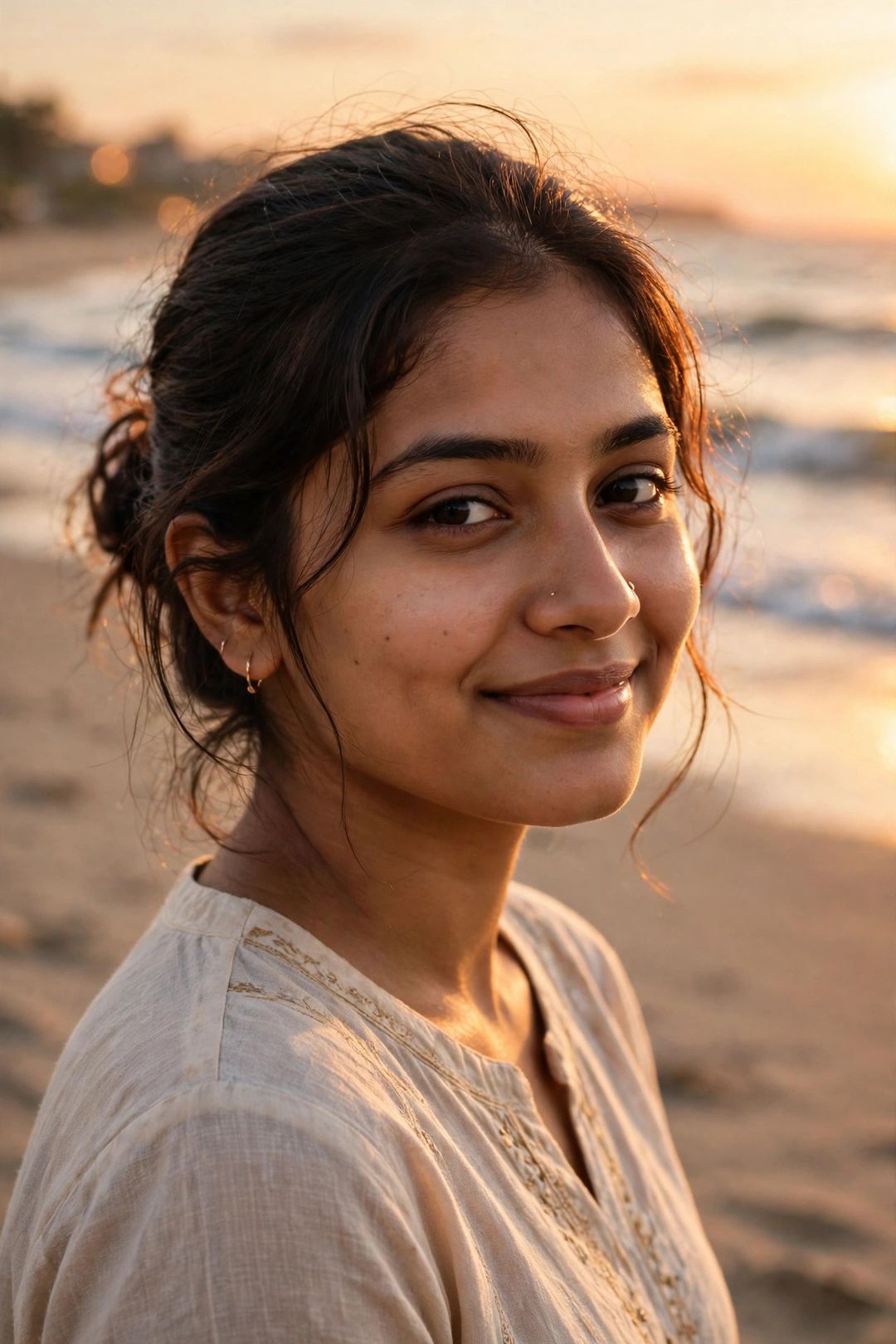
Edit my photo: keep my face exactly the same. Change the background to a beautiful beach at golden sunset, with waves, warm orange sky and soft sunlight on my face, photorealistic, high quality.
Best for: a warm holiday-style portrait from any ordinary photo.
2. Mountain Adventure Background
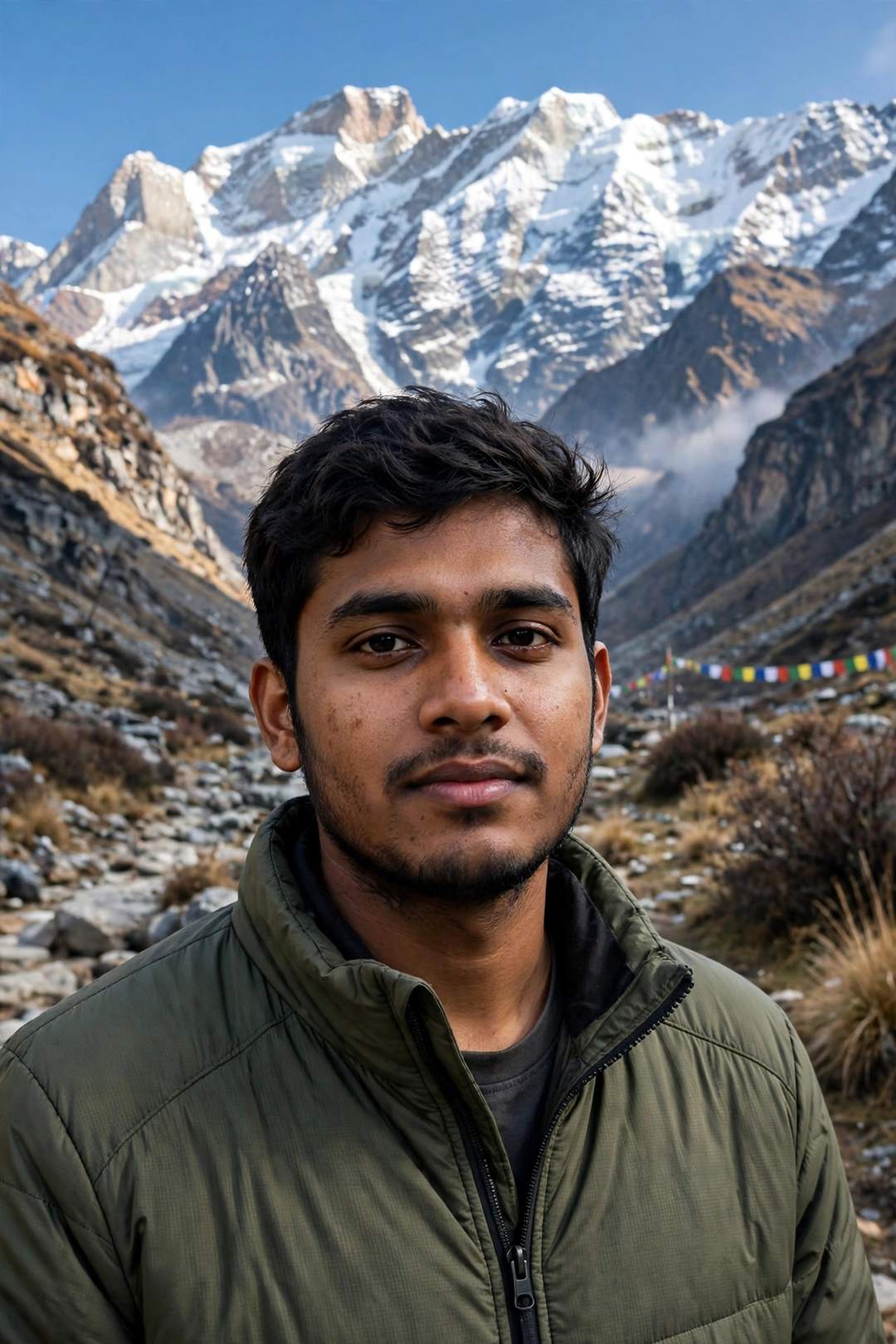
Edit my photo: keep my face exactly the same. Place me in a Himalayan mountain valley with snow peaks behind me, clear blue sky, fresh daylight, adventure travel photo, photorealistic.
Best for: a travel look without actually travelling.
3. Paris Street Background
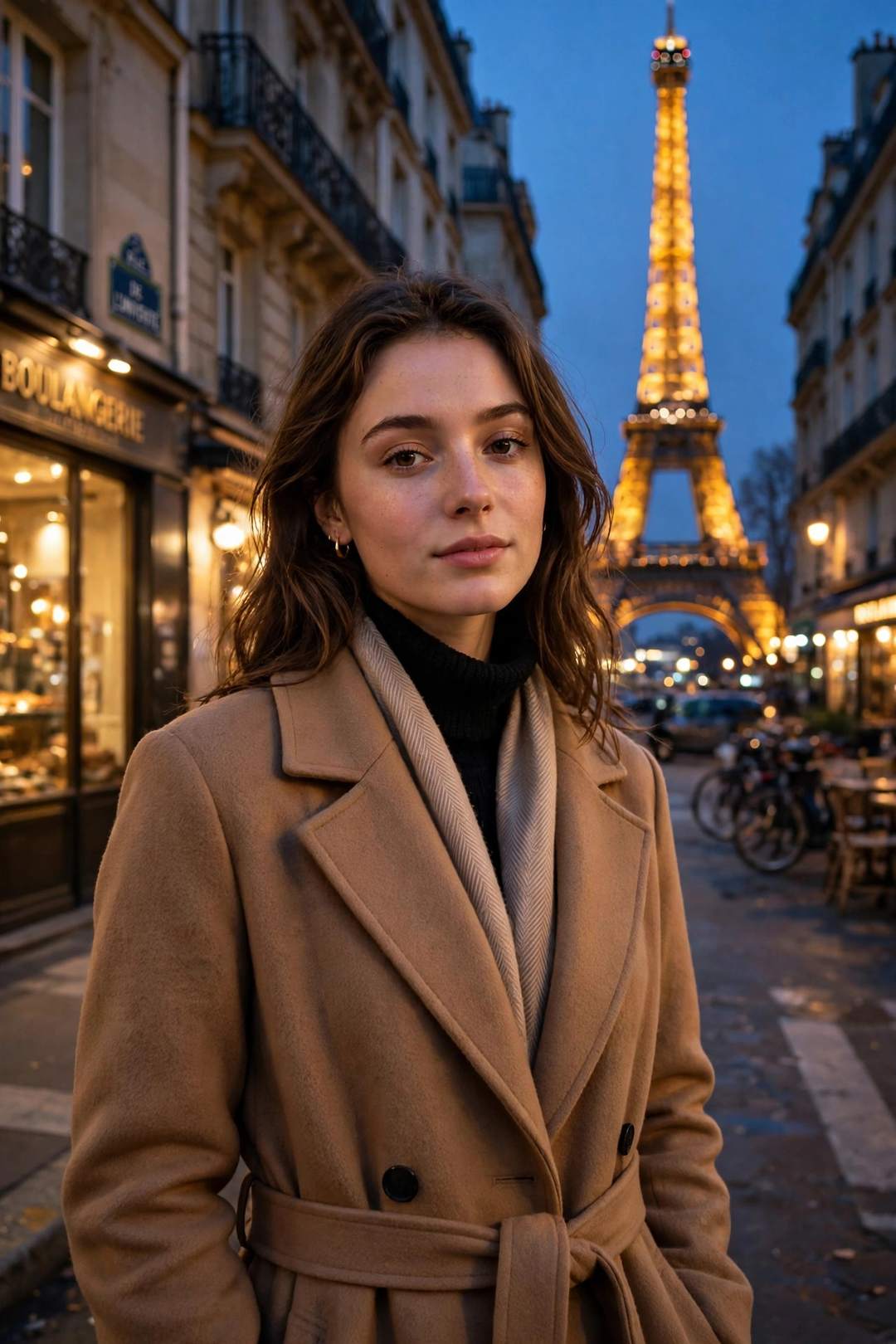
Edit my photo: keep my face exactly the same. Change the background to a charming Paris street in the evening with the Eiffel Tower behind me and warm street lights, romantic, photorealistic.
Best for: a dreamy Europe-trip photo.
4. Royal Palace Background
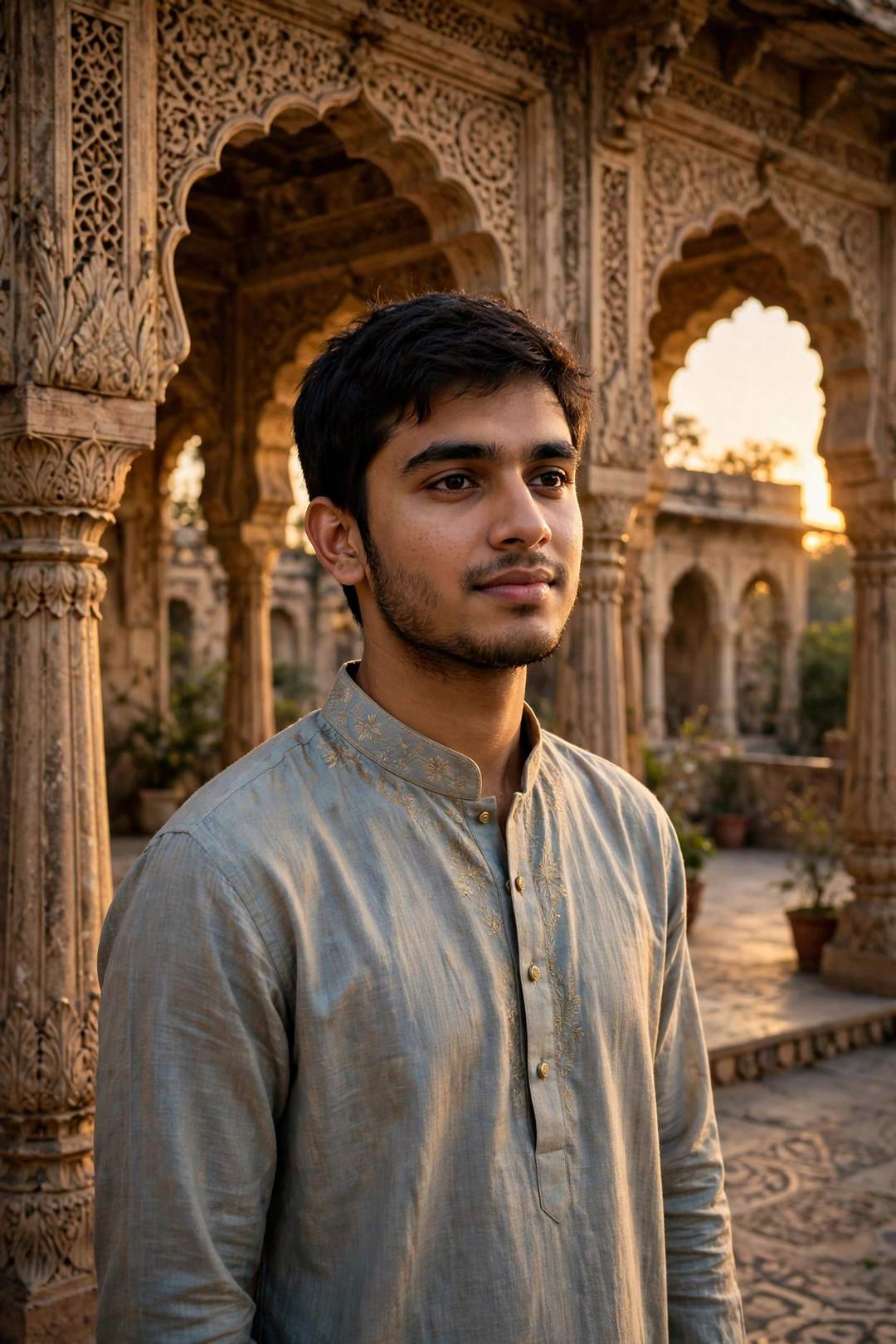
Edit my photo: keep my face exactly the same. Place me in a royal Indian palace courtyard with carved arches and warm golden light, regal portrait, photorealistic, high detail.
Best for: a royal, premium-looking portrait.
5. Rainy City Night Background
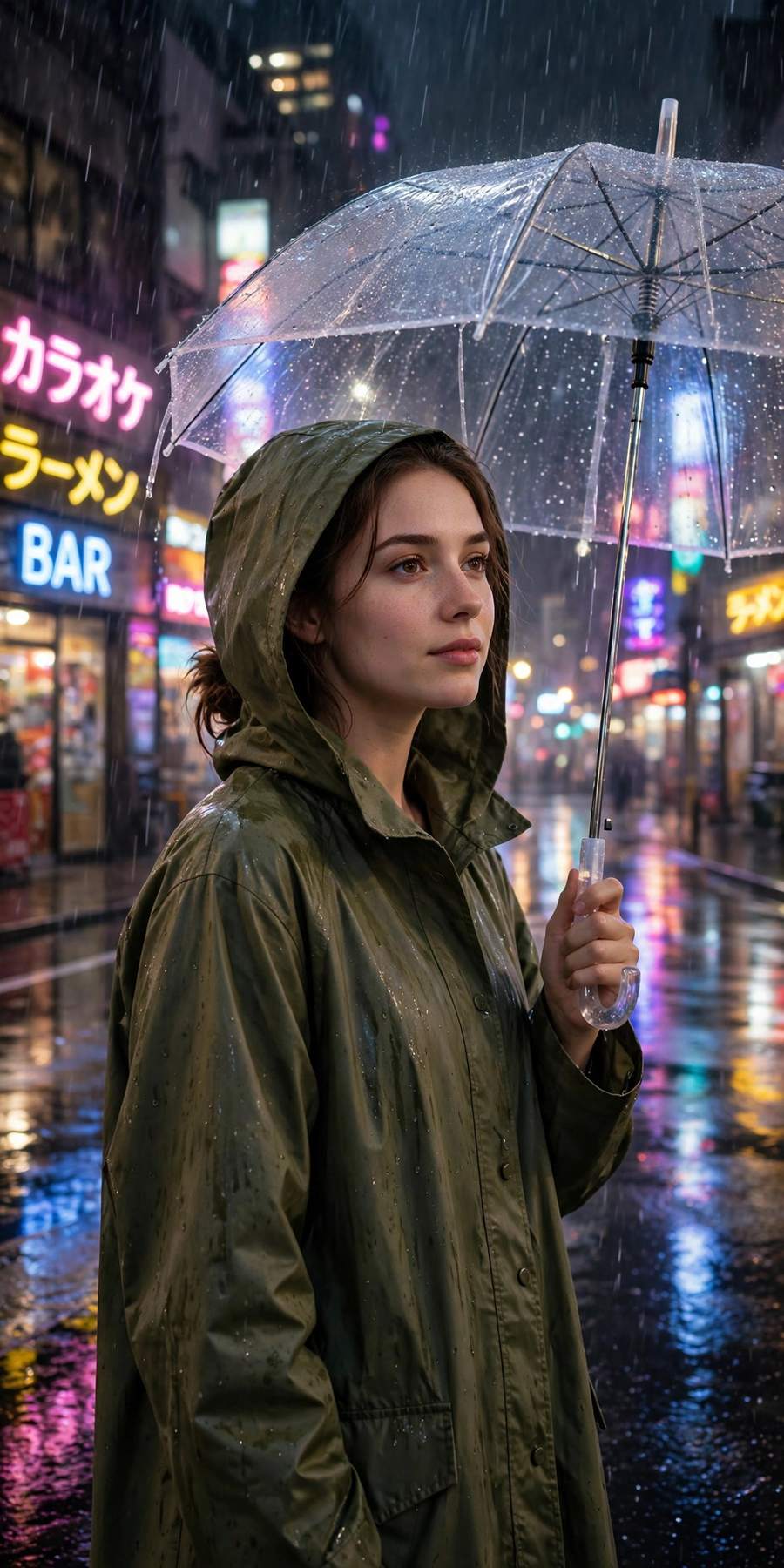
Edit my photo: keep my face exactly the same. Change the background to a rainy neon city street at night, with glowing signs and wet-road reflections, cinematic, photorealistic.
Best for: a moody, cinematic DP.
6. Dreamy Flower Garden Background
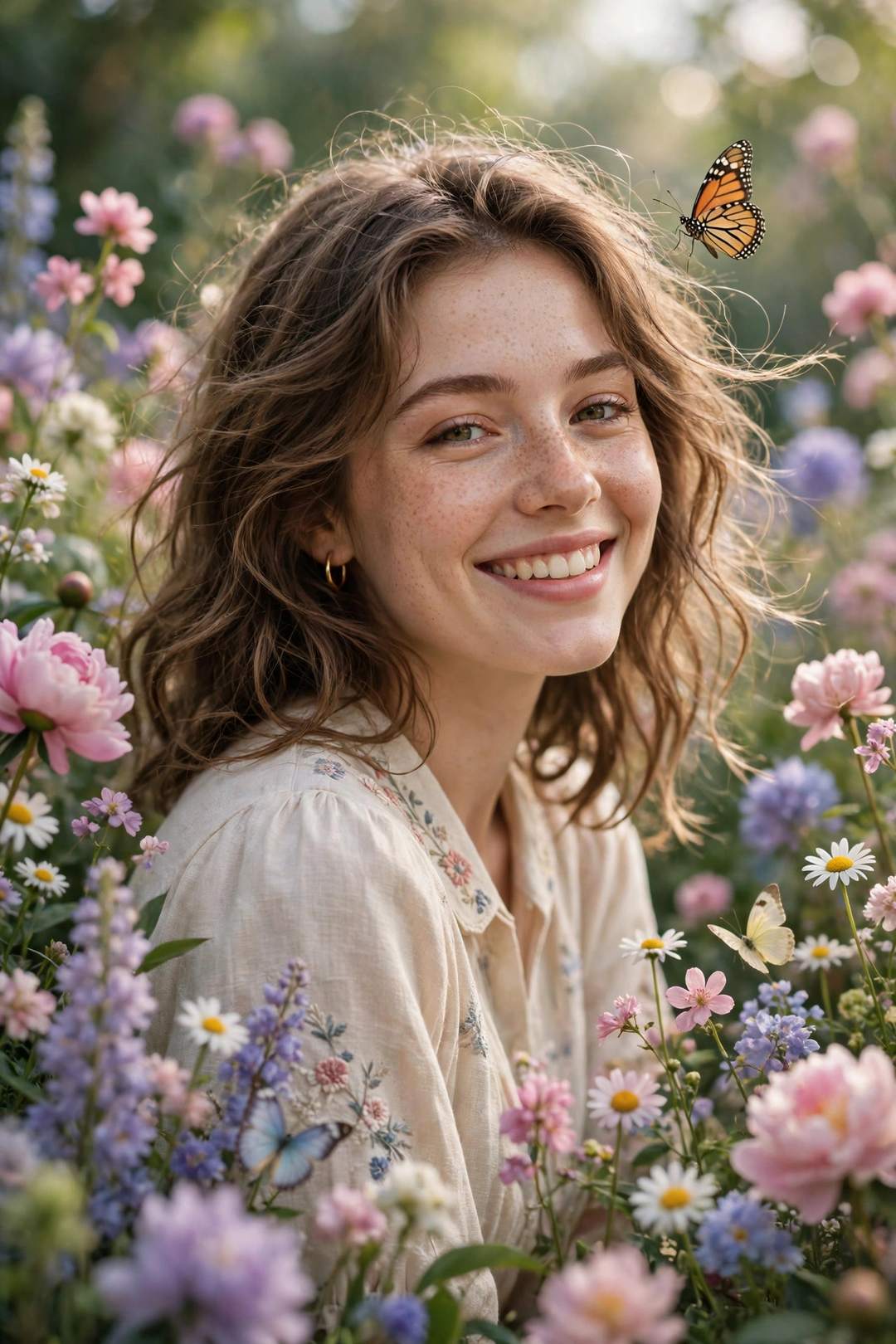
Edit my photo: keep my face exactly the same. Place me in a blooming flower garden with colourful flowers and butterflies around, soft daylight, dreamy and fresh, photorealistic.
Best for: a soft, aesthetic spring portrait.
Dress & Outfit Change Prompts
7. Traditional Saree Look
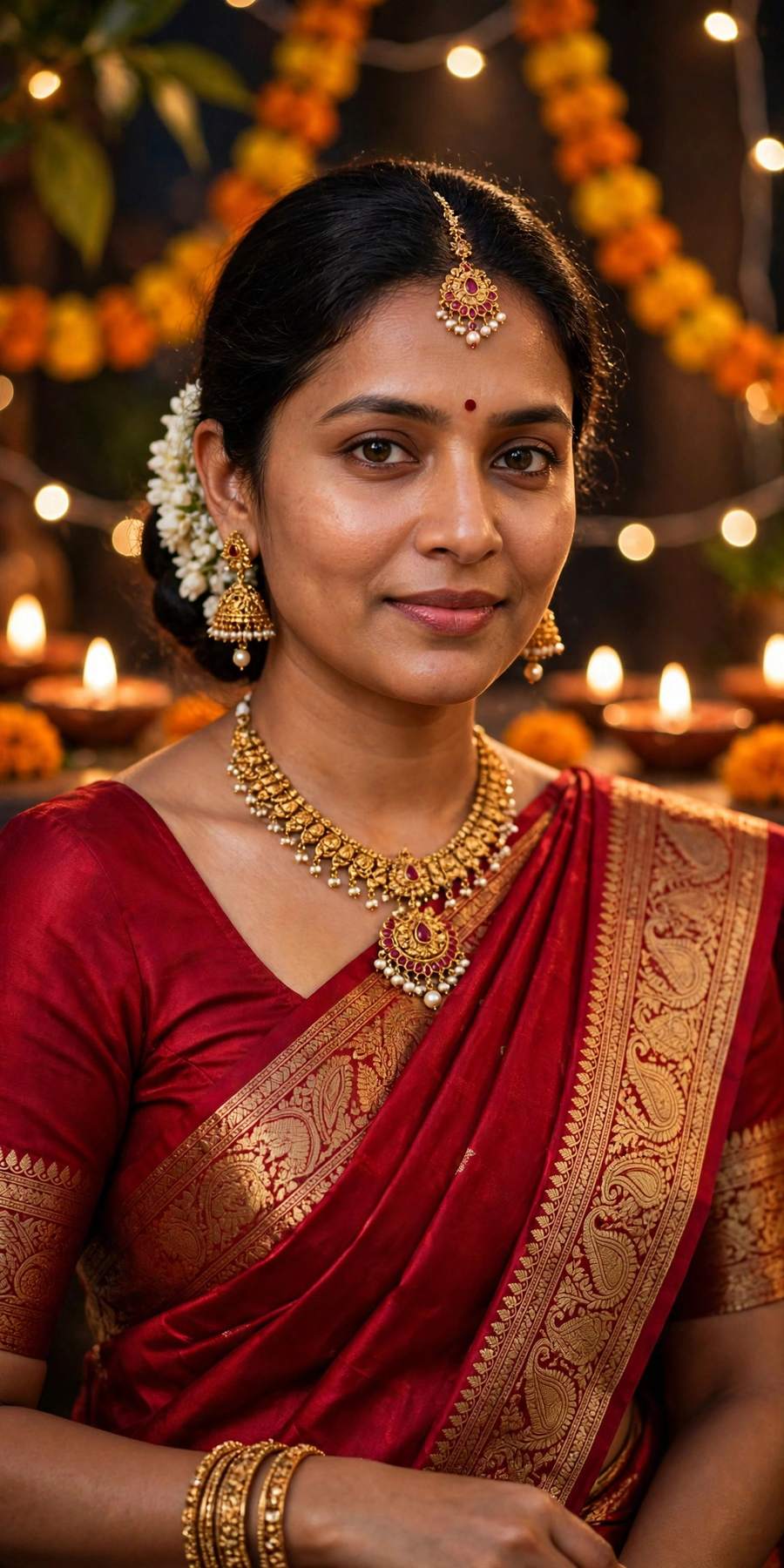
Edit my photo: keep my face exactly the same. Dress me in an elegant red silk saree with traditional jewellery, festive background, graceful portrait, photorealistic, high detail.
Best for: a festive, traditional transformation.
8. Royal Sherwani Look
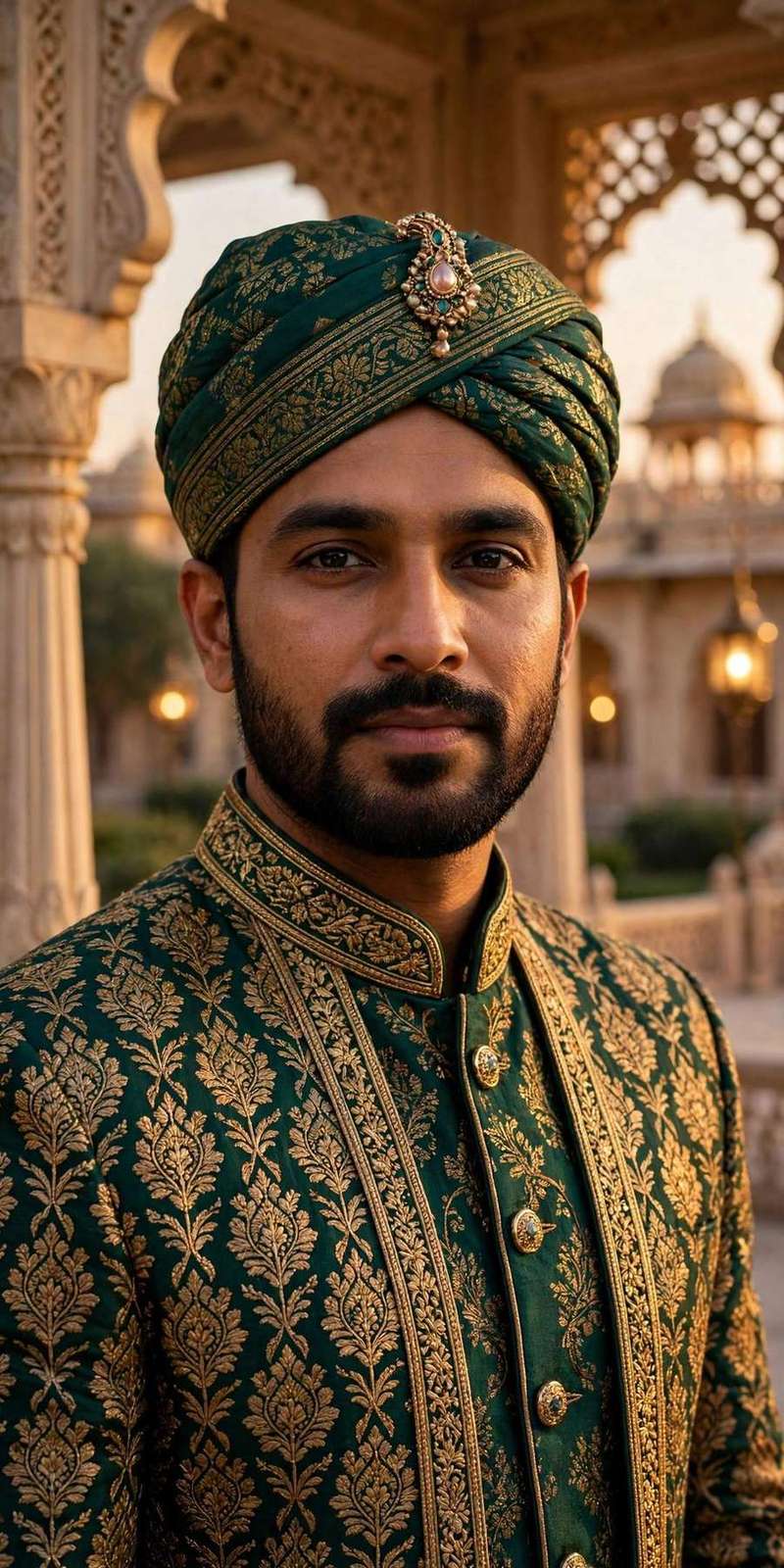
Edit my photo: keep my face exactly the same. Dress me in a royal sherwani with a turban, standing in a palace backdrop, warm golden light, regal portrait, photorealistic.
Best for: a wedding-style royal look for men.
9. Casual Denim Street Style
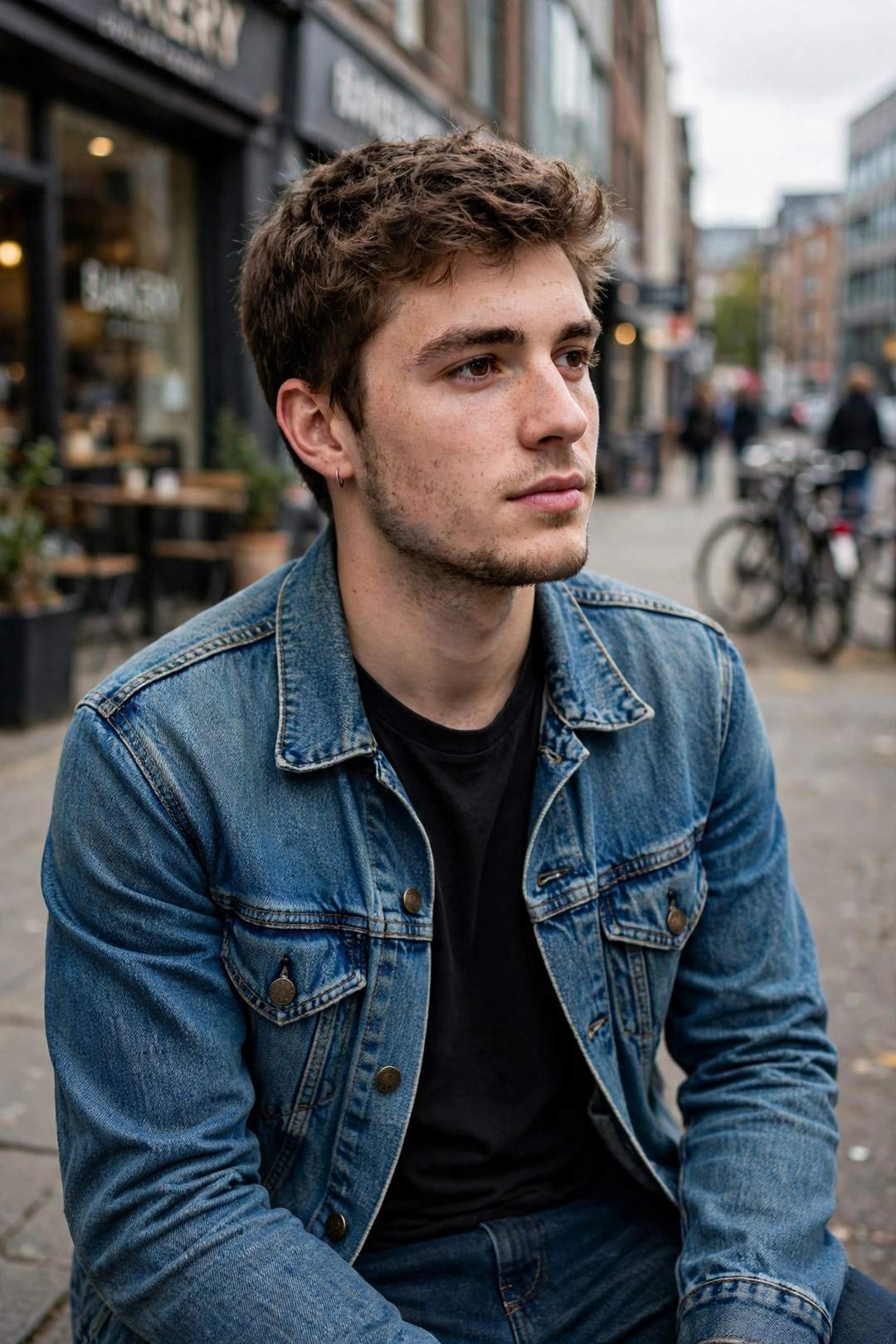
Edit my photo: keep my face exactly the same. Dress me in a denim jacket and jeans, casual street style, urban street background, candid photo, photorealistic.
Best for: an easy everyday Instagram look.
10. Formal Office Look
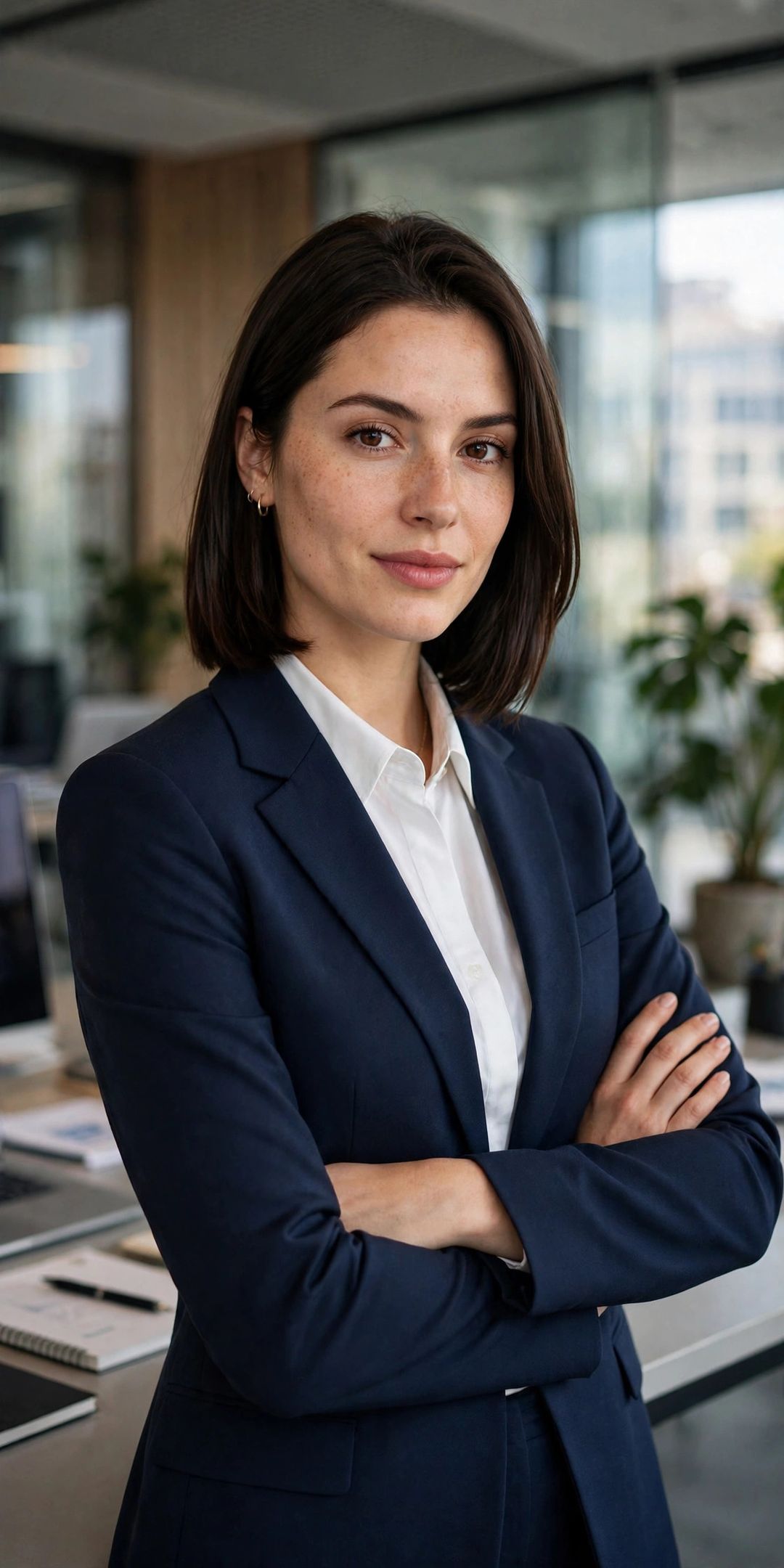
Edit my photo: keep my face exactly the same. Dress me in a sharp formal suit with a blazer, modern office background, confident professional portrait, photorealistic.
Best for: a LinkedIn-ready professional photo.
11. Winter Woolen Look
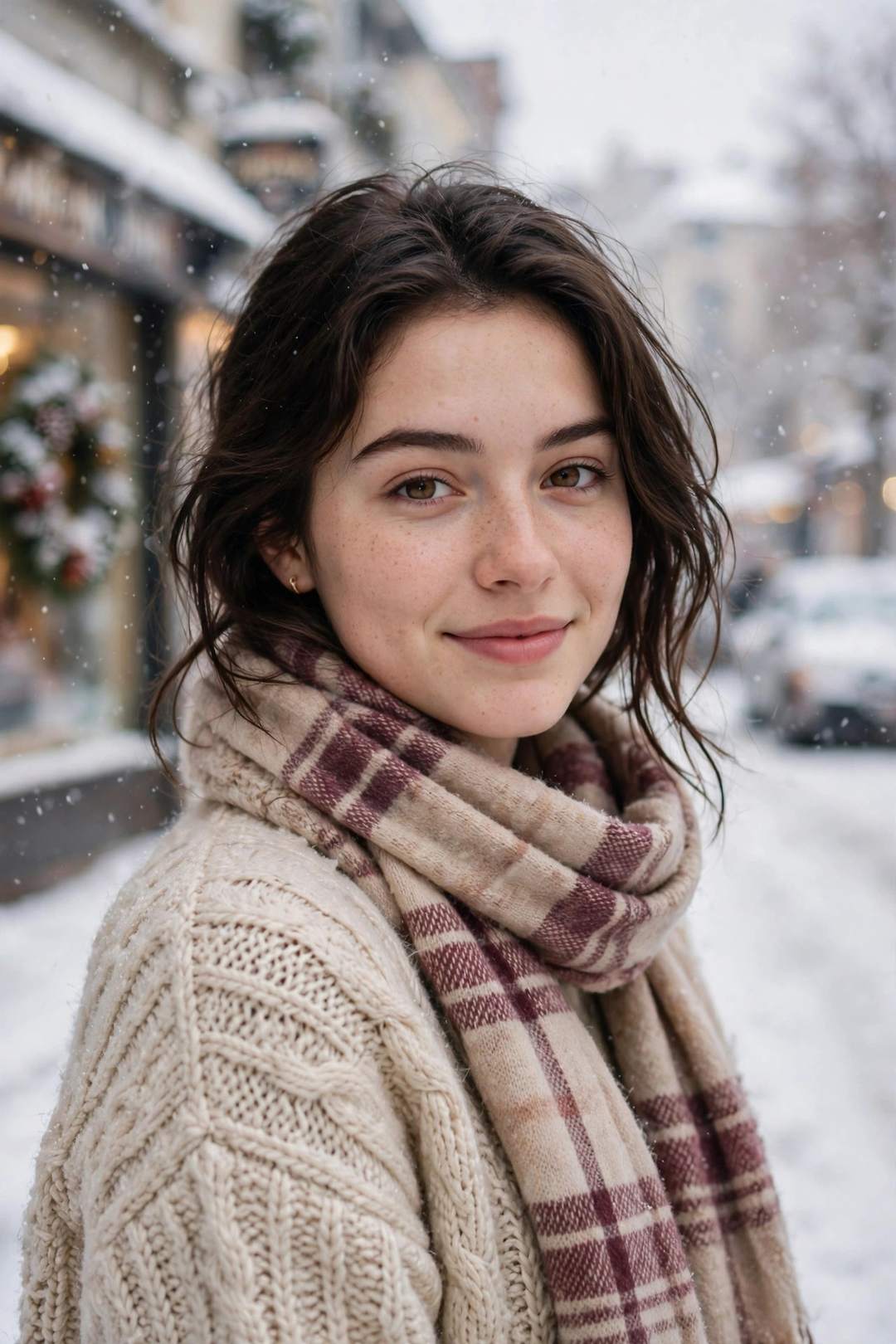
Edit my photo: keep my face exactly the same. Dress me in a cozy winter sweater and scarf, snowy street background, warm and soft light, photorealistic.
Best for: a cozy winter DP.
12. Festive Lehenga Look
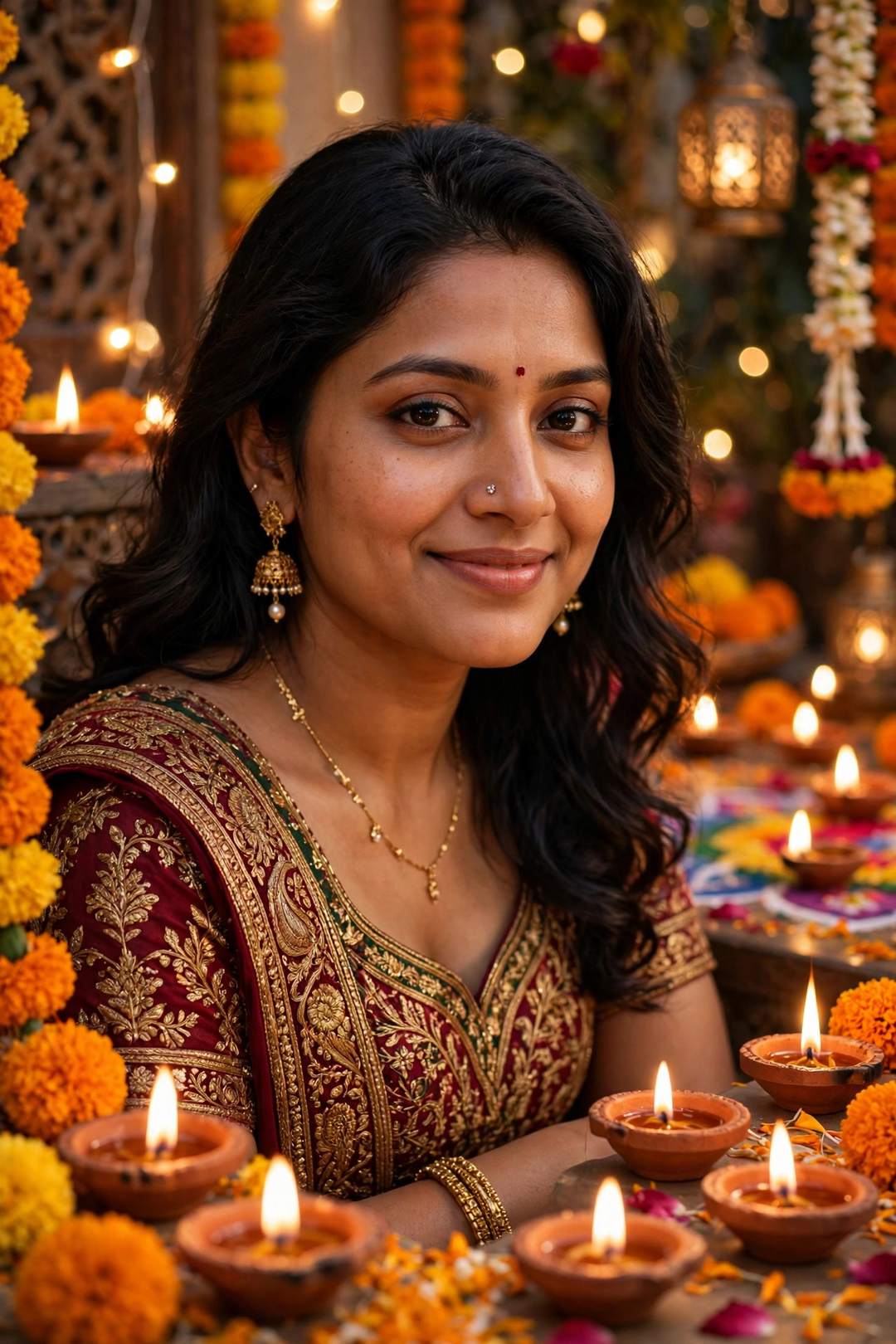
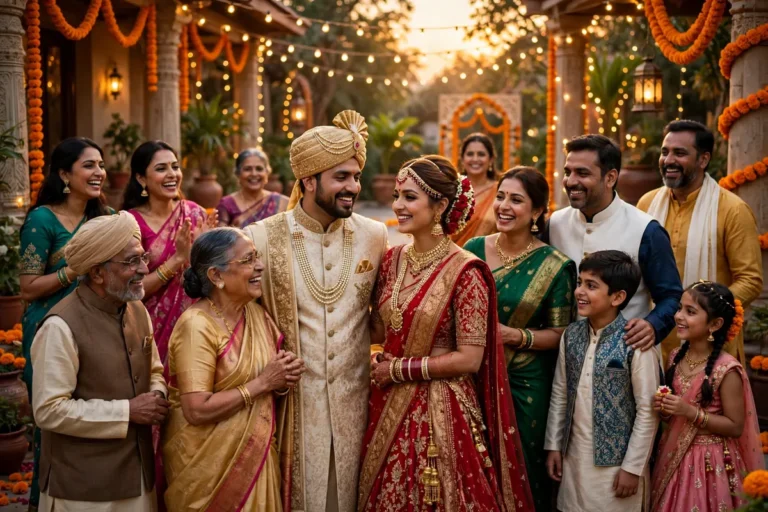
Edit my photo: keep my face exactly the same. Dress me in a festive lehenga with diya lights and celebration decoration behind me, joyful festive portrait, photorealistic, high detail.
Best for: a wedding or festival-season photo.
4K & Studio Quality Looks
13. 4K Ultra HD Portrait
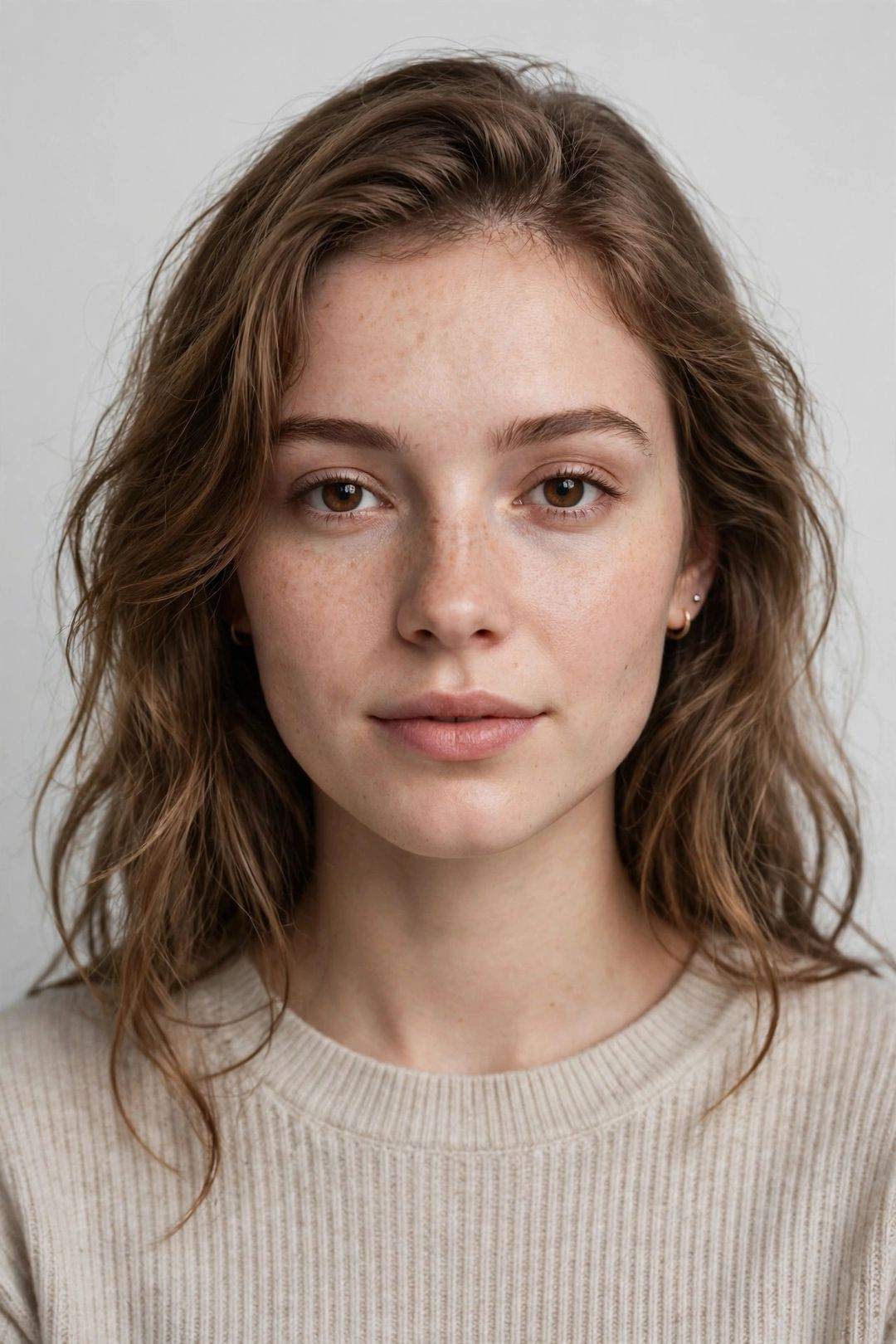
Edit my photo: keep my face exactly the same. Turn it into an ultra-sharp 4K studio portrait with soft light, clean background and natural skin detail, high quality, photorealistic.
Best for: sharpening an ordinary photo into a clean portrait.
14. Cinematic Movie Poster Look
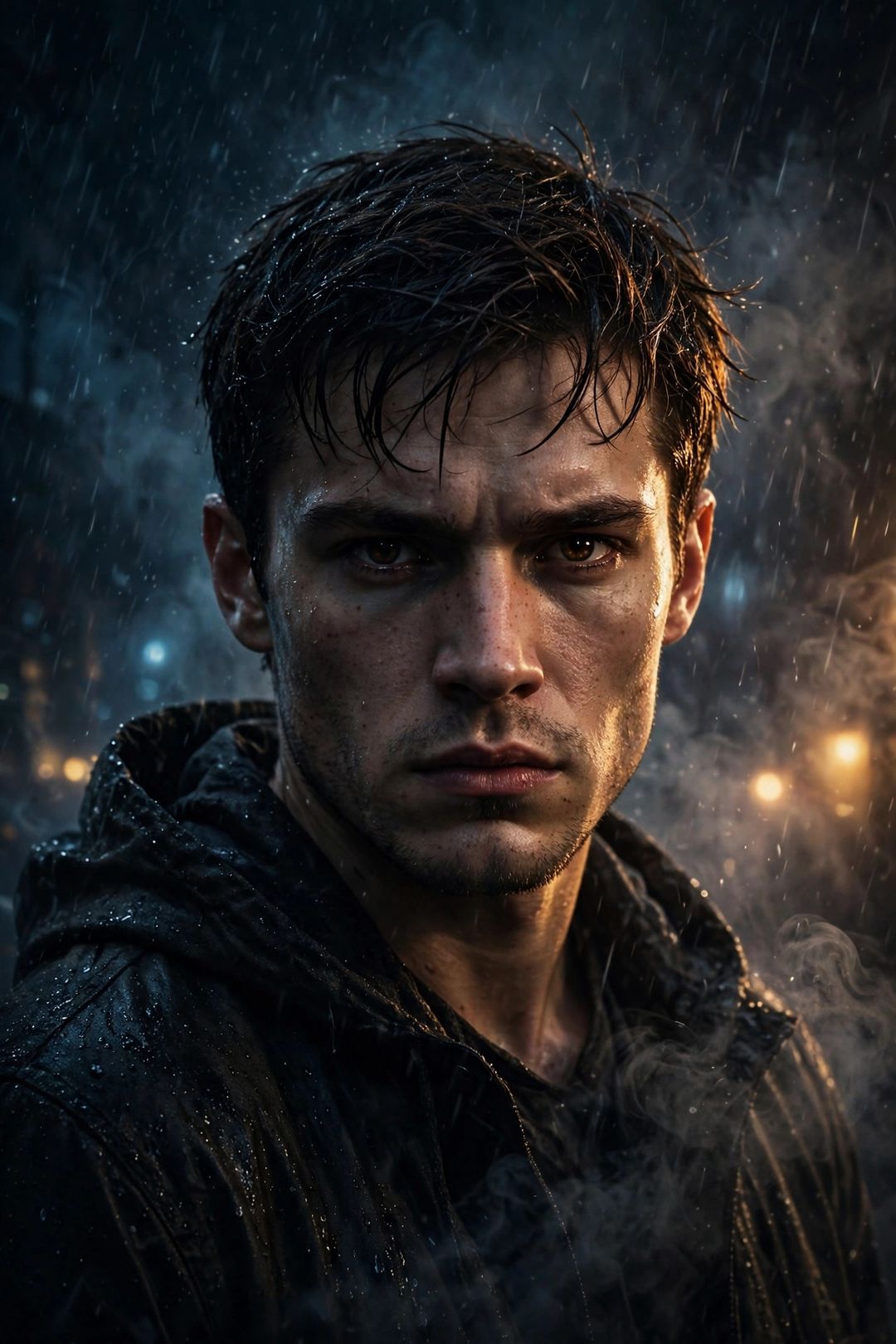
Edit my photo: keep my face exactly the same. Give it a dramatic cinematic movie-poster style, moody lighting, strong contrast, film look, photorealistic.
Best for: a bold, poster-style profile photo.
15. Golden Hour Glow Portrait
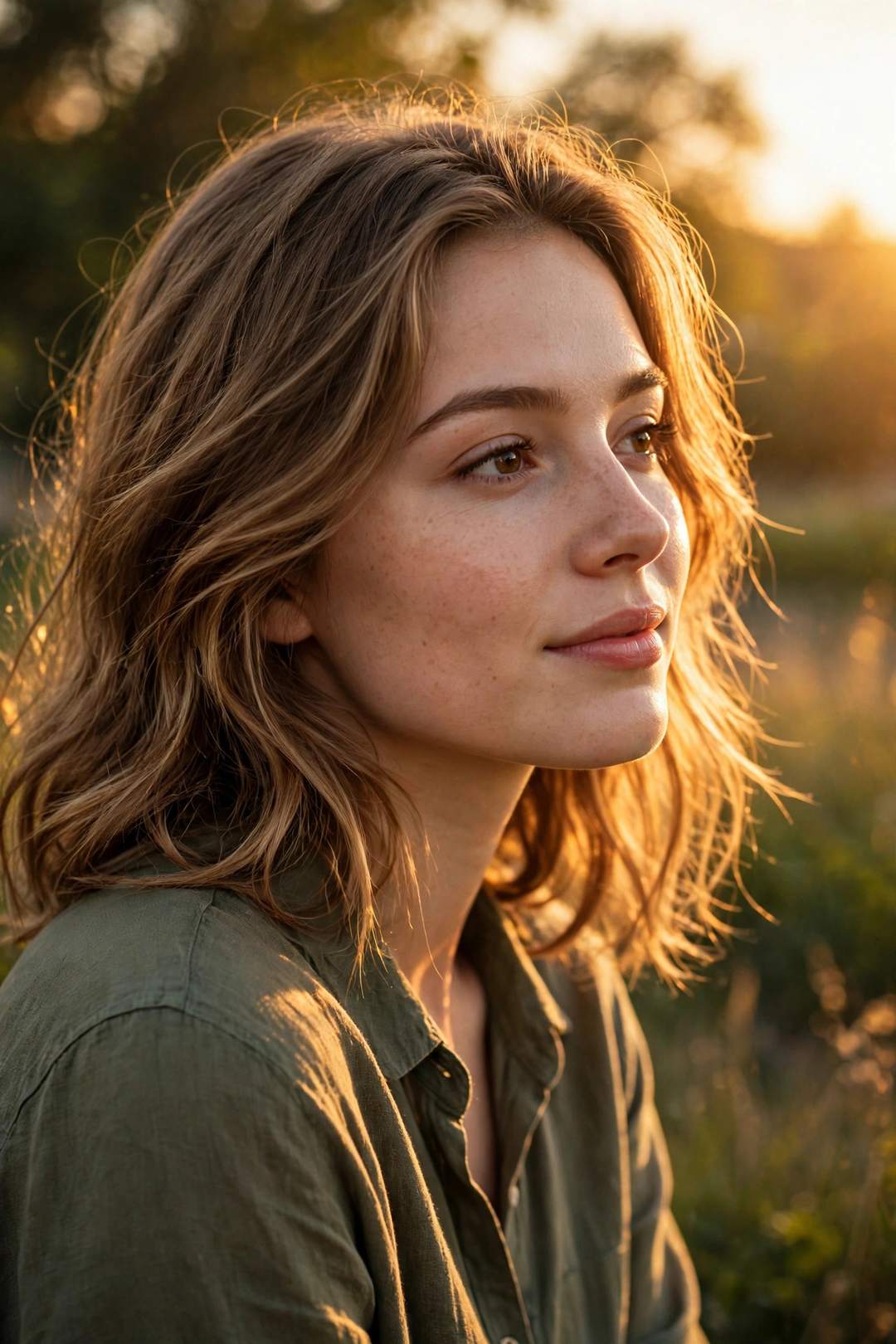
Edit my photo: keep my face exactly the same. Add golden hour sunlight, warm skin tones and a soft glowing background, sunset portrait, photorealistic.
Best for: the most-liked warm glow look on Instagram.
16. Black & White Classic Portrait
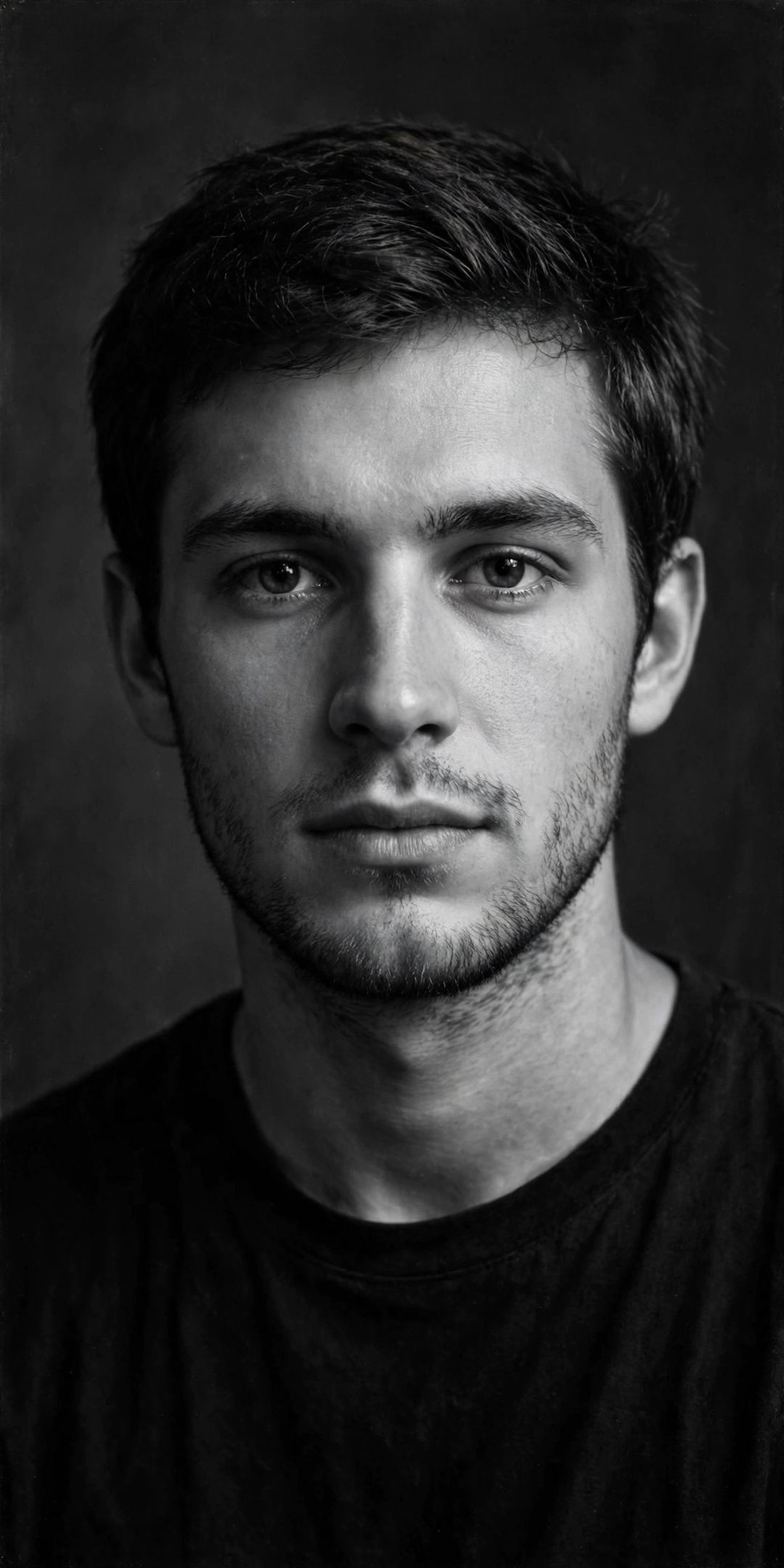
Edit my photo: keep my face exactly the same. Convert it to a timeless black and white studio portrait with soft shadows and classic film contrast, photorealistic.
Best for: a timeless, classy DP.
17. Vintage Film Photo Look
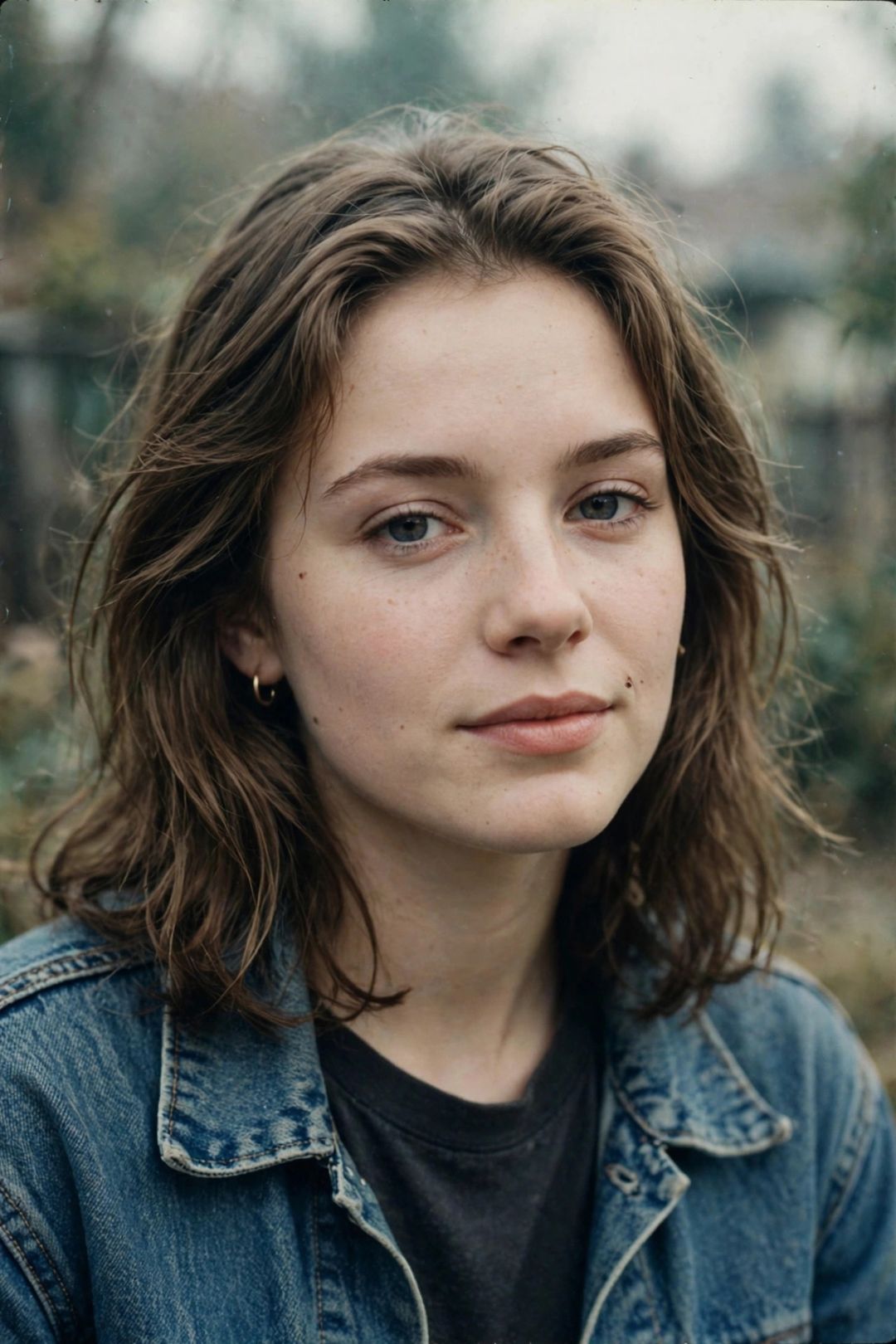
Edit my photo: keep my face exactly the same. Give it a retro film-photo look with soft grain, warm faded colours and a 90s style, nostalgic, photorealistic.
Best for: a retro throwback photo.
18. Neon Pop Art Portrait
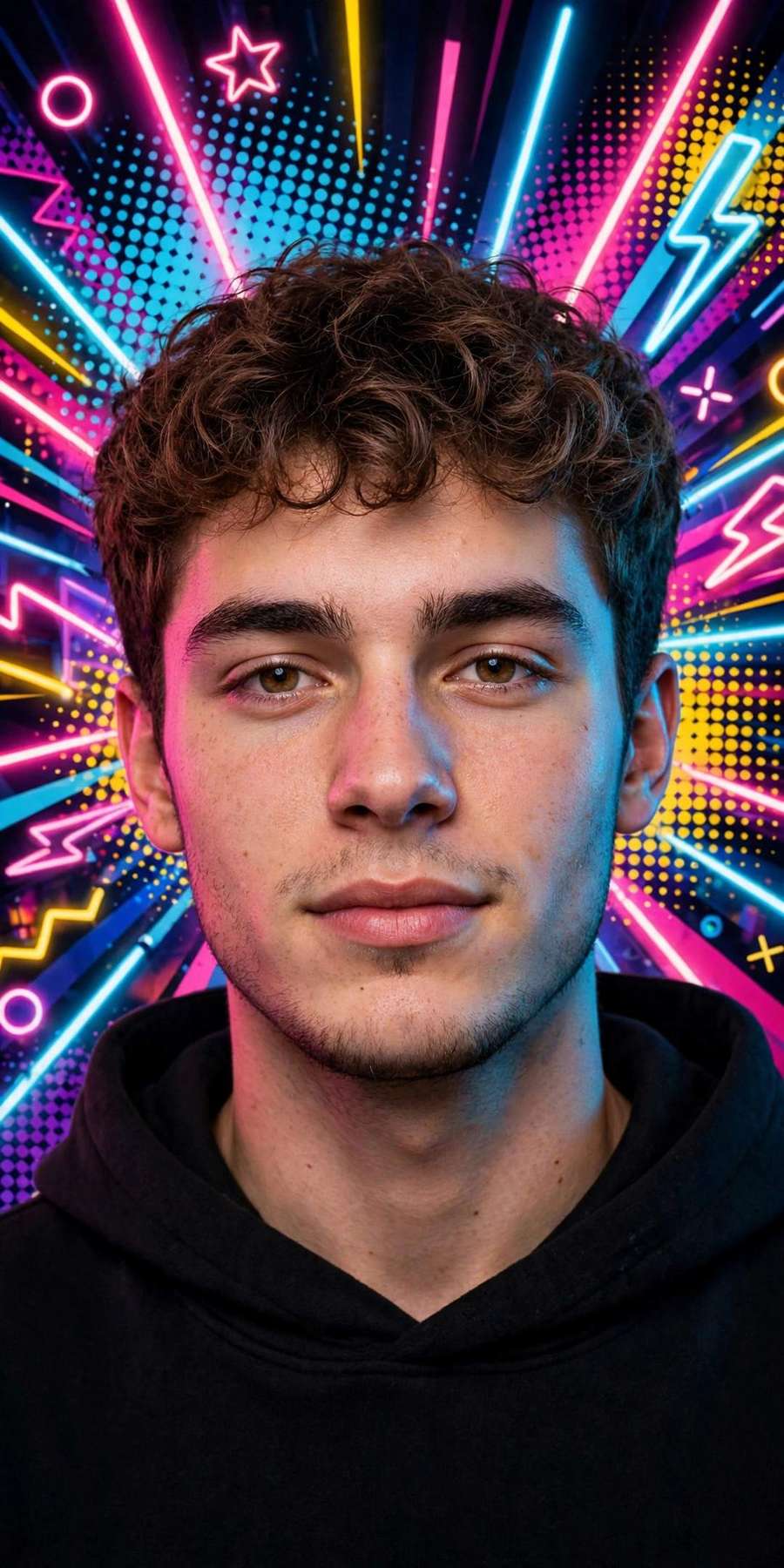
Edit my photo: keep my face exactly the same. Turn it into a vibrant pop-art portrait with neon colours and a colourful background, bold and fun, high quality.
Best for: a fun, colourful DP that stands out.
WhatsApp Meta AI Specials — DP & Status Looks
19. Stylish WhatsApp DP Look
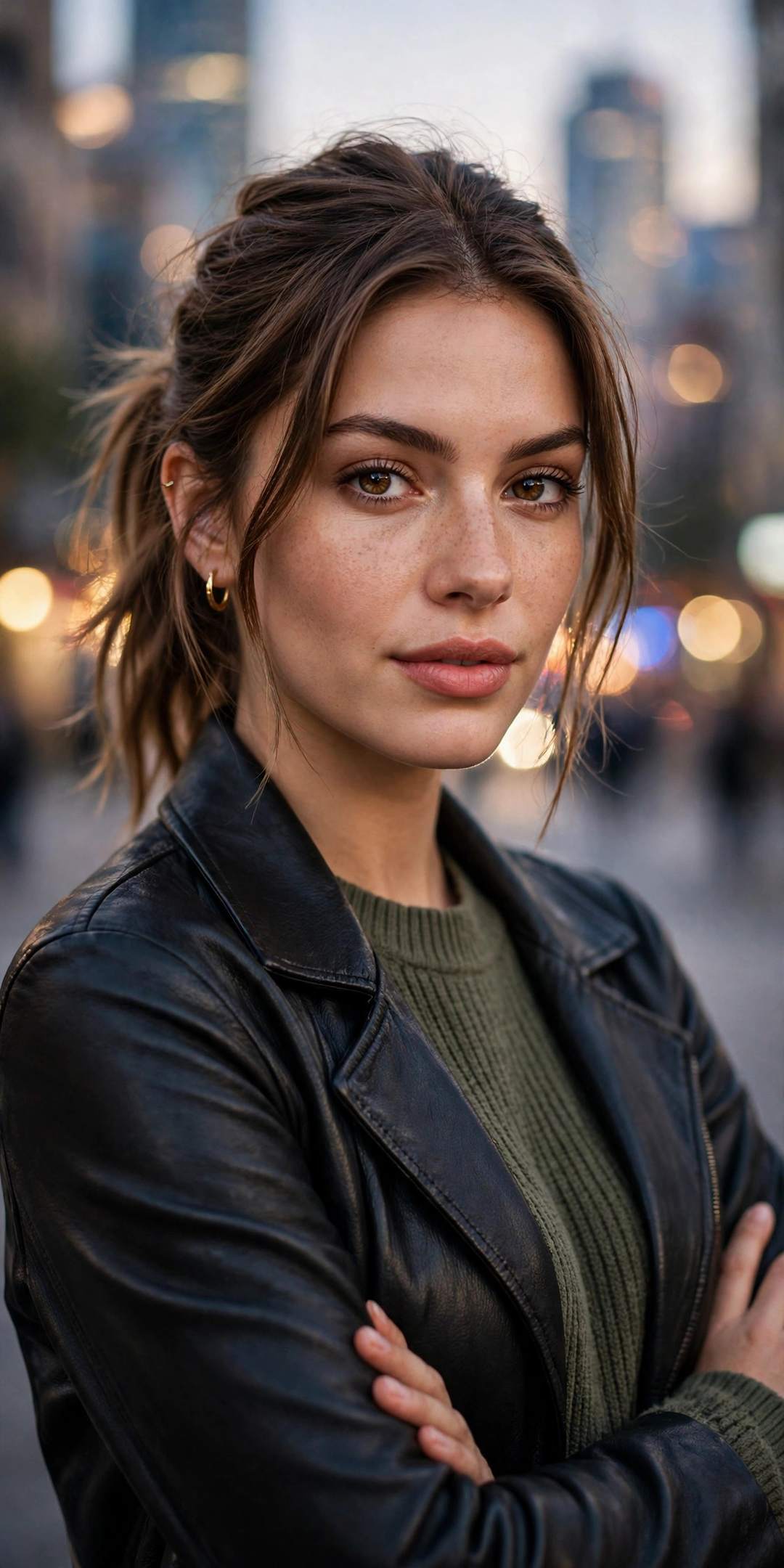
Edit my photo: keep my face exactly the same. Make a stylish DP portrait with a confident pose and a softly blurred city background, sharp focus on my face, photorealistic.
Best for: your everyday WhatsApp DP.
20. Attitude WhatsApp DP Look
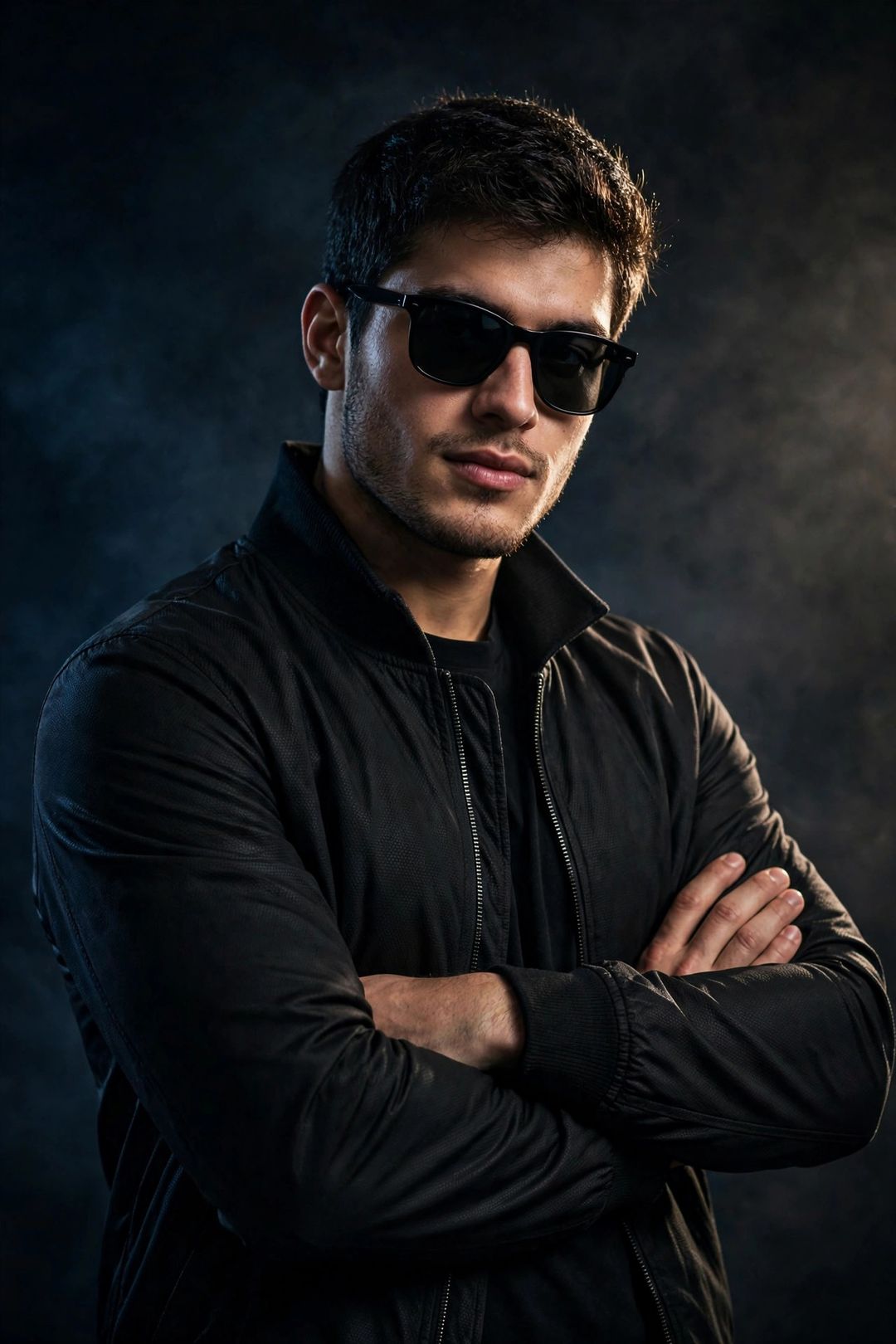
Edit my photo: keep my face exactly the same. Give me an attitude look with sunglasses and a black outfit, dramatic lighting, bold confident pose, photorealistic.
Best for: an attitude DP.
21. Couple DP Look
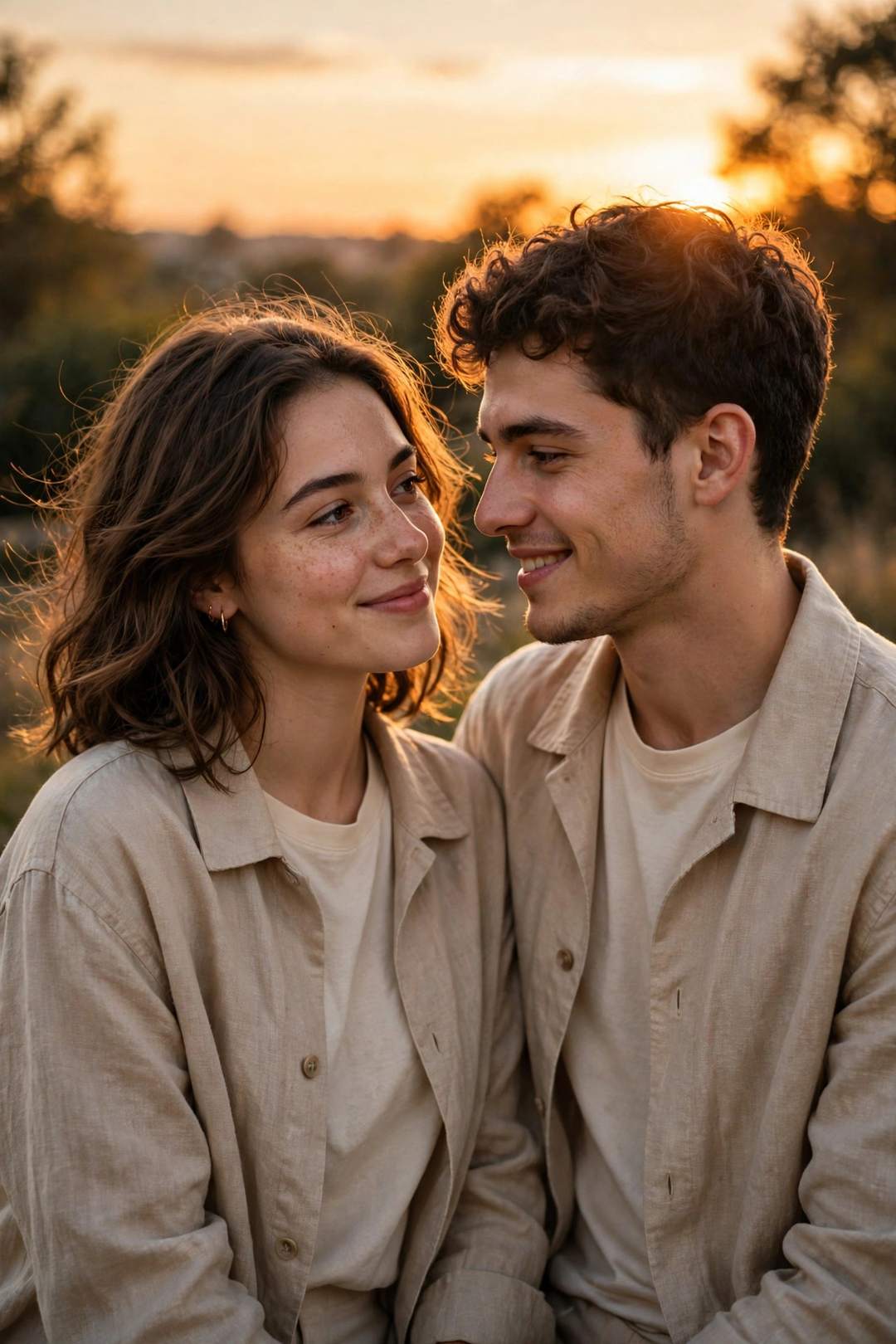
Edit our photo: keep both faces exactly the same. Place us together at a romantic sunset with matching outfits, warm golden light, couple portrait, photorealistic.
Best for: a couple DP for WhatsApp.
22. Birthday Look
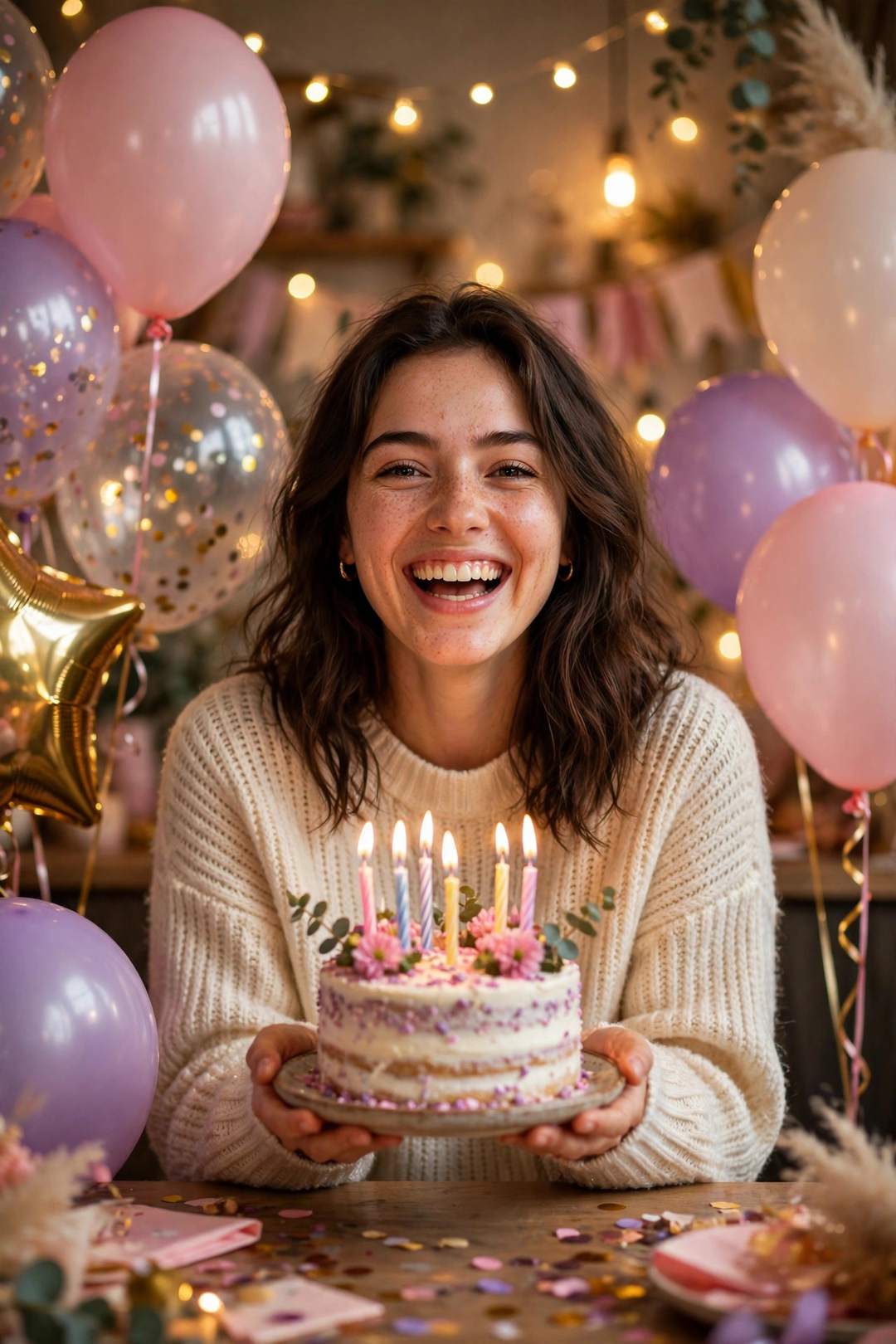
Edit my photo: keep my face exactly the same. Add birthday balloons, a cake and party lights behind me, joyful celebration portrait, photorealistic.
Best for: a birthday DP or status photo.
23. Festival Look
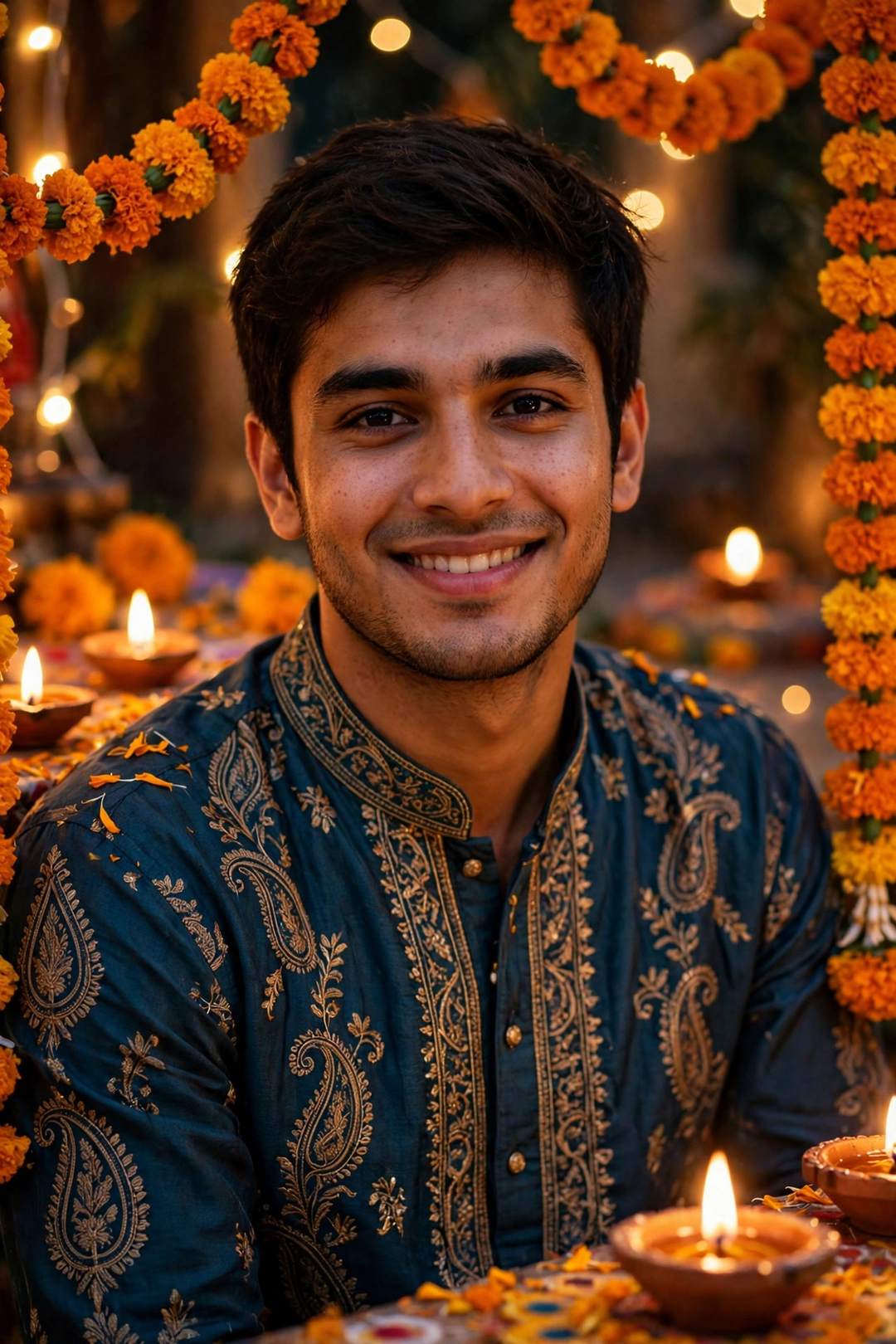
Edit my photo: keep my face exactly the same. Dress me in a festive kurta with diya and marigold decoration behind me, warm Diwali celebration light, photorealistic.
Best for: a festival-season DP.
24. Travel Look
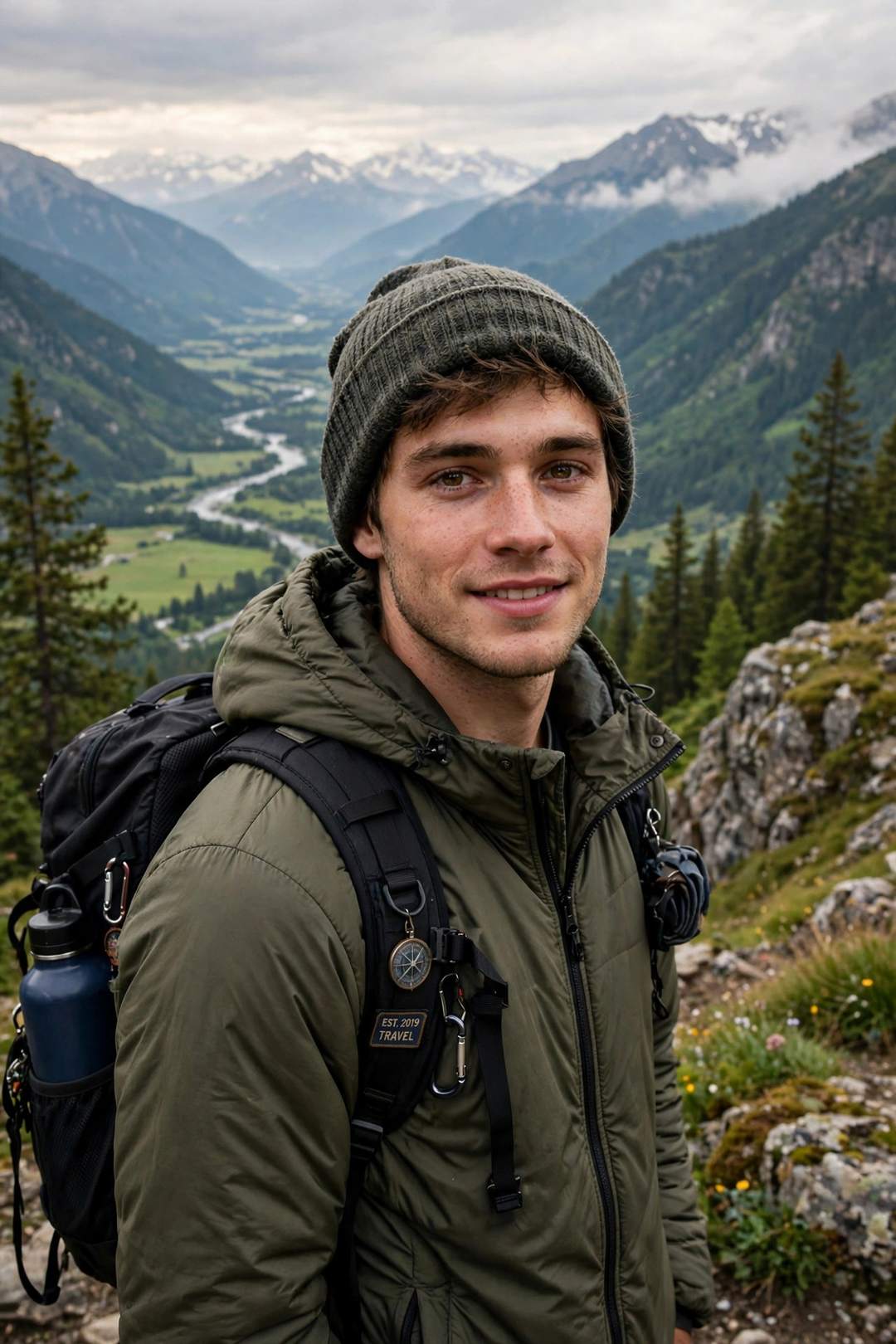
Edit my photo: keep my face exactly the same. Place me at a mountain viewpoint with a backpack, scenic valley behind me, bright daylight travel photo, photorealistic.
Best for: a travel DP from a home photo.
25. Soft Aesthetic Profile Look
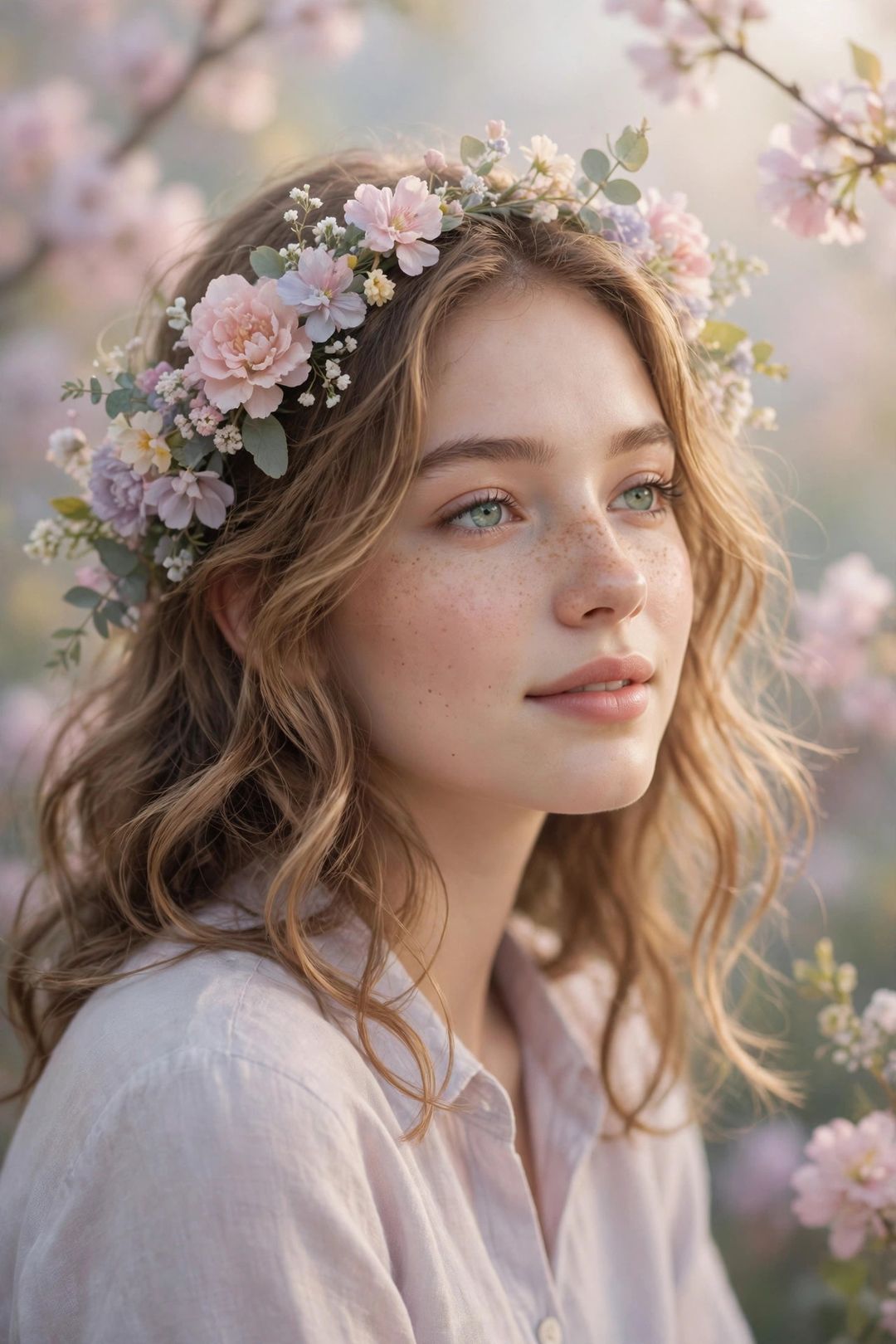
Edit my photo: keep my face exactly the same. Give it a soft aesthetic style with pastel tones, flowers and gentle light, dreamy profile portrait, photorealistic.
Best for: a soft, aesthetic Instagram or WhatsApp profile photo.
Tips for Better Meta AI Results
- Face-lock first: every prompt says “keep my face exactly the same” — do not delete that line or the result may look like a different person.
- One change at a time: Meta AI gives cleaner edits when you change only the background or only the outfit in one message.
- Start from a clear photo: a well-lit, front-facing photo edits far better than a dark or blurry one.
FAQs
Are these Meta AI photo editing prompts free?
Yes. Every prompt on this page is free to copy, and Meta AI inside WhatsApp, Instagram and Facebook is free to use.
How do I use Meta AI photo editing in WhatsApp?
Open a chat with Meta AI in WhatsApp, send your photo, then paste any prompt above as your next message. Meta AI will return the edited photo.
Why does Meta AI change my face sometimes?
That usually happens when the prompt does not lock the face. Keep the “keep my face exactly the same” line, and use a clear front-facing photo.
Can I use these prompts on Instagram Meta AI too?
Yes — the same prompts work in Instagram’s Meta AI chat, since it is the same Meta AI assistant.
Keep exploring: ChatGPT Photo Editing Prompts • Gemini Photo Editing Prompts • AI Photo Editing Prompts • Gemini AI Photo Prompts • AI DP Prompts • Old Photo Restoration Prompts
Which Meta AI look did you try first? Tell us in the comments — the most-loved styles get more prompts in the next update of this page.