Diwali Gemini Photo Prompts for Boys 2026 – 5 Copy-Paste AI Prompts
Diwali is on Sunday, 8 November 2026 this year (the celebrations begin with Dhanteras on 6 November) — and a sharp festive DP is now a 2-minute job. No studio, no new kurta photoshoot: one clear selfie and the right prompt in Google Gemini does it.
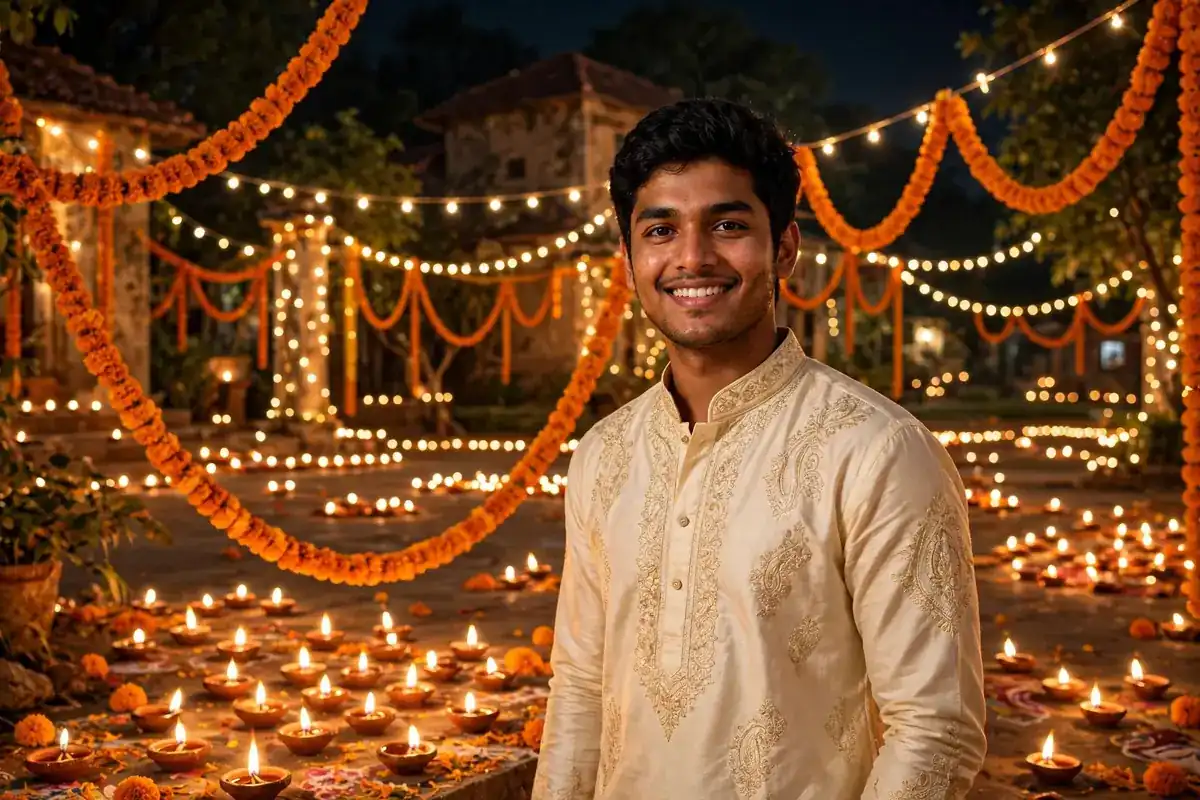
Here are 5 Diwali Gemini photo prompts made specially for boys — a classic cream kurta diya look, a royal bandhgala, a black kurta lantern portrait, and two more. Every prompt has an example photo above it, so pick the look you like first, tap Copy Prompt, and use it as it is. And don’t forget the girls at home — here are our Diwali prompts for girls.
How to Use These Prompts (4 Steps)
- Open the Gemini app (or gemini.google.com) and sign in
- Tap + and upload one clear, front-facing photo of yourself
- Copy any prompt below and paste it with your photo
- Generate — want a different kurta colour? Just say “same photo, kurta in bottle green” and create again
1. Cream Kurta Lighting the Diyas
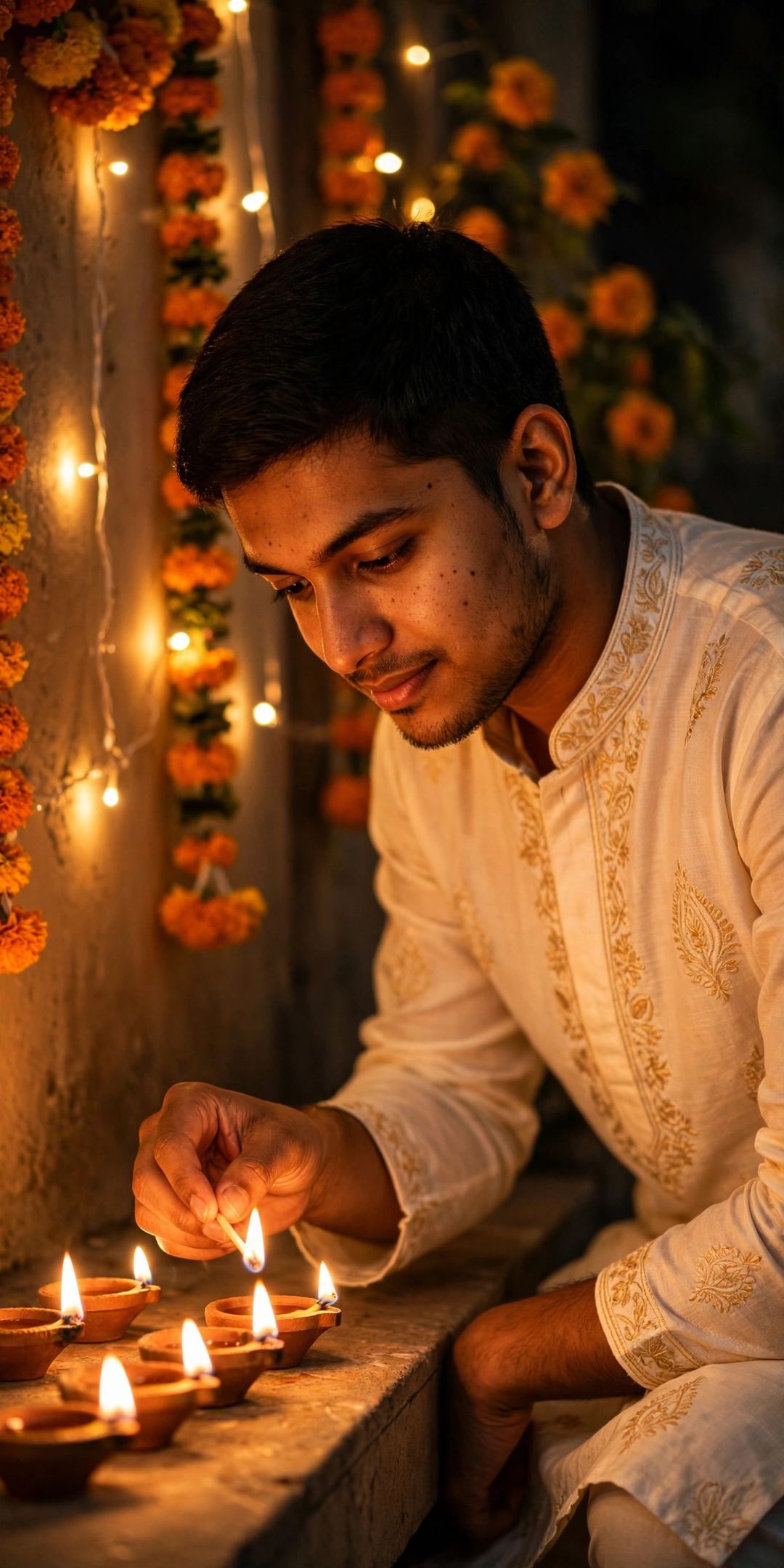
Create a photorealistic Diwali portrait from my uploaded photo. Keep my face, hairstyle and skin tone exactly the same — do not change who I am. Dress me in a cream-white kurta with light golden embroidery. I am kneeling a little, lighting a row of traditional clay diyas with a matchstick, my face glowing warmly in their light. Behind me, marigold flowers and strings of fairy lights decorate the wall. Cinematic waist-up portrait, shallow depth of field, warm golden tones, natural skin texture, DSLR photo quality, vertical portrait.
2. Black Kurta with Lantern Wall
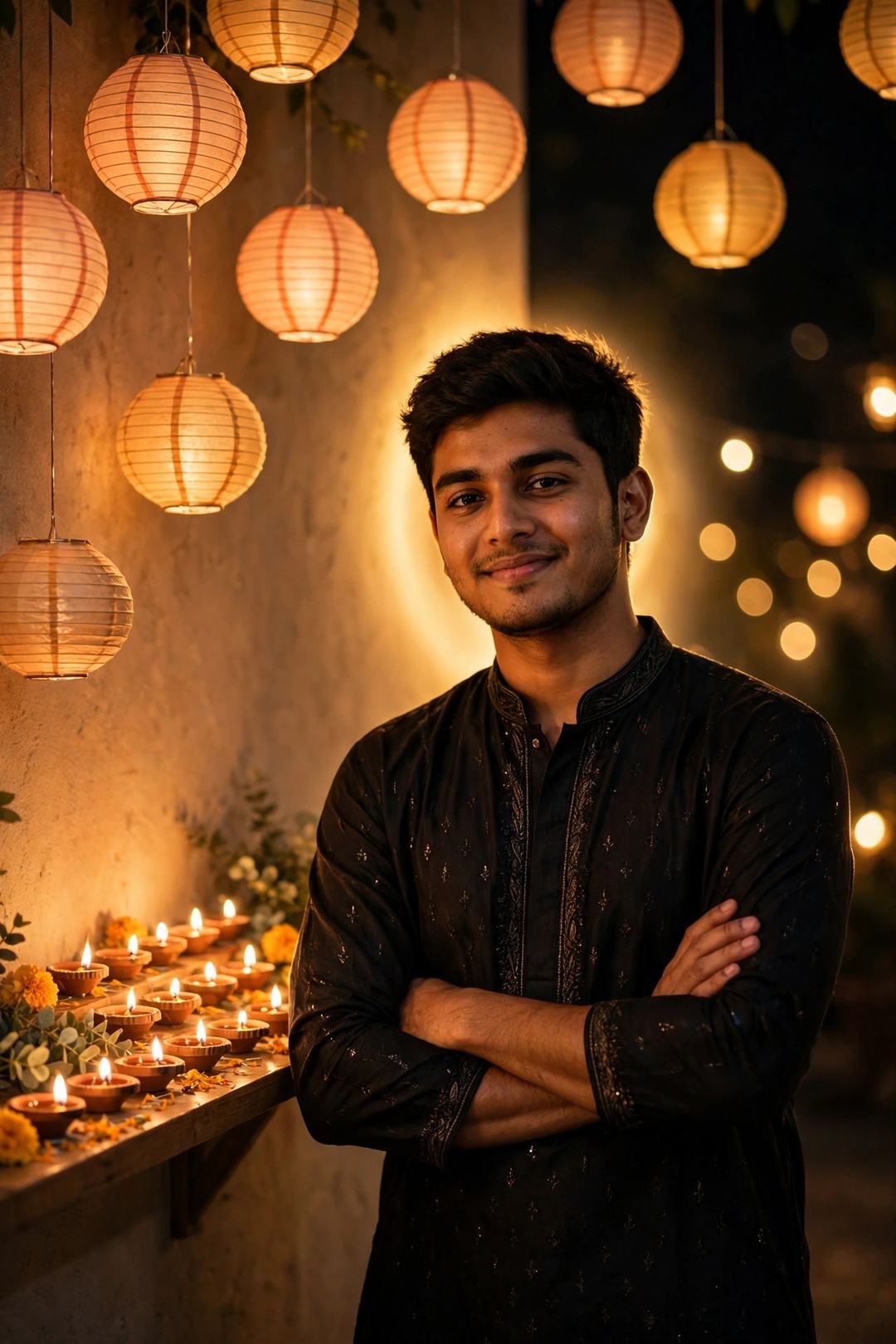
Create a photorealistic Diwali portrait from my uploaded photo. Keep my face, hairstyle and skin tone exactly the same — do not change who I am. Dress me in a black kurta with very subtle gold detailing. I am standing confidently beside a wall decorated with hanging paper lanterns and shelves of small lit diyas, a soft halo of warm light glowing behind me. Relaxed smile, arms folded comfortably, festive night mood. Warm golden tones, natural skin texture, DSLR photo quality, vertical portrait.
3. Royal Maroon Bandhgala Look
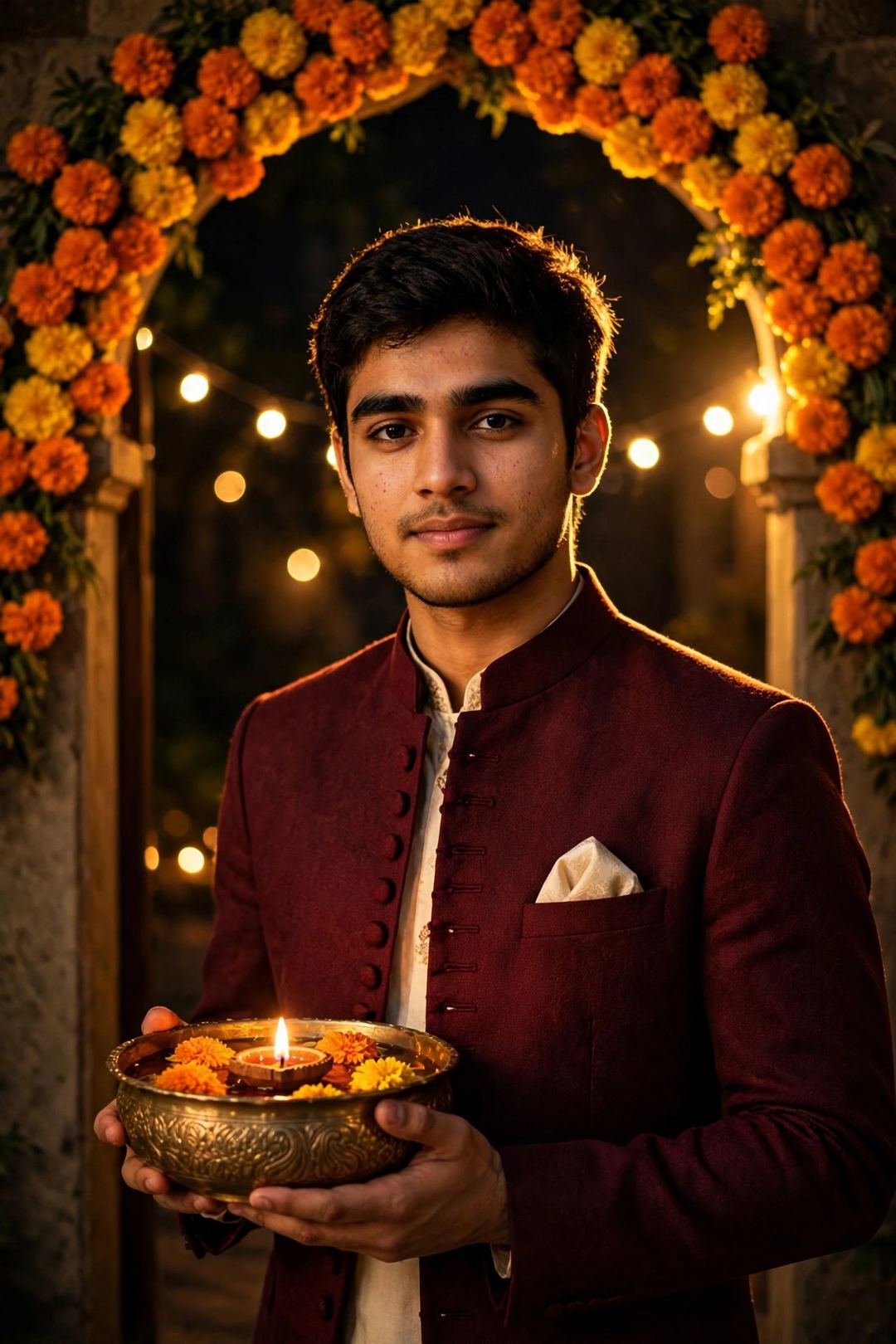
Create a photorealistic Diwali portrait from my uploaded photo. Keep my face, hairstyle and skin tone exactly the same — do not change who I am. Dress me in a deep maroon bandhgala jacket over a cream kurta, with a neat pocket square. I am standing in a doorway framed by an arch of orange and yellow marigold flowers, holding a decorated brass bowl with floating flowers and a lit diya. Golden rim light on my shoulders, soft bokeh of fairy lights behind me, a royal and festive mood, natural skin texture, DSLR photo quality, vertical portrait.
4. Kurta and Waistcoat by the Rangoli
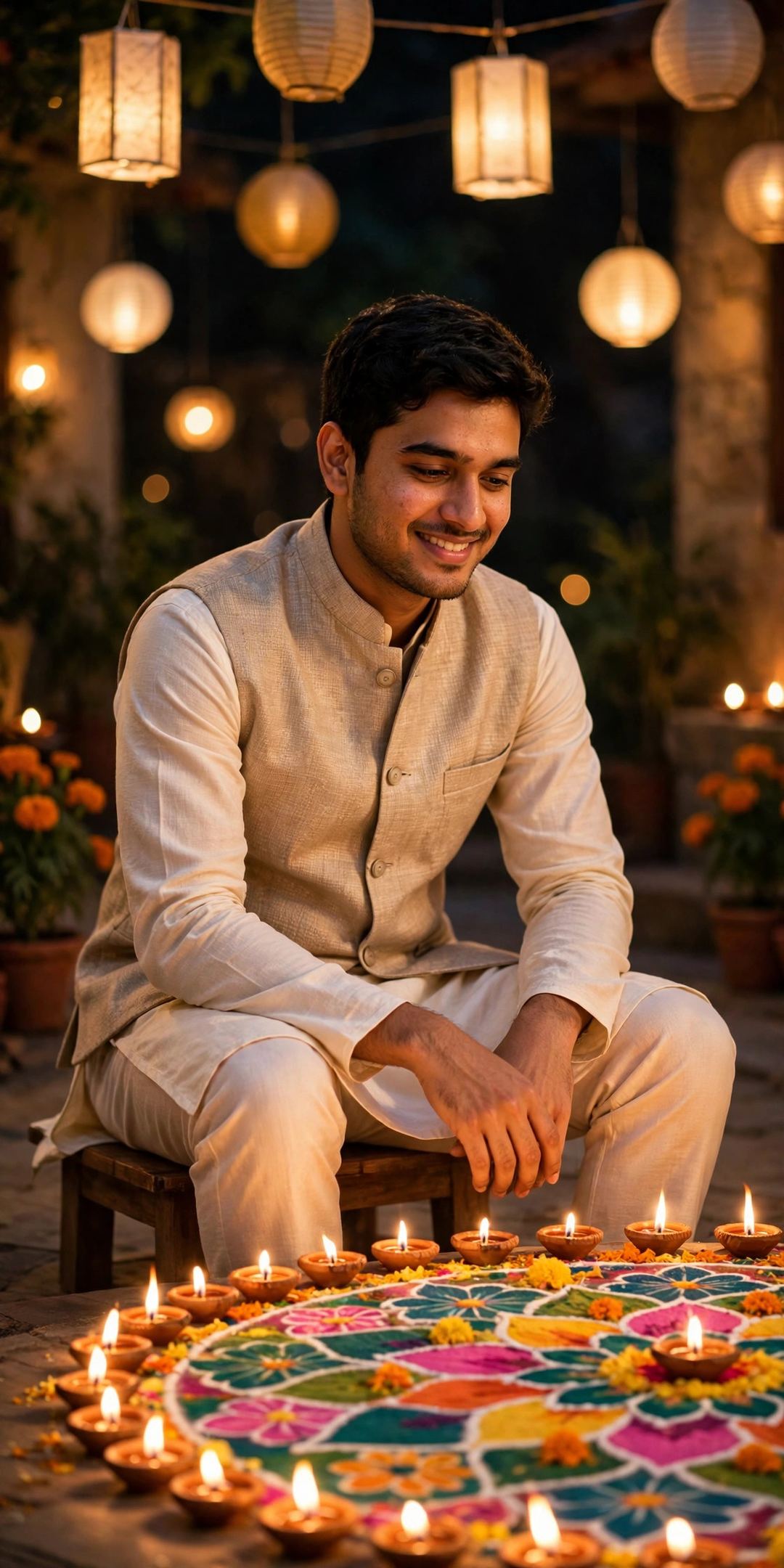
Create a photorealistic Diwali portrait from my uploaded photo. Keep my face, hairstyle and skin tone exactly the same — do not change who I am. Dress me in an ivory kurta with a textured beige Nehru waistcoat. I am sitting on a low stool beside a large, colourful rangoli ringed with lit diyas, with paper lanterns hanging overhead. Warm, soft light, a calm and happy mood, rich detail in the fabrics, natural skin texture, DSLR photo quality, vertical portrait.
5. Blue Kurta Sparkler Night
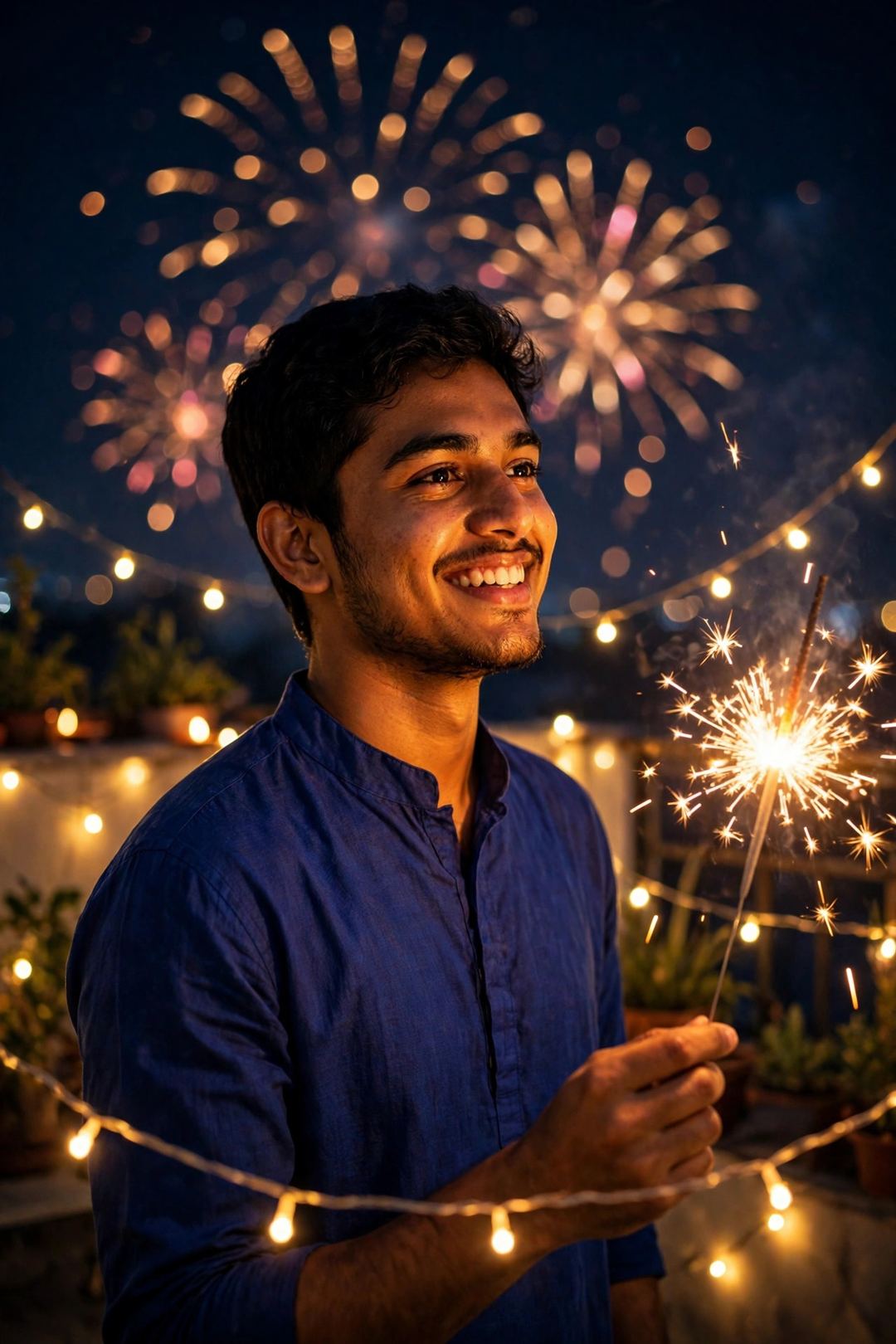
Create a photorealistic Diwali portrait from my uploaded photo. Keep my face, hairstyle and skin tone exactly the same — do not change who I am. Dress me in a royal blue kurta with a mandarin collar. I am standing on a terrace at night, holding a lit sparkler in one hand, with strings of fairy lights around me and soft fireworks bokeh in the dark sky behind. The sparkler’s warm glow lights one side of my face, a joyful celebration mood, natural skin texture, DSLR photo quality, vertical portrait.
3 Tips for a Photo That Actually Looks Like You
- Upload a clean selfie: front-facing, no sunglasses or cap covering your face, no heavy filter — Gemini keeps your identity best from a clear photo.
- Change one thing at a time: if the result is almost right, don’t paste the whole prompt again — just type the single fix (“background thoda aur dark karo”).
- Make two, post across the week: the diya-lighting look for Diwali day (8 Nov) and the sparkler look for the evening — two posts from one selfie.
FAQ
Is this free?
Yes. Photo creation in the Gemini app is free (limits change from time to time). All 5 prompts on this page are free to copy and use.
Will the photo really look like me?
That is exactly what these prompts are written for — each one clearly tells Gemini to keep your face, hairstyle and skin tone unchanged and only change the outfit, place and light. A clear uploaded photo gives the most faithful result.
Can I use these prompts in ChatGPT instead?
Yes — paste the same prompt with your photo in ChatGPT and it will create a similar festive portrait. For the next festival, also see our Chhath Puja Gemini photo prompts.
Your turn: pick your look, make the photo tonight, and set it as your DP on Diwali day — 8 November. Tell me in the comments which look you chose, and share this page with one friend who needs a Diwali DP. Happy Diwali! 🪔
One Comment