
Last updated: 3 November 2026 — free tiers change fast; this list is re-checked every month and any app that moves its best tools behind a paywall is flagged here.
📑 On This Page
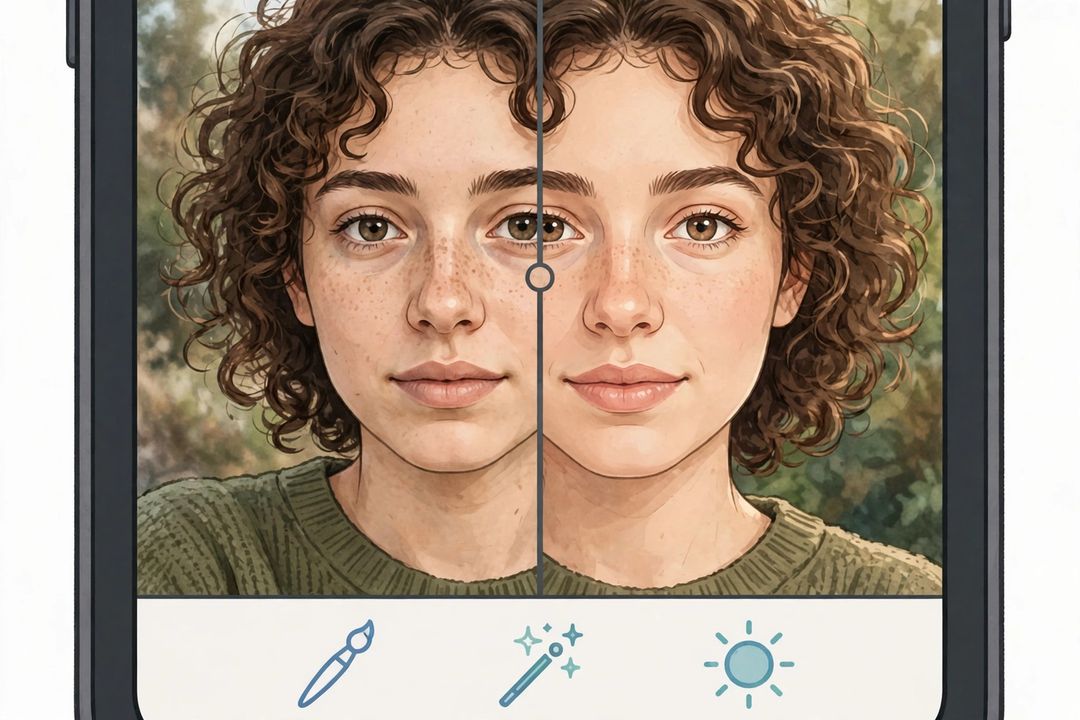
Your phone already takes great photos — the edit is what makes them look professional. These are the best free AI photo editing apps for Android in November 2026, picked for what you can actually do without paying, not for what the store listing promises.
One honest note first: “free AI editing” almost always means free up to a point. Some apps are truly free, some give you a monthly allowance of AI saves, and some keep the headline AI tool behind a subscription. This list keeps those three cases separate, so you never install an app for one feature and find it locked.
Truly Free and Freemium Editors
1. Snapseed — The Only Fully Free Pick
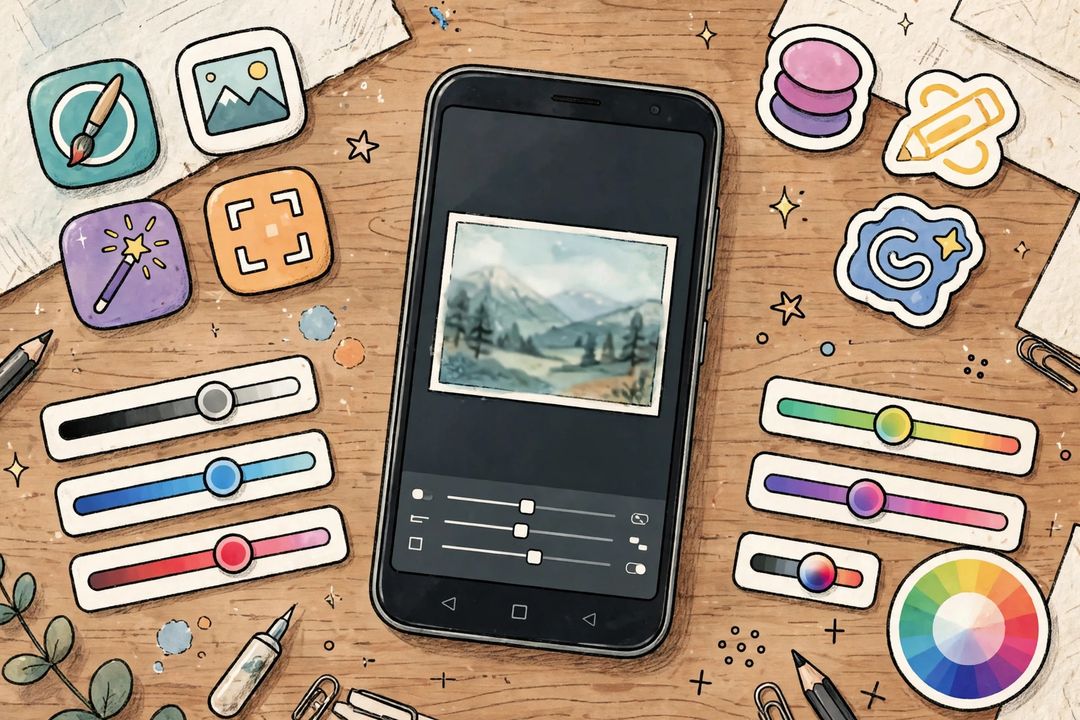
Google’s Snapseed costs nothing, shows no ads and has no subscription at all. You get selective adjustments, curves, white balance, healing, perspective correction and RAW (DNG) editing. It is less “AI” than the others, but its healing and selective tools do the same cleanup job manually — and they never run out. If you install only one editor from this list, install this one.
2. Google Photos — Best AI Tools Already on Your Phone
Google Photos is already on most Android phones, and its editor includes Magic Eraser, Photo Unblur and Magic Editor. The catch is the allowance: on non-Pixel Android phones, Magic Editor saves are capped at roughly 10 per month before Google nudges you towards a paid plan. For a handful of edits a month, it is excellent — for heavy daily editing, pair it with Snapseed.
3. Adobe Lightroom Mobile — Best Free Colour Editor
Lightroom’s free tier gives you cropping, tone curves, colour mixing and presets — a genuinely professional colour workflow for free. The paid Premium layer locks AI masking, healing, Generative Remove and cloud sync. Use the free tier for colour and presets, and Snapseed for healing and RAW work.
4. Picsart — Best for Social and AI Effects
Picsart is the social creator’s editor: AI backgrounds, effects, stickers, collages and templates. The free tier is usable but ad-supported, and the best AI tools sit behind its paid plan. Best when you want a fun, share-ready look fast rather than precise colour work.
5. Photopea — Full Editor in the Browser, No Install
Photopea runs in your phone’s browser with no install and no account — layers, PSD files and a Photoshop-style toolset, free with ads. It is the best pick when your phone is low on storage or you need a desktop-style edit on the go.
6. Canva — Best for Designs, Not Just Photos
Canva’s mobile app gives free users a limited number of Magic Eraser and Background Remover credits, plus thousands of templates for posters, thumbnails and social posts. The free credits run out, and Canva Pro unlocks more — but for occasional designs, the free tier is plenty.
More Free Editors Worth Installing
7. Adobe Photoshop Express — Quick, Clean, Adobe-Quality
Photoshop Express offers quick fixes, filters, collage and spot healing in a simpler package than Lightroom. Core editing is free; some premium looks and features need a subscription. A good second app for fast one-tap improvements.
8. Polarr — Best Free Filters and Masks
Polarr gives strong free filters, masking tools and a large community preset library. Advanced presets and some tools are paid, but the free core covers most everyday edits and film-style looks.
9. VSCO — Best Film-Look Presets
VSCO is famous for its film-style presets and clean editing interface. A useful set of presets and tools is free; the full preset library needs a paid membership. Pick it when you want a consistent, film-like feed rather than heavy retouching.
10. Hypic — Best AI Art Effects (With a Paywall Warning)
Hypic (from the CapCut family) is popular for AI art effects, cutouts and trendy looks. The free tier covers a lot, but many filters and effects have moved behind its Pro/VIP subscription over time — check before you fall in love with a paid filter.
11. Pixlr — Browser and App Flexibility
Pixlr works in the browser and as an app, with AI cutout, filters and effects on its free tier. Free exports may be limited in resolution or show ads, and the best tools need a subscription — but it is handy when you switch between phone and computer.
12. Samsung Gallery / Galaxy AI — Best If You Own a Samsung Phone
On Samsung phones, the built-in Gallery editor and Galaxy AI tools (object eraser, photo assist) are free on the device with no extra install. This is the closest thing to unlimited free AI editing — but only if you already own a Samsung phone.
Quick Pick by Need
- Completely free, no limits? Snapseed.
- Quick AI cleanup on photos you already have? Google Photos.
- Serious colour and presets? Lightroom free tier.
- Social posts and fun AI effects? Picsart or Hypic.
- No install, low storage? Photopea or Pixlr in the browser.
- Posters and thumbnails? Canva.
- Film look? VSCO.
FAQs
Which free photo editing app for Android is completely free?
Snapseed — no ads, no subscription, no watermark, and every tool unlocked. Google Photos and Samsung Gallery are also free on the device, but their AI allowances or device limits apply.
Is Lightroom free on Android?
The core editor is free: cropping, tone, colour and presets. Healing, AI masking, Generative Remove, batch editing and cloud sync need the paid Premium plan.
How many free Magic Editor saves do I get in Google Photos?
On non-Pixel Android phones, roughly 10 Magic Editor saves per month on the free plan, after which Google prompts you towards a paid plan. Pixel owners get a larger allowance.
Will this list be updated next month?
Yes — free tiers move behind paywalls often, so this post is re-checked monthly. The “Last updated” line at the top shows the latest check date.
Keep exploring: Best Free AI Tools Without Sign Up • Best Free AI Tools for Students in India • Gemini AI Photo Prompts
Which free editing app do you use most on Android? Tell us in the comments — apps that lock their best tools behind a paywall get flagged in next month’s check.