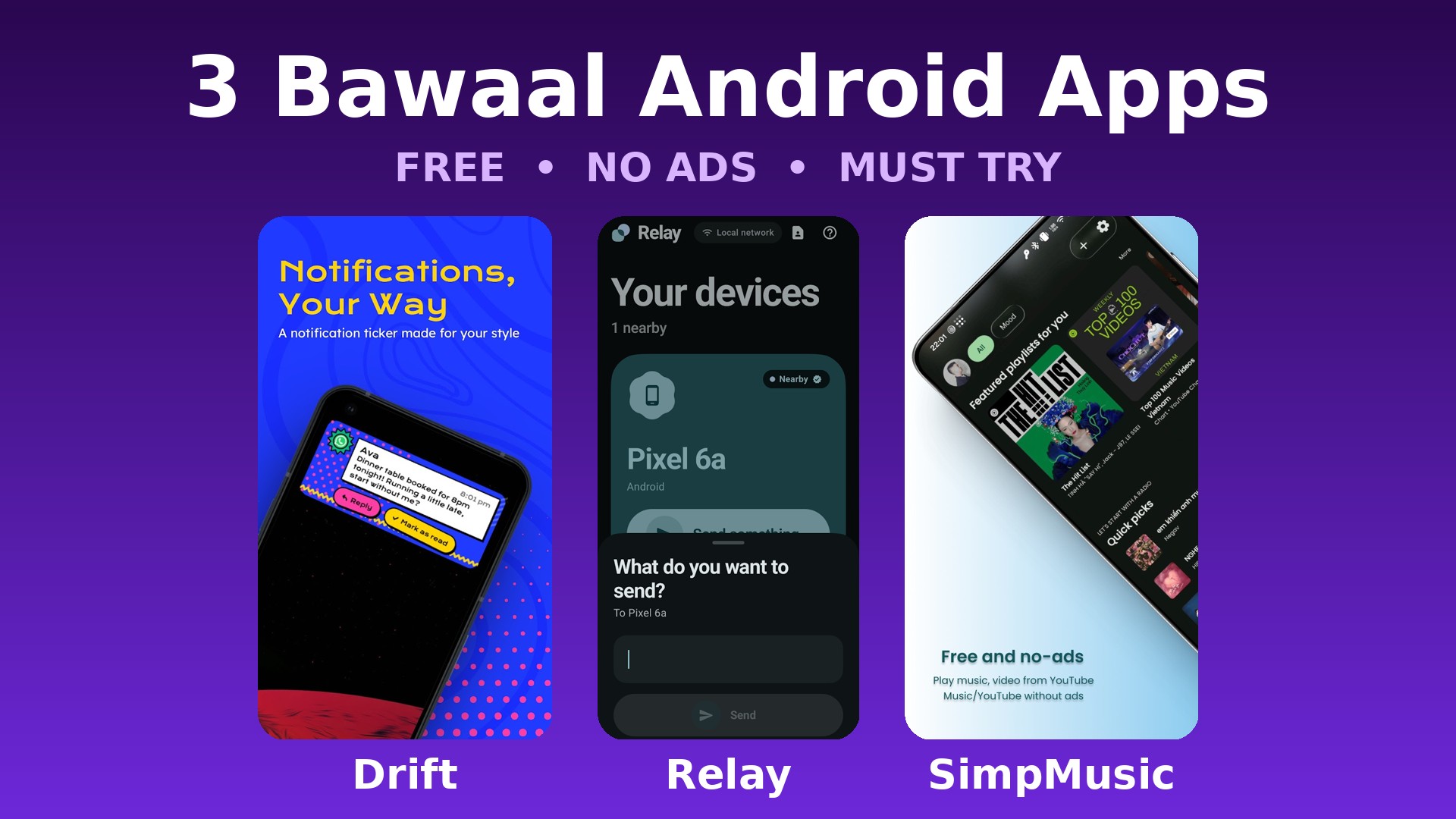

Thousands of new apps land on the Play Store every week, but only a few are actually worth your time. So I tested the newest ones and picked the 3 best new Android apps for this month — all three are completely free, all three have no ads, and all three will genuinely make your phone better.
I am showing all 3 apps in action in my latest reel on Instagram (@pushpendra.tech). Below you will find the full details and official download links for every app. 👇
🎬 Watch the Reel
1. Drift – Turn Boring Notifications into a Stylish Ticker
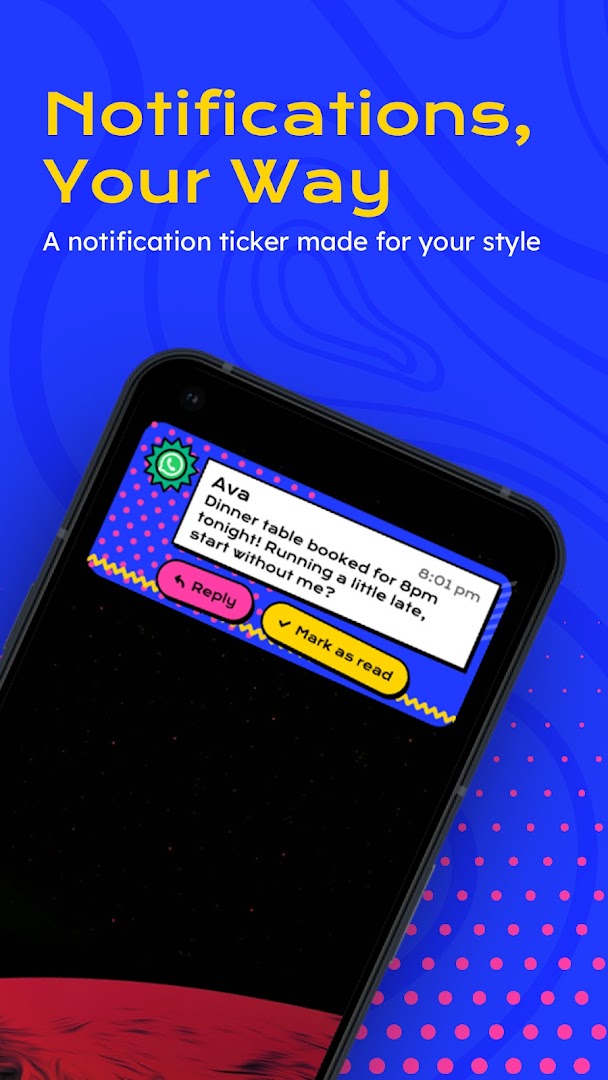
Drift: Notification Ticker replaces those big, intrusive notification popups with a smooth scrolling ticker. Whenever a message or alert arrives, it scrolls across a slim strip on your screen instead of covering it — so nothing interrupts your game, video or reading.
Best features:
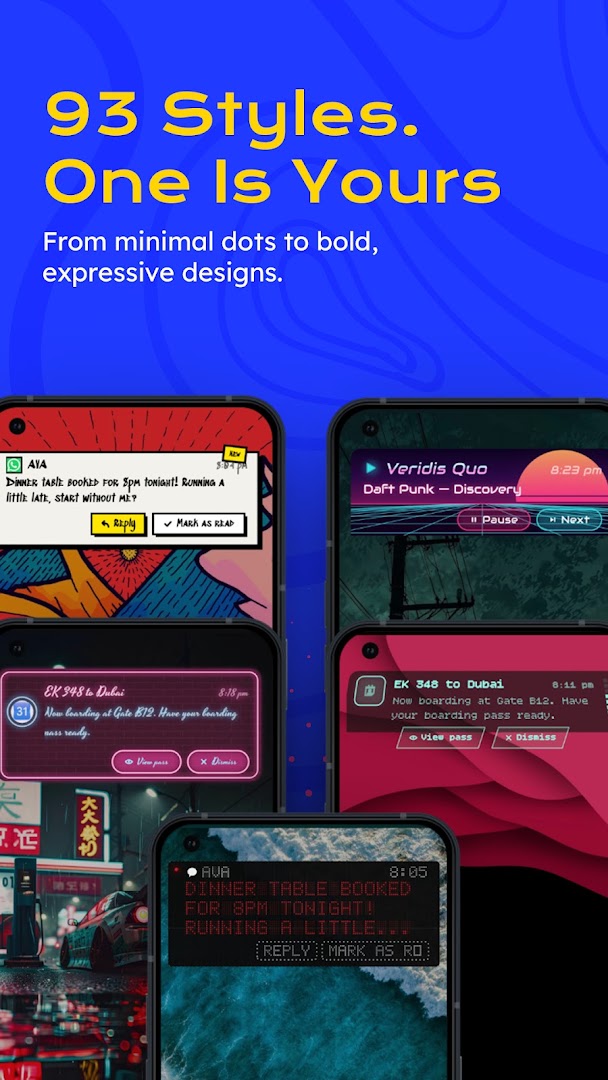
- 90+ notification styles, animations and effects
- Fully customizable ticker — position, speed and look
- Per-app control — you decide which apps appear in the ticker
- Quiet Hours — the ticker pauses automatically when you want
- Everything is processed on your phone — no data goes to any server
- Lightweight (just 21 MB) and completely ad-free
Developer: Light Source Labs | Size: 21 MB | Works on Android 8.0 and above
⬇️ Download Drift — Google Play
2. Relay – Share Files Between Phone and PC, No Cable, No Account
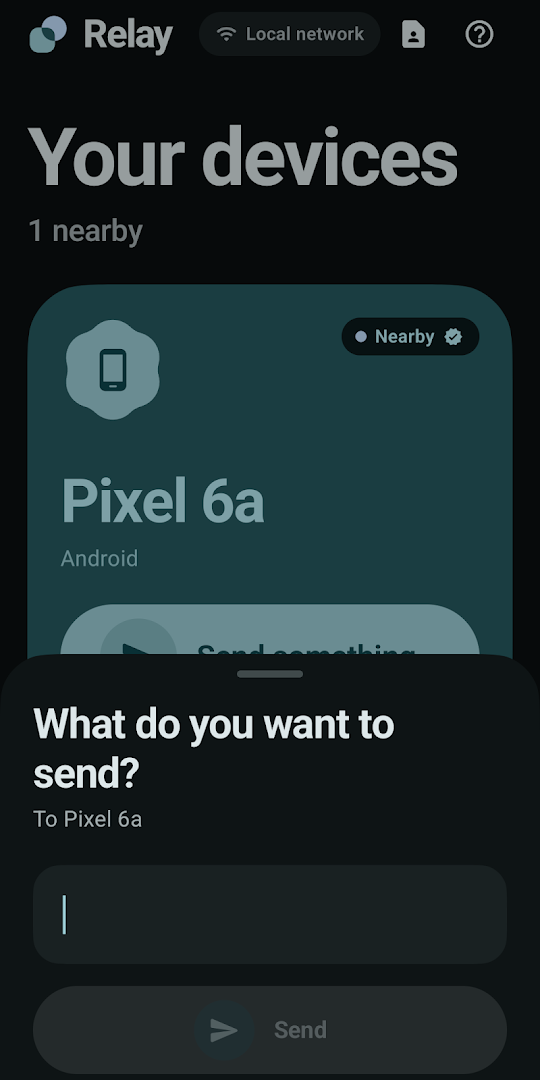
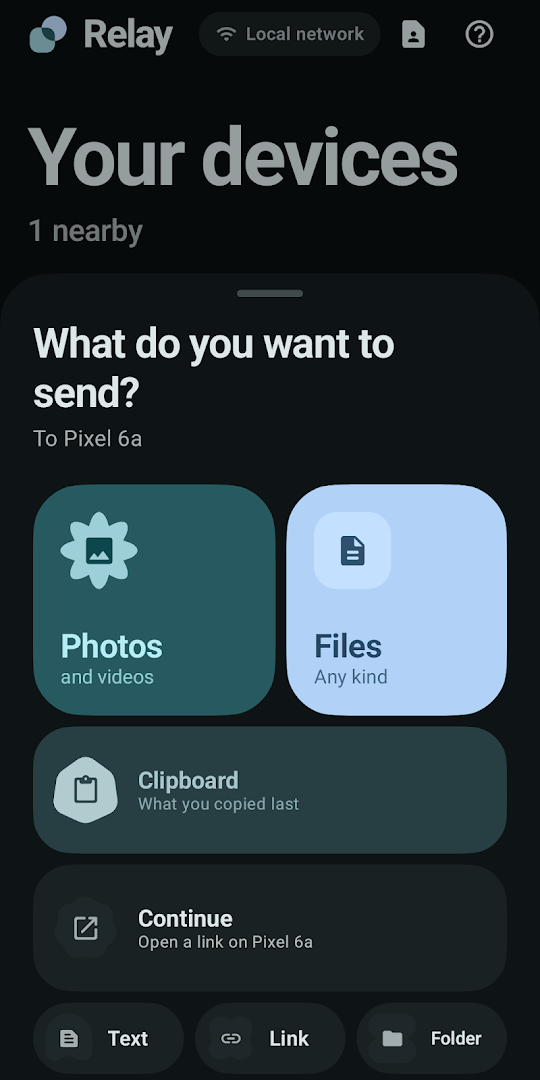
Relay connects your phone and your computer like they were made for each other. Photos, videos, files, links or copied text — send anything from phone to PC and from PC to phone in seconds. No cable, no account, no cloud. Everything moves over your own Wi-Fi, which makes it both fast and private.
Best features:
- Send files both ways — phone to PC and PC to phone
- Clipboard sync — copy on your phone, paste on your PC (and the other way round)
- Open links from one device directly on the other
- No sign-up, no cloud, no ads — 100% free
- Desktop app available for Windows, Mac and Linux
Setup (takes 2 minutes):
- Install the Relay app on your phone from the Play Store
- Download and install the Relay desktop app on your PC from the link below
- Connect both devices to the same Wi-Fi network and open the app — your devices find each other automatically
Note: While installing the PC app, Windows may show “Windows protected your PC”. This happens because Relay is made by an independent developer and the app is not code-signed. Click More info → Run anyway to continue — the app is safe. If the Windows Firewall asks, allow it on Private networks, otherwise your phone cannot find your PC.
⬇️ Download Relay — Android (Play Store)
⬇️ Download Relay — Windows PC
3. SimpMusic – YouTube Music for Free, Without Ads
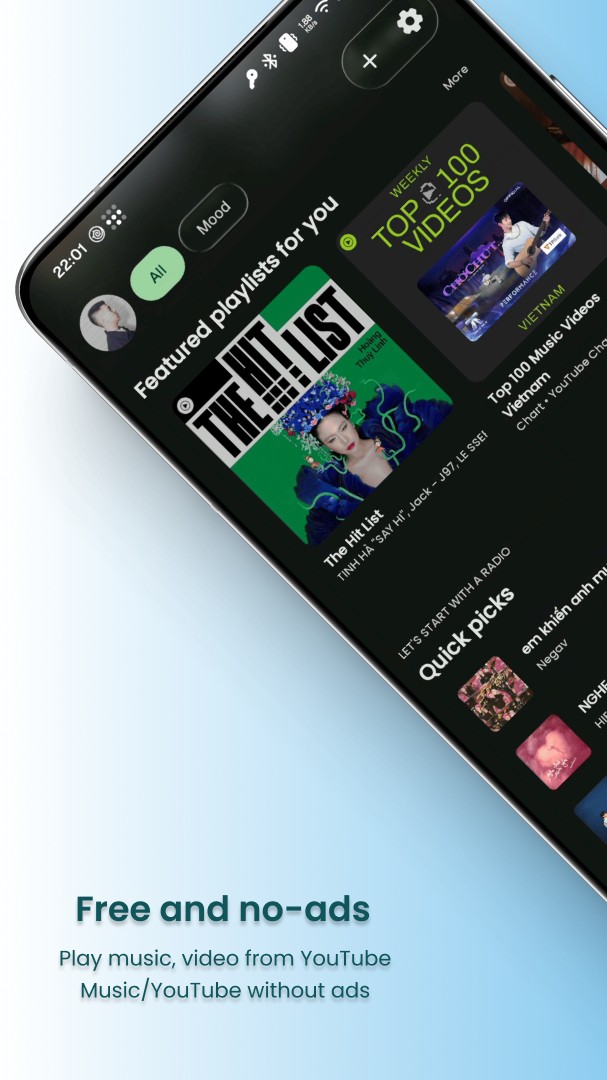
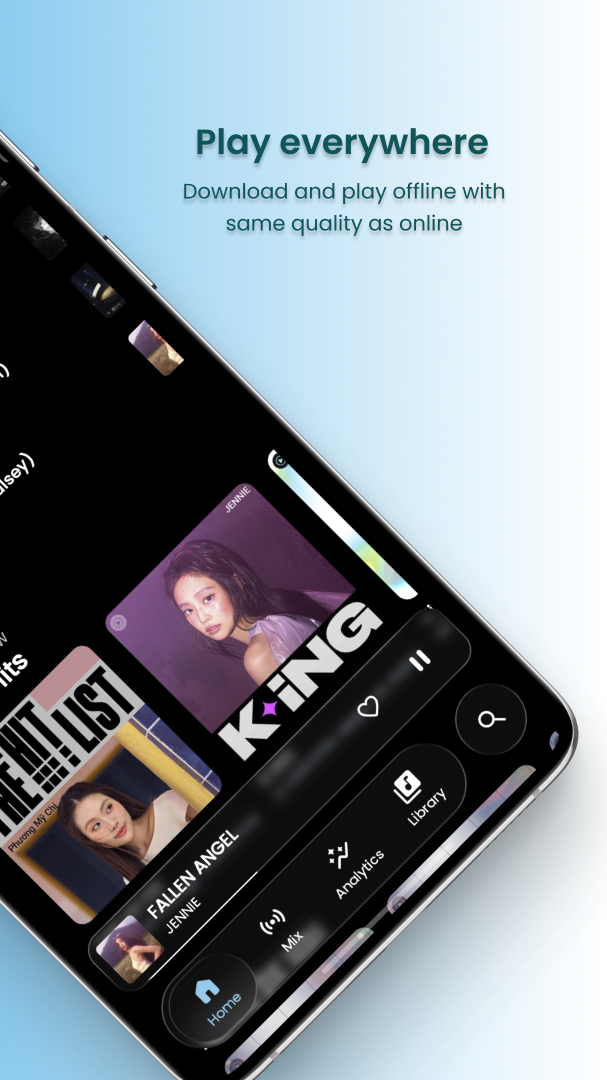
SimpMusic is a free and open-source YouTube Music client. In simple words — all the songs of YouTube Music, but with no ads, background playback and no subscription needed. It is not available on the Play Store, which is why very few people know about it.
Best features:
- Every YouTube Music song for free — no ads, no Premium required
- Background playback — keep listening with the screen off
- Synced lyrics that move along with the song
- Download songs and listen offline
- New in the latest version: song recognition — identify music playing around you
- 100% free and open-source — no account needed either
Note: SimpMusic is not on the Play Store. The button below gives you the APK of the latest version (v2.5.0) from the official GitHub page. It is the right file for most phones — just download, install, and allow “install from unknown sources” if your phone asks.
⬇️ Download SimpMusic APK — GitHub (Official)
FAQs
Are these 3 apps really free?
Yes. Drift and Relay are free on the Play Store and neither shows ads. SimpMusic is free and open-source — it has no subscription or premium plan at all.
Why is SimpMusic not on the Play Store?
SimpMusic is an open-source project distributed through GitHub. Always download it from the official GitHub page (the link above) — never from random APK sites.
Does Relay need the internet to work?
No. Relay works over your own Wi-Fi network — your files and clipboard stay between your phone and your PC and never touch any server. Both devices just need to be on the same Wi-Fi.
Will Drift stop my normal notifications?
No. Drift only changes how notifications are displayed (as a ticker). Your original notifications keep working as they are, and you can turn the ticker off for any app you like.
Final Words
These are the 3 most underrated new Android apps right now — Drift for smarter notifications, Relay for effortless phone-to-PC sharing, and SimpMusic for free music without ads. Try all three, and tell me in the comments of the reel which one you liked the most! 🔥