
If you’re reading this, chances are you’ve come across dozens of videos and posts claiming that “WhatsApp photos can hack your phone” or “Don’t download images on WhatsApp or you’ll lose your data.”
And honestly, it’s completely normal to feel confused — WhatsApp is the single most used messaging app in India, and anything that creates panic around it spreads fast.
But let’s clear the air: a normal photo on WhatsApp cannot hack your phone.
Not in 2026, not before that, and not unless something extremely unusual is happening inside your device.
Then why do people still get hacked?
Why do some files instantly crash the phone?
Why do so many users end up losing access to their device after downloading something on WhatsApp?
This blog will break everything down in a simple, human way — no fear-mongering, no technical jargon, no exaggeration.
By the end of this guide, you’ll know:
- Which WhatsApp files are safe
- Which file types can actually hack your phone
- Why some creators exaggerate the risks
- What real vulnerabilities look like
- How to protect your phone, laptop, and PC
- What WhatsApp updates actually fix
- And what NOT to download, ever
This is the most complete guide on WhatsApp file safety you’ll read this year.
Let’s start by clearing the biggest myth.
MYTH BUSTING: Can a WhatsApp Photo Hack Your Phone?
Short answer: No. A normal JPG or PNG image cannot hack your device.
Why?
Because images are not executable files.
They don’t run code.
They don’t trigger any action.
They simply display pixels.
A picture is just… a picture.
So where did this fear come from?
Because many users confuse:
- Image files → Safe
- Files that look like images but aren’t → Not safe
- Old phone vulnerabilities → Rare but possible exploits
Yes, there were a few past cases where outdated devices were exposed to super-rare vulnerabilities, but those were patched quickly and mostly targeted high-value individuals — not regular users.
So relax — the image your friend sends of their dog isn’t going to hack your phone.
But here’s the real problem:
It’s not the photo — it’s the other files on WhatsApp that carry real risks.
So let’s talk about those.
THE REAL THREAT: File Types on WhatsApp That Can Actually Hack or Damage Your Device
This is the part most creators and influencers either avoid or don’t understand.
So instead of giving you a vague warning, let’s go deep into every type of file that can cause real trouble.
These are the file types you should actually be worried about:
- APK files
- ZIP / RAR compressed files
- PDF files with hidden scripts
- MP4 video exploits (rare but real)
- DOCX, XLSX, PPTX files with macros
- EXE / MSI files for Windows
- HTML web-pages disguised as documents
- ISO / DMG disk images
Let’s break each one down with real examples and easy explanations.
1. APK Files — The Biggest Danger on WhatsApp
If there’s one file format you should never install from WhatsApp, it’s this:
APK files (.apk)
APK is the installation package for Android apps.
And unlike Google Play Store apps, APKs downloaded from unknown senders:
- Can contain spyware
- Can steal banking details
- Can record calls
- Can log keystrokes
- Can run in background
- Can take full control of your device
More than 70% of phone hacks in India happen because of APKs.
Not photos.
Not videos.
APKs.
These usually come disguised as:
- “WhatsApp new version.apk”
- “Free Netflix.apk”
- “BGMI mod menu.apk”
- “Premium app unlocked.apk”
The moment you install them, the damage is done.
2. ZIP / RAR Files — The Trojan Horse
ZIP and RAR files often hide:
- Malicious APKs
- Executable files
- Fake documents
- Scareware apps
The problem?
People trust these files because they look “safe” from outside.
Inside a ZIP, anything can be hidden.
And once you extract it, the file becomes active.
This is one of the most common methods attackers use on WhatsApp groups.
3. PDF Files — Small File, Big Trouble
PDFs sound harmless, but they can actually:
- Contain hidden JavaScript
- Trigger malicious scripts
- Open phishing pages
- Exploit old document readers
Common scams include:
- Fake courier bills
- Fake electricity bills
- Fake KYC forms
- Fake e-tickets
- Fake job offers
A single PDF may not hack your phone instantly, but it can compromise:
- Browser data
- Saved passwords
- System access points
So always open PDFs from trusted contacts only.
4. MP4 Files — Rare Exploit, But Real
Yes, in 2019, an MP4 vulnerability was found in WhatsApp.
An attacker could send a manipulated video to crash the app and gain limited access.
This wasn’t a normal video — it was specially crafted for exploitation.
Today, the chances of this happening are extremely low unless your phone is outdated.
So keep WhatsApp updated. Simple.
5. DOCX / XLSX / PPTX — The Office File Trap
Microsoft Office files can carry macros, which are basically mini-programs inside documents.
Once you open them:
- They can run scripts
- Collect data
- Redirect you to phishing sites
- Inject malicious code into your system
This is extremely common in:
- Fake invoices
- Fake resumes
- Fake tenders
- Fake government documents
Never open Office files from an unknown sender.
Especially not on a laptop.
6. EXE / MSI Files — Windows Users Beware
These files are Windows install files.
If you download EXE files from WhatsApp Web and run them on your PC:
- You can lose access to your system
- Your banking data can be stolen
- Your webcam can be accessed
- Your entire PC can get compromised
And here’s the catch:
Hackers often rename EXE files as:
- “Invoice.pdf.exe”
- “Photo.png.exe”
- “Delivery receipt.doc.exe”
Many users don’t notice the double extension.
7. HTML Files — Looks Innocent, Acts Dangerous
If someone sends you an HTML file on WhatsApp, it’s almost always a trap.
HTML pages can:
- Steal login data
- Redirect you to fake banking sites
- Install scripts silently
- Collect device fingerprints
NEVER open HTML files from unknown sources.
8. ISO & DMG Files — Laptop Users Need to Be Careful
These are disk image files.
ISO = Windows/Linux
DMG = macOS
Cybercriminals often pack malware inside these “software installers”.
If you use WhatsApp Web and download an ISO/DMG:
- Your PC can get compromised
- Your browser saved passwords can leak
- Your system can be controlled remotely
Laptop users are more affected by this than phone users.
WHY DO THESE FILES WORK? Understanding “Vulnerabilities”
A “vulnerability” means a weak point in your system — like an old door lock that can easily be opened.
Devices with:
- Old software
- Old security patches
- Unupdated apps
…are more likely to be affected.
This is why updating your phone and WhatsApp is the simplest, most effective protection.
Updates fix vulnerabilities.
That’s their main job.
HOW TO PROTECT YOUR PHONE FROM BAD FILES ON WHATSApp
Here’s a simple, foolproof checklist:
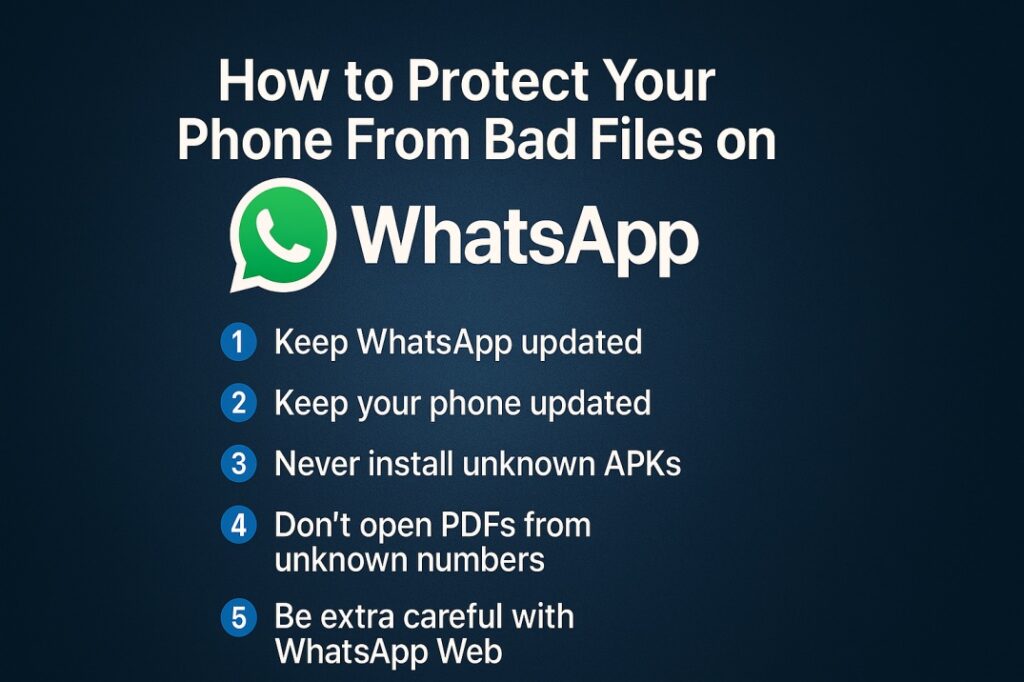
1️⃣ Keep WhatsApp Updated
Never ignore updates.
2️⃣ Keep Your Phone Updated
Security patches fix risks silently.
3️⃣ Never Install Unknown APKs
Doesn’t matter who sends it.
4️⃣ Never Extract ZIP/RAR from unknown contacts
Especially in WhatsApp groups.
5️⃣ Don’t open PDFs from unknown numbers
Check the sender first.
6️⃣ Be extra careful with WhatsApp Web
Laptop attacks are more powerful.
7️⃣ Disable “Install from Unknown Sources”
This alone prevents 80% of hacks.
8️⃣ If something feels suspicious — delete it
Trust your instinct.
FINAL TRUTH (NO DRAMA, JUST CLARITY)
Photos are safe.
Normal images can’t hack you.
But WhatsApp has many other file types that absolutely can — if you use them carelessly.
This guide isn’t meant to scare you.
It’s meant to educate you.
By understanding which files are safe and which aren’t, you can continue using WhatsApp without fear — and without falling for exaggerated panic videos.
Stay smart.
Stay updated.
Stay secure.