Birthday CapCut Template – 10+ Happy Birthday CapCut Templates with Links (2026)
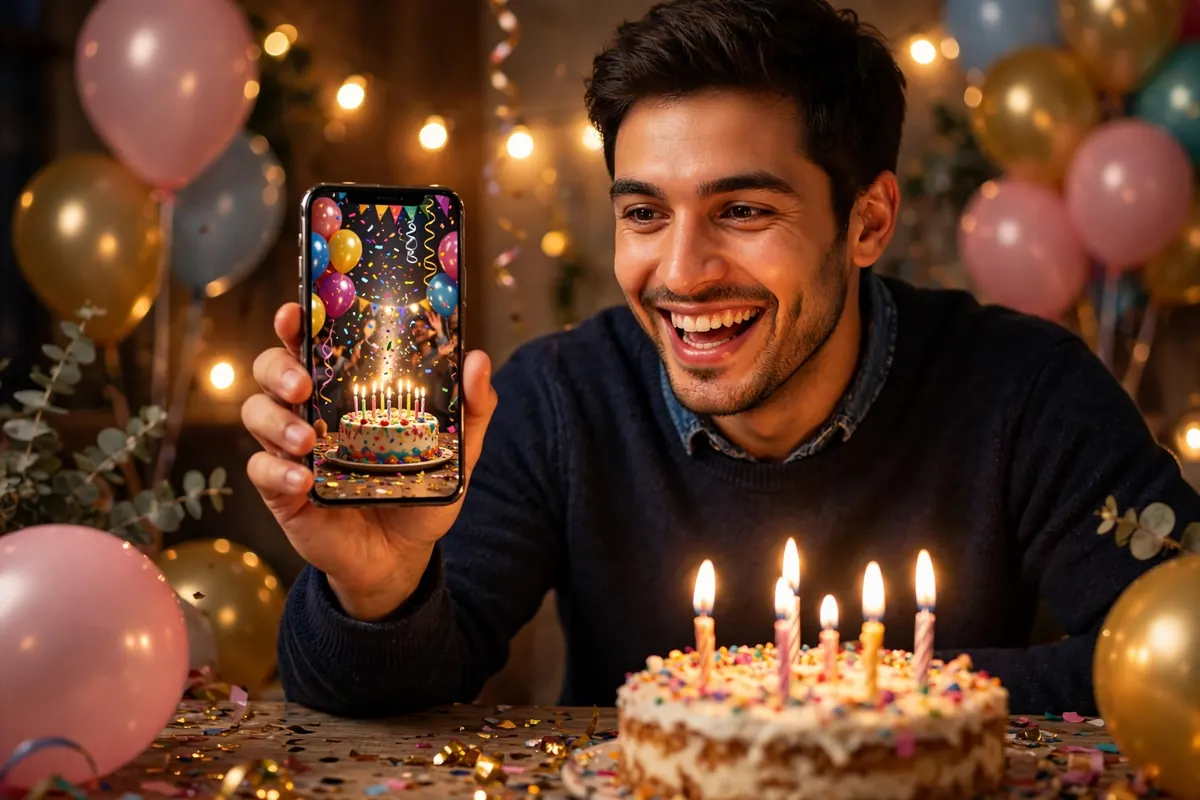
Want a birthday video in 2 minutes — without editing anything yourself? A birthday CapCut template does the work: tap the template link, add your photos, and CapCut builds the video with music, transitions and effects already in place. Below are 10+ happy birthday CapCut templates with real links, picked from CapCut’s own template library, with how many photos each one needs and how long the video runs.
All links below open CapCut’s official template pages. Templates are made by CapCut creators, so the exact music and effects can vary slightly by region — always preview a template before you add your photos.
How to Use a Birthday CapCut Template (5 Steps)
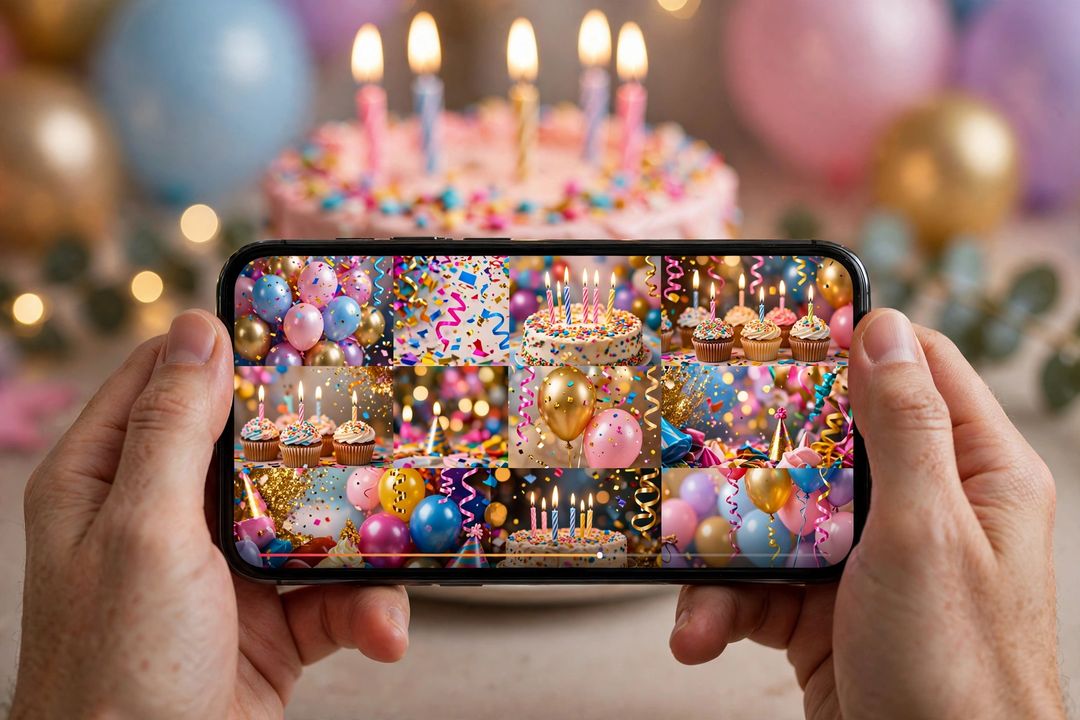
- Tap any Use This Template link below — it opens the template in CapCut (install the free CapCut app first if you do not have it).
- Tap Use template in the app.
- Add the photos the template asks for — 1 photo for a quick wish, more for a slideshow.
- Preview the video. Change the music or a photo if you want, then tap Export.
- Post it on WhatsApp Status, Instagram Reels or YouTube Shorts — or send it straight to the birthday person.
Tip: pick your best 1–2 photos for a 1-photo template — a clear smiling face works better than a group shot. For slideshows, use photos in date order so the video tells a story.
Birthday CapCut Templates with Links
1. Happy Birthday – 1 Photo, 22 Seconds, 2.58 Million Uses
A cute, quick birthday wish — one photo, short and sweet, and the most-used template on this list. Perfect for a WhatsApp Status.
Photos needed: 1 | Length: 22 seconds | Uses: 2.58 million
2. Happy Birthday – 1 Photo, 13 Seconds, 1.19 Million Uses
Another fast 1-photo birthday greeting — under 15 seconds, so it fits a Status or a quick Reel without trimming.
Photos needed: 1 | Length: 13 seconds | Uses: 1.19 million
3. Happy Birthday – 4 Photos, 20 Seconds, 142K Uses
A 4-photo birthday frame template — good when you have a few favourite photos of the birthday person and want them all in one short video.
Photos needed: 4 | Length: 20 seconds | Uses: 142K
4. Happy Birthday – 1 Photo, 20 Seconds, 121K Uses
A clean single-photo birthday template with a trending feel — one great photo is all it needs.
Photos needed: 1 | Length: 20 seconds | Uses: 121K
5. Happy Birthday – 4 Photos, 17 Seconds, 98.9K Uses
A fast 4-photo birthday trend template — short, punchy and made for Reels and Shorts.
Photos needed: 4 | Length: 17 seconds | Uses: 98.9K
6. Happy Birthday – 1 Photo, 17 Seconds, 70.8K Uses
Another trending 1-photo birthday template — pick your best photo and post in under a minute.
Photos needed: 1 | Length: 17 seconds | Uses: 70.8K
7. Happy Birthday – 4 Photos, 18 Seconds, 54.6K Uses
A 4-photo birthday template with a trending beat — good for a friend’s birthday Reel.
Photos needed: 4 | Length: 18 seconds | Uses: 54.6K
8. Birthday Template – 11 Photos, 21 Seconds
A photo-heavy birthday template — 11 slots, so it works as a mini birthday slideshow for a close friend or family member.
Photos needed: 11 | Length: 21 seconds | Uses: 29.6K
9. Happy Birthday – 61 Photos, 34 Seconds
The big one: a 61-photo birthday slideshow. Best for a milestone birthday — collect photos across the years and let the template turn them into a story.
Photos needed: 61 | Length: 34 seconds | Uses: 33.5K
10. Happy Birthday – 1 Photo, 35 Seconds
A longer 1-photo birthday template — when one special photo deserves a slower, fuller video.
Photos needed: 1 | Length: 35 seconds | Uses: 4.34K
Which Birthday Template Should You Pick?
- Only 1 photo? Templates 1, 2, 4, 6 or 10 — pick by length: 13 seconds for a Status, 35 seconds for a fuller wish.
- A few favourite photos? Templates 3, 5 or 7 (4 photos each).
- A full birthday story? Template 8 (11 photos) or 9 (61 photos) — best for milestone birthdays.
- Posting on Reels or Shorts? Keep it under 20 seconds (templates 2, 3, 5, 6, 7) so it loops well.
Tips for a Better Birthday Video
- Use clear, bright photos: blurry or dark photos look worse after CapCut’s effects, not better.
- Match the photo to the beat: if the template lets you reorder photos, put the smiling close-up on the beat drop.
- Export in HD: choose the highest export quality CapCut offers before posting, so WhatsApp compression does not ruin it.
- Remove the watermark if needed: CapCut’s free export may add a watermark on some templates — check the export screen before sharing.
- Want a birthday photo too? Pair the video with an edited photo — see our ChatGPT Photo Editing Prompts and Couple Photo Editing Prompts.
FAQs
Are these birthday CapCut templates free?
Yes — all the templates above are free to use in the CapCut app. Some templates offer optional Pro effects, but the base template works without paying.
Do I need the CapCut app to use these links?
Yes. The links open CapCut’s template pages; tapping “Use template” opens the CapCut app (or asks you to install it) with the template loaded.
Can I change the music in a birthday template?
Yes — after adding your photos, you can replace the template’s music with any song from CapCut’s library before exporting.
Why does a template link sometimes not work?
CapCut creators can delete or update templates, and availability varies by region. If a link fails, search the template name inside the CapCut app — a similar version is usually live.
Can I use these templates for a business or a client?
For personal birthday wishes, yes. For commercial use, check the template creator’s terms in CapCut — some templates are marked for personal use only.
Keep exploring: 40 ChatGPT Photo Editing Prompts • New Year Photo Prompts 2027 • Free Online Tools
Which birthday template did you use? Tell us in the comments — the most-used ones get a follow-up post with fresh templates.